368 Eos Family v2.9.0 Operations Manual
Color
Beam
Status
Prev Move
Next Move
Channel
Address
Port/ Offset
DMX
DMXBar
If multiple fields have the same justification, they will be stacked in field order.
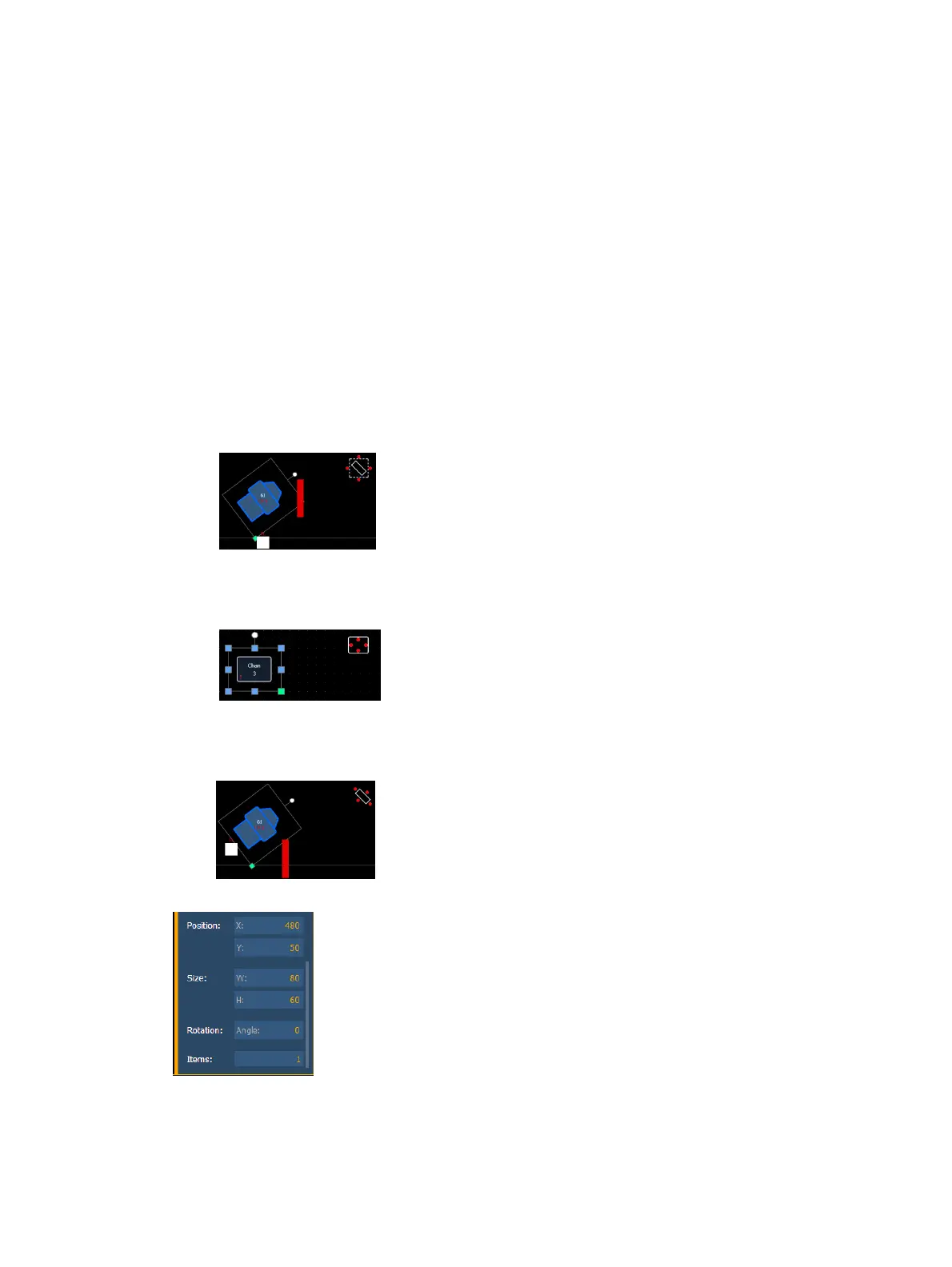
The orientation of fields around the object can be adjusted by pressing the field orientation icon.
You can also choose to keep text upright by pressing the icon to the right of the orientation icon.
There are three options for orientation:
Exterior Bounds - fields will be exterior to the object and will remain at a position
regardless of the rotation of the object.
Interior - fields will be in the interior of the object. This orientation is useful for desk
buttons.
Exterior Shape - fields will be exterior to the object and will move in relation to the
object's rotation.



 To Next Page