Using Magic Sheets 367
Cue - Active
Cue - Pending
Effect
Fader
Focus Palette
Group
Intensity Palette
Macro
Magic Sheet
Pixel Map
Preset
Scene
Snapshot
Submaster
User
Console Button
Command
Zoom - when clicked, the view will zoom in to show all object within that object’s group.
Selection - when clicked, all other objects within that object’s group will be selected.
Text - changes the text for a text object.
Command - assigns a command to be executed. The target type needs to command.
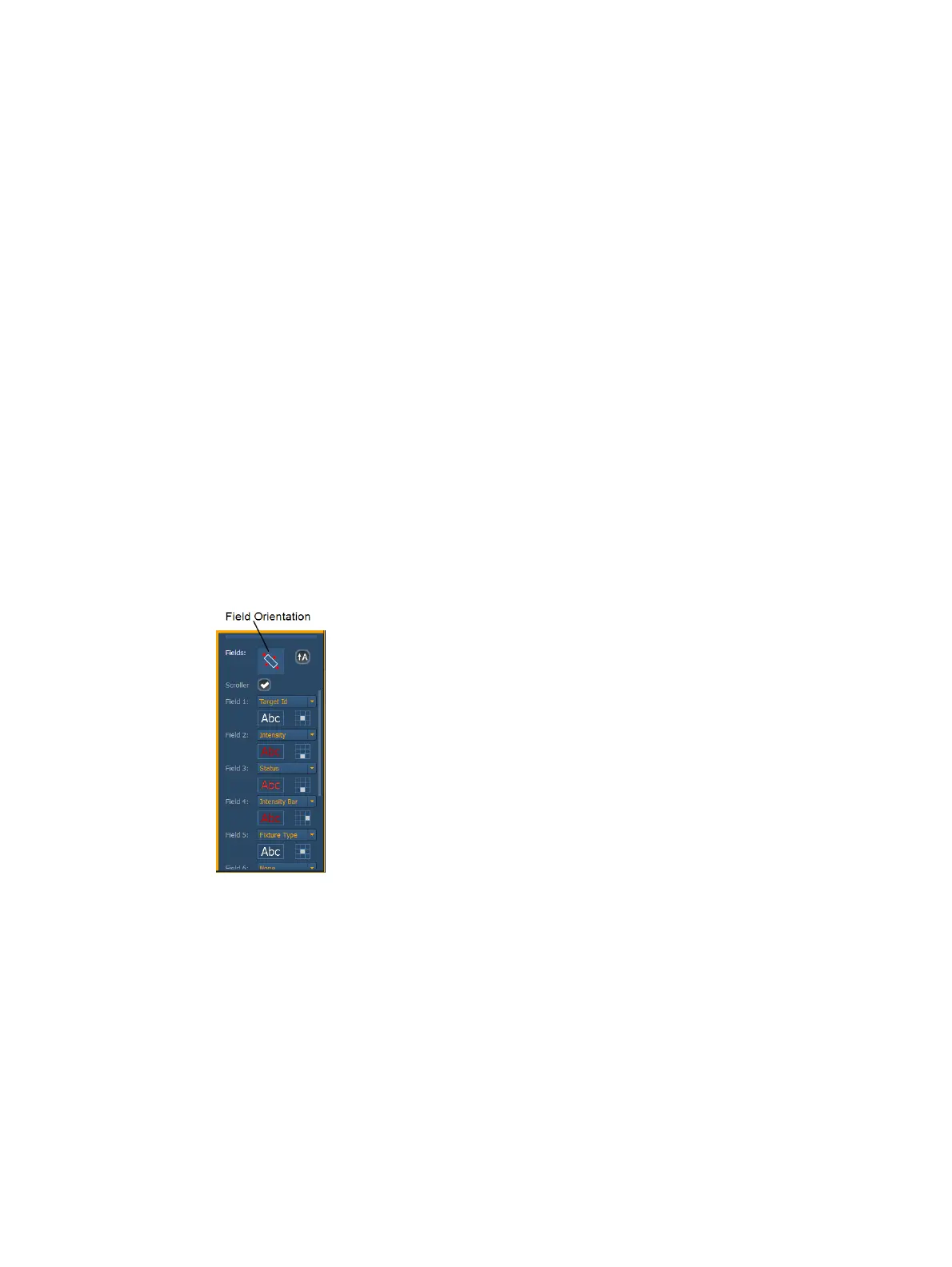
Fields - up to six different fields of custom information can be displayed per objects. The
justification of each field around the object can be adjusted. The text and color used for
each field can also be adjusted. A scroller indicator bar can be added. Fields can display
the following data:
Target ID
Fixture Type
Target Name
Label
Text 1 through 10
Text Gel
Intensity
Intensity Bar
Color Swatch
Summary
Focus



 To Next Page