Basic Manual Control 157
Color Spaces
There are six color spaces that you can choose to work in. All of these spaces are connected. So
it doesn't matter which space you wish to work in, the console will translate the information to
work with your fixtures.
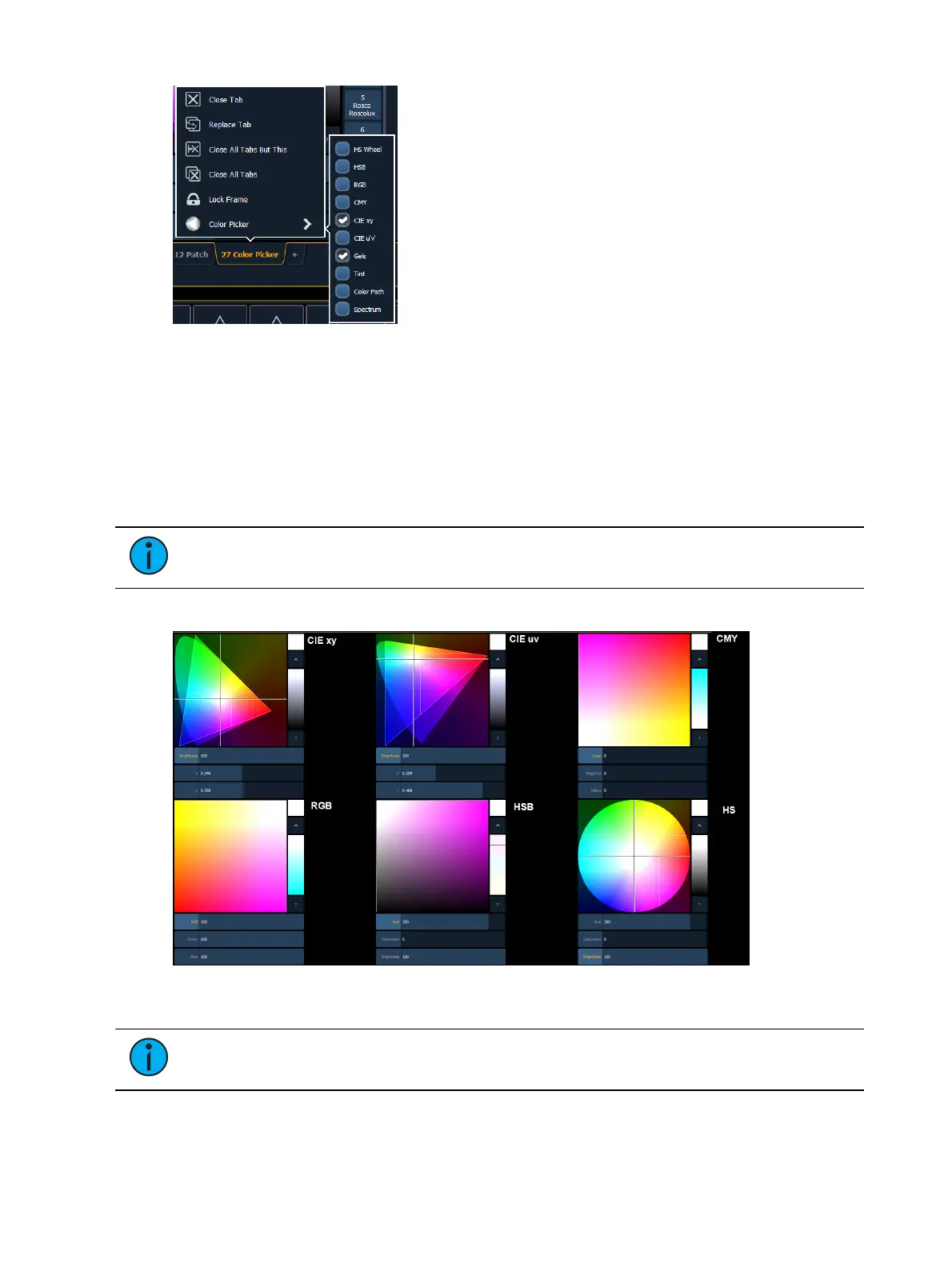
When the color picker is first opened, the CIE xy color space and the gel picker will open by
default. You can select other color spaces and tools by clicking on the display configuration tool
(the gear icon) in the upper left corner of the color picker display.
Note: Multiple color picker tabs with different color spaces can be opened at the
same time. Multiple color spaces can be opened on the same tab.
The available color spaces are:
Note: When a fixture is in HSmode, the brightness control is not provided. Intensity
controls the brightness.



 To Next Page