Multi-console and Synchronized Backup 401
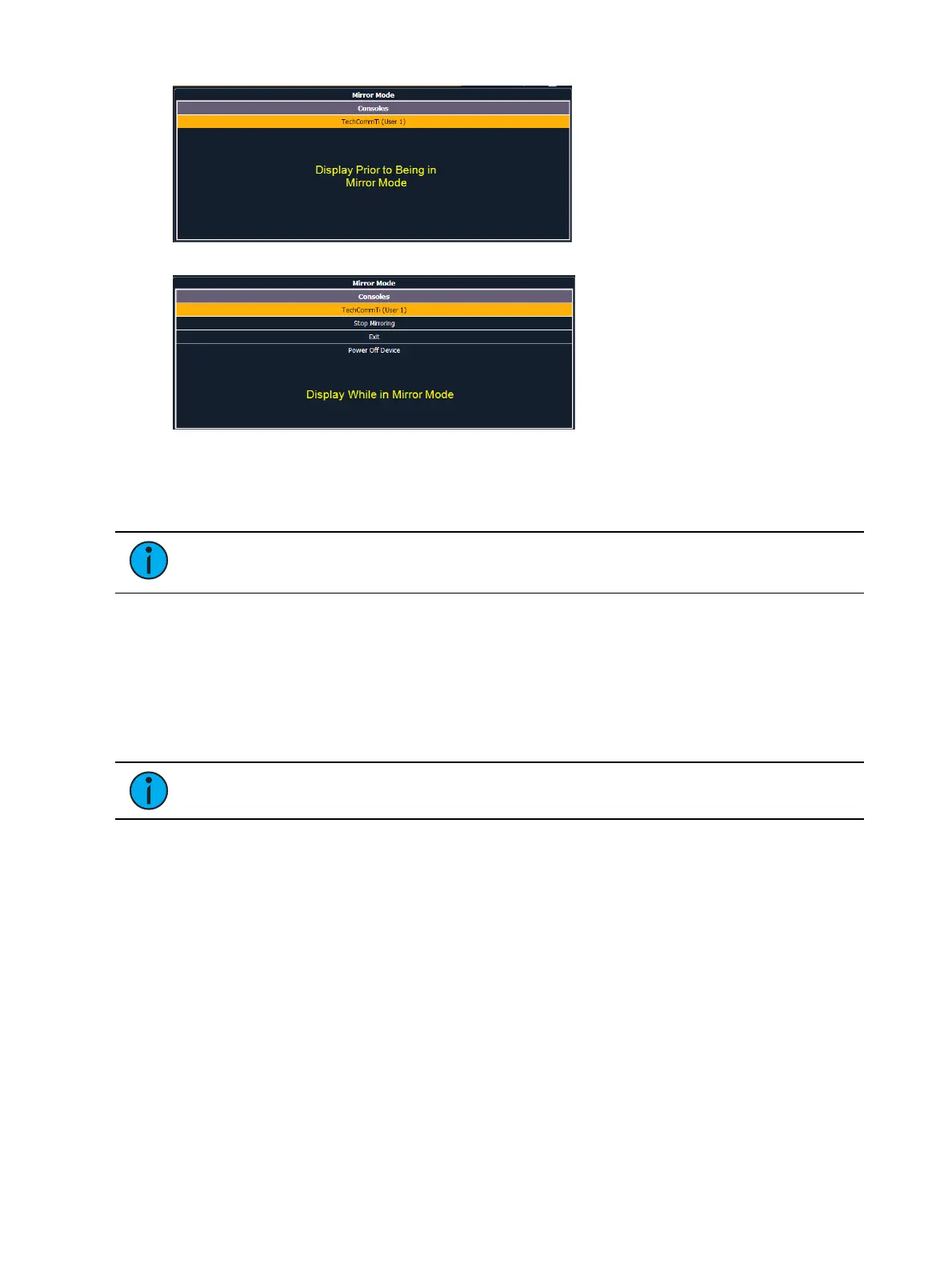
The mirror display can be navigated using the arrow keys or a mouse. When the required host is
highlighted, press [Enter] or double click with a mouse to confirm the selection. This display can
also be opened with the keyboard shortcut of ALT + F1.
Note: While in Mirror mode, the display will also have options for exiting and
powering off the device.
Mirror Mode Displays
When a device is placed in mirror mode, monitor 1 on the mirroring device matches external
monitor 1 on the host, and monitor 2 matches external monitor 2 on the host. A client will mirror
as many monitors as it has available.
All formats used on the host device are shown on the mirroring device including flexichannel
states, column widths, chosen parameters, and pages.
Note: Desk settings are not mirrored.
The CIA will open on monitor 1. The CIA on the device in mirror mode can be locked open or
closed. When left unlocked, the CIA will expand and close as normal. Not all CIA displays
shown on the device in mirror mode. The following CIA displays are synchronized:
About
Effects
Effects Status
Color Picker
Curves
Undo
The CIA can be completely hidden when locked by pressing the [Displays] key. Pressing
[Displays] again will display and unlock the CIA.



 To Next Page