456 Eos Family v2.9.0 Operations Manual
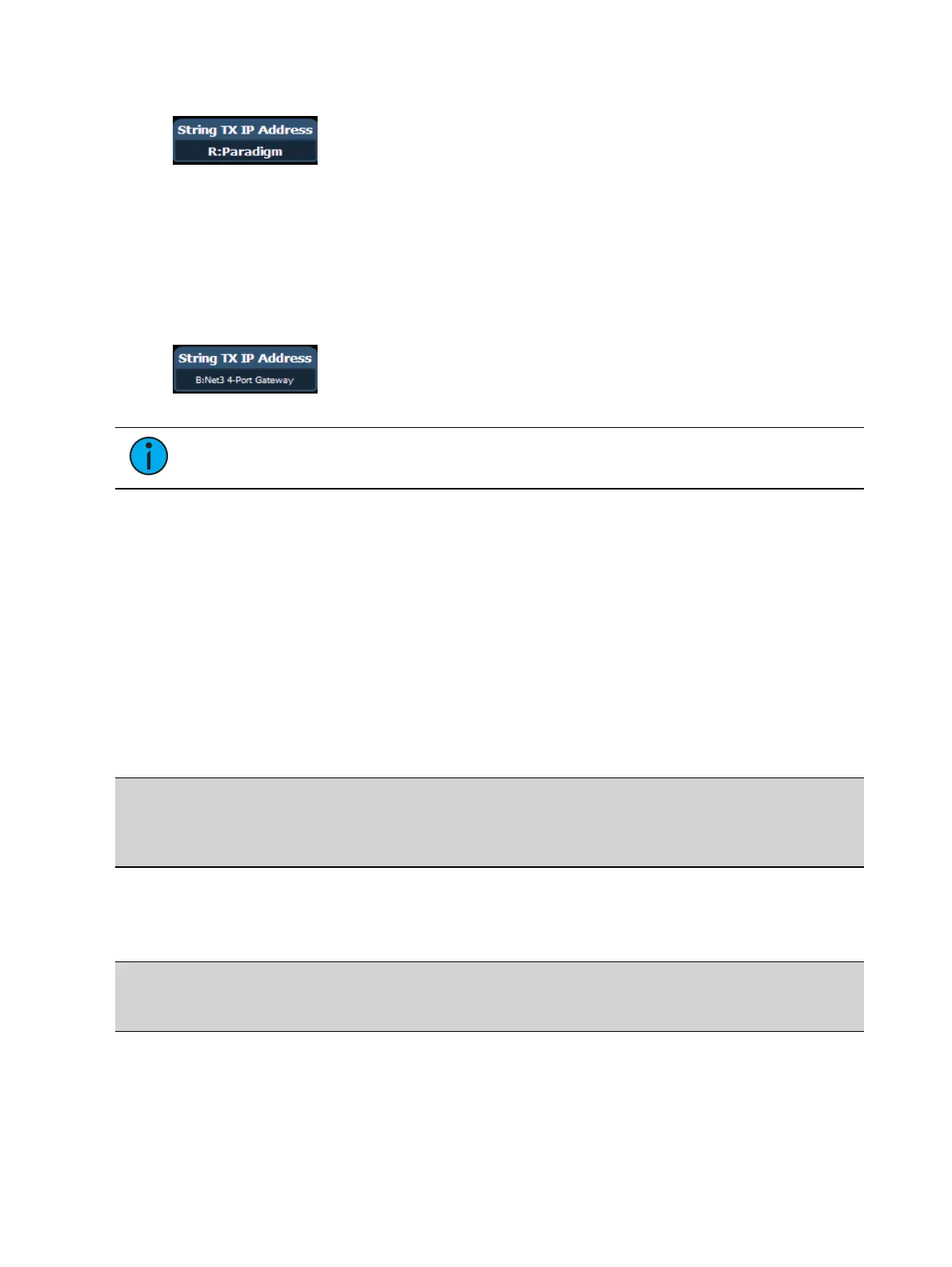
For example, the ACN component name could be Paradigm.
Bidirectional ACN Strings (Send and Receive)
To send and receive ACN strings from devices such as a Net3 Gateway, both
{String TX} and {String RX} must be enabled, and the ACN component name must be set in the
{String TX IP Address} field with the B: prefix.
For example, the ACN component name could be Net3 4-Port Gateway.
Note: If you have multiple devices sending or receiving strings, separate each entry in
the {String TX IP Address} field with a comma.
Receiving via the I/O Gateway
For your console to receive serial data from a Net3 I/O Gateway, the Serial Port Group ID
assigned at the gateway must match the String RX Group ID in Setup, and String RX setting in
Setup must be Enabled. See
Show Control Settings
.
Receiving Serial Commands to Trigger Events
All text will be queued up until either a carriage return (hex 0D), a “\r”, or a “#”, is encountered
in the string to show the end of the command. The custom string is case-sensitive.
RS232, UDP, and ACN Strings
The sending device needs to add SC (case-sensitive) to the beginning of the string in order for it
to be correctly processed.
Example:
SC Hello# - sends the string “Hello” to the show control display via RS232, UDP,
or ACN
OSC Strings
For OSC commands that are intended to be processed by the Show Control display, the sending
device needs to start the string with /eos/sc/ in order for the console to correctly process it.
Example:
/eos/sc/Hello – sends the string “Hello” to the show control display via OSC
Event Commands
When a command is received that starts with the prefixes listed above, the console will look for
a matching serial event defined in a Show Control List. Custom string input from any serial
source (RS232, UDP, ACN, OSC) can be used to trigger the following actions:



 To Next Page