470 Eos Family v2.9.0 Operations Manual
UDP
UDP connections can be used but are not preferred, as messages may be dropped or delivered
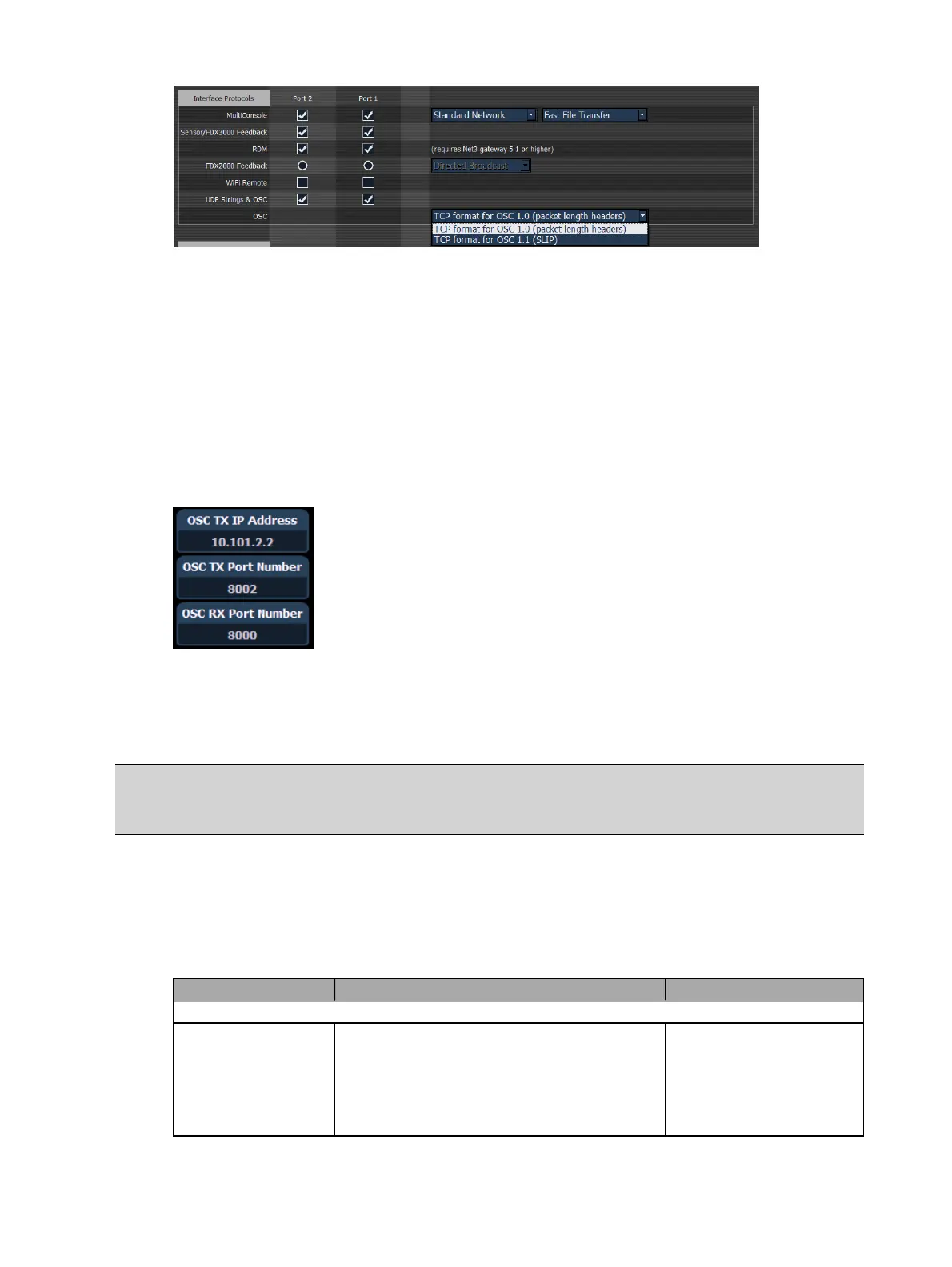
out of order. When using UDP, the appropriate IP address and ports must be configured in the
Show Control section of Setup. For systems without specific networking requirements, ETC
recommends UDP port assignments in the range 4703 to 4727 or 8000 and 8001.
The UDP port settings are configured in Setup>System>Show Control. In addition to the OSC TX
(Transmit) and RX (Receive) ports, you may wish to set the OSC TX IP address to match the OSC
device you are using with your Eos system so that it can receive OSC messages from the
console. It is not currently possible to specify multiple IP addresses. If you are using TCP OSC,
these settings can be ignored.
Local
OSC commands entered in the console (via the Magic Sheet command object) that begin with
local: will be looped back into the console.
Example:
local:/eos/chan/1/at/50
When executed, the console will send itself the OSC command to set Channel 1 to 50%.
Ping
Once you believe that the OSC connection has been established, you can test the connection by
sending a ping message to Eos and it will respond on its configured port. See
Implicit OSC
Output (on page489)
for more information.
OSC Method Arguments Examples/Comments
Send a ping command
/eos/ping
None required, any number of arguments
can be sent
/eos/ping
/eos/ping=”abcde”
/eos/ping=”abcde”,4



 To Next Page