24
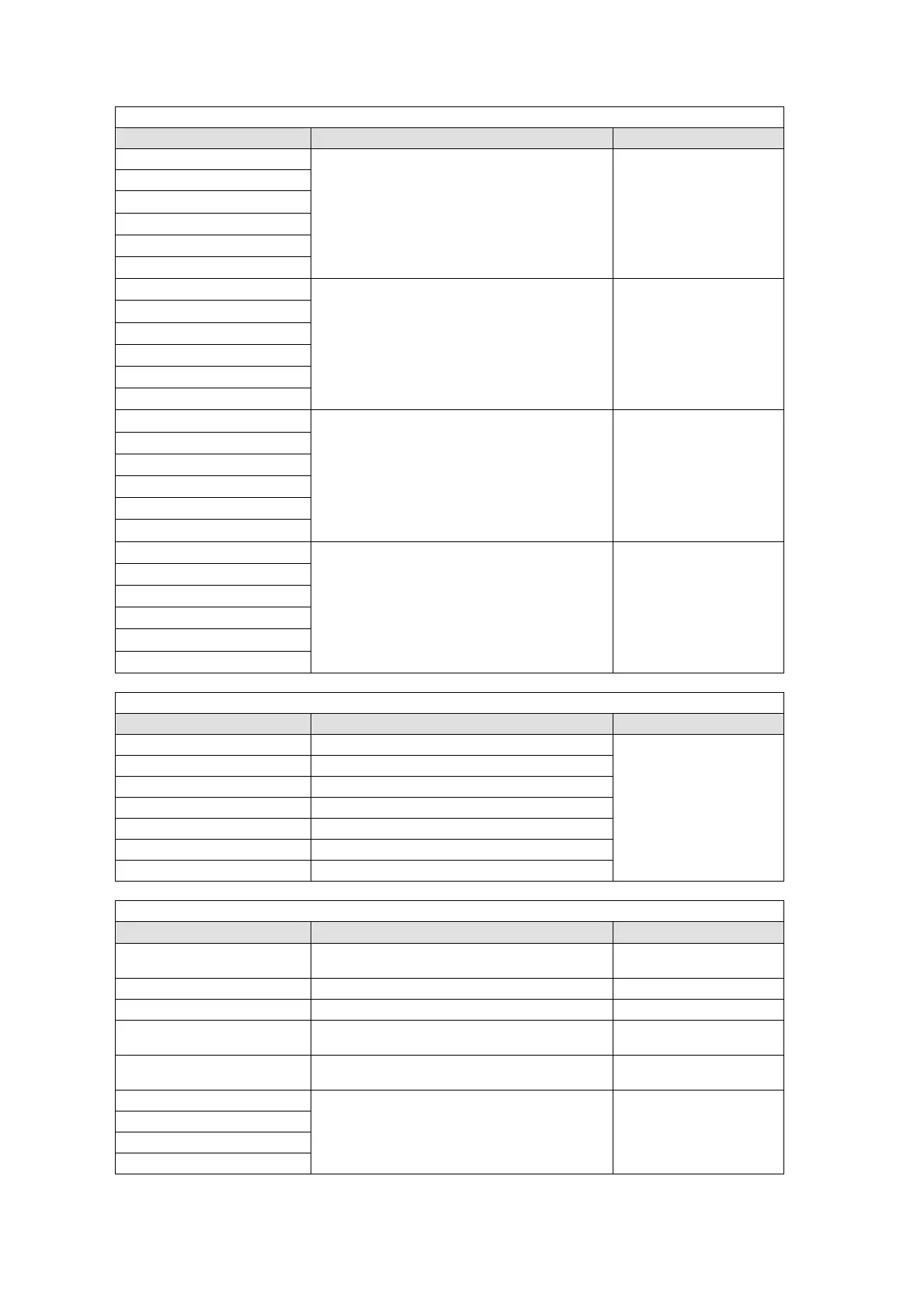
When USTRS (User Transition) was selected for the TYPE item:
Setting Function Button Indication
KEYER SCALER
Performs the user transition for KEYER.
On-Air: Lit orange,
Off-Air: Unlit
KEYER MIX
KEYER SLIDE LEFT
KEYER SLIDE RIGHT
KEYER SLIDE TOP
KEYER SLIDE BOTTOM
DSK SCALER
Performs the user transition for DSK.
On-Air: Lit orange,
Off-Air: Unlit
DSK MIX
DSK SLIDE LEFT
DSK SLIDE RIGHT
DSK SLIDE TOP
DSK SLIDE BOTTOM
PinP1 SCALER
Performs the user transition for PinP1.
On-On-Air: Lit orange,
Off-Air: Unlit
PinP1 MIX
PinP1 SLIDE LEFT
PinP1 SLIDE RIGHT
PinP1 SLIDE TOP
PinP1 SLIDE BOTTOM
PinP2 SCALER
Performs the user transition for PinP2.
On-Air: Lit orange,
Off-Air: Unlit
PinP2 MIX
PinP2 SLIDE LEFT
PinP2 SLIDE RIGHT
PinP2 SLIDE TOP
PinP2 SLIDE BOTTOM
When KEYER or DSK was selected for the TYPE item:
Setting Function Button Indication
2D DVE ENABLE Sets 2D DVE On/Off.
ON: Lit orange,
OFF: Unlit
BOX MASK AND ENABLE Sets AND type BOX MASK On/Off.
BOX MASK OR ENABLE Sets OR type BOX MASK On/Off.
EDGE NORMAL ENABLE Sets Normal Edge On/Off.
EDGE OUTLINE ENABLE Sets Outline Edge On/Off.
FIELD FREEZE ENABLE Sets Field Freeze On/Off.
FRAME FREEZE ENABLE Sets Frame Freeze On/Off.
When OTHER was selected for the TYPE item:
Setting Function Button Indication
EDITOR ENABLE Sets editor control On/Off.
ON: Lit orange
OFF: Unlit
STILL1-2 STORE Captures Still1 or Still2. Always lit orange
WIPE MODIFY RESET Resets the WIPE menu.
OSD CTRL ENABLE Sets OSD menu display On/Off.
ON: Lit orange
OFF: Unlit
EVENT NO0-9 RECALL Loads an event.
Event stored: Lit
Event not stored: Unlit
PREVIEW OUT-KEY
Sets display on Preview On/Off.
ON: Lit orange
OFF: Unlit
PREVIEW OUT-DSK
PREVIEW OUT-PinP1
PREVIEW OUT-PinP2



 To Next Page