Setting [View Only mode]
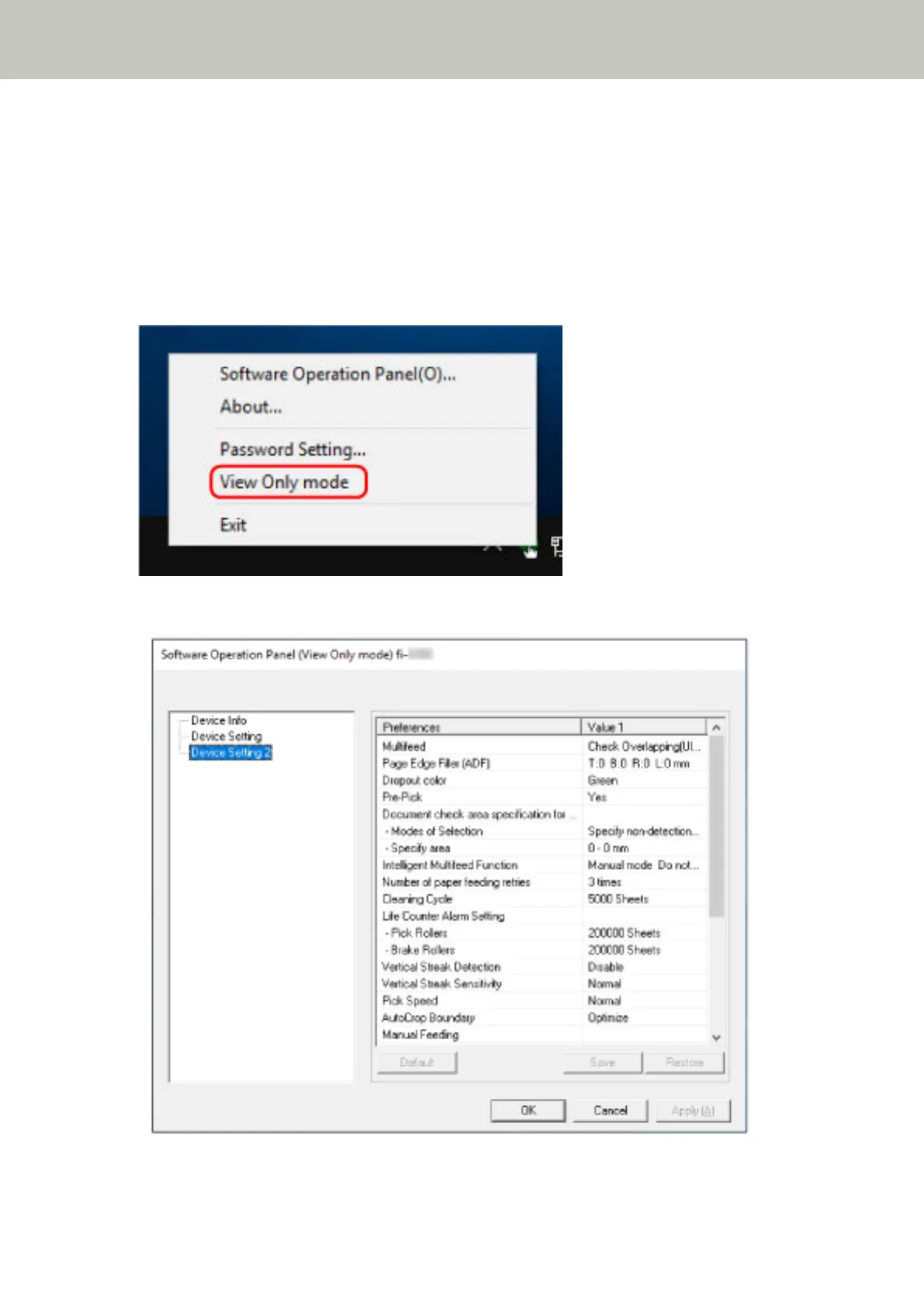
Set the Software Operation Panel to [View Only mode].
1 Set a password.
For details, refer to Setting a Password (page 340).
2 Right-click the Software Operation Panel icon in the notification area, and select [View Only mode] from
the menu.
The Software Operation Panel enters [View Only mode].
Scanner Settings (Software Operation Panel)
336



 To Next Page