Pub. 42004-550C
Elemec3 Console Manual—Version 3 Page 97 of 109
P:\Standard IOMs - Current Release\42004 Instr. Manuals\42004-550C.docx
07/21
Pre-Announcement Tone
Configure each page-transmission channel with a preannouncement tone. This parameter is a selection
checkbox parameter.
Default setting: Not Selected
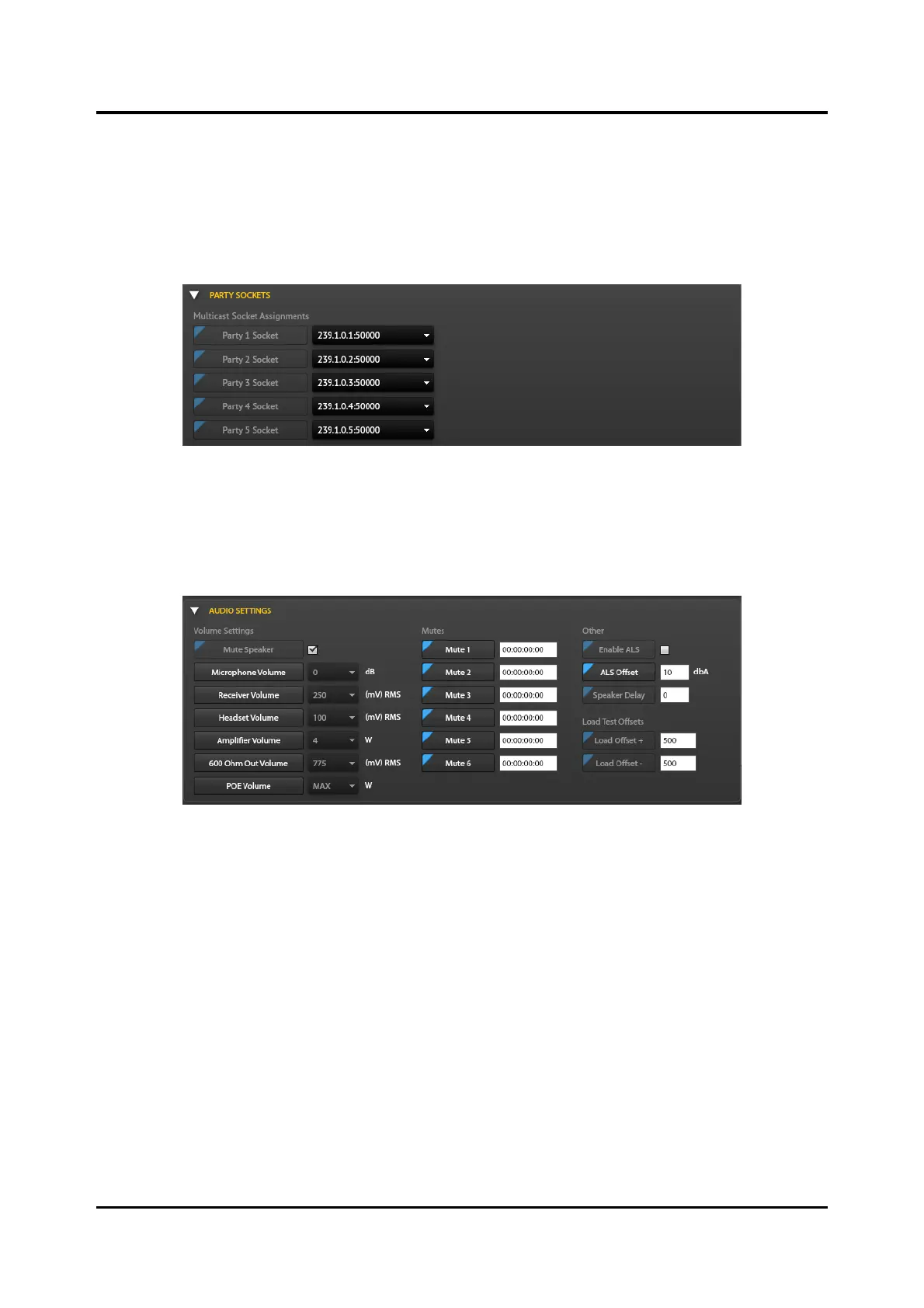
Party Sockets Pane
Figure 112. Party Line Sockets Pane
Multicast Socket Assignments—Five party-line multicast sockets are preconfigured in the E3 Console
for use in the E3 system.
Audio Settings
Figure 113. Audio Settings Pane
Volume Settings
Mute Speaker—mutes incoming pages during page transmission on any PAGETX socket (A–E). Valid
settings are:
• Selected—Mutes all locally generated and received page audio while transmitting audio pages.
• Deselected—Broadcasts received page audio over the station’s external speaker simultaneously
while transmitting an outgoing page.
Microphone Volume—sets the handset microphone gain in decibels (dB).
Valid settings: −12, −6, 0, 6, 12, 18, 24, 30
NOTE: Specify this setting here to override the microphone volume potentiometer adjustment on all SP2
stations.



 To Next Page