Pub. 42004-550C
Elemec3 Console Manual—Version 3 Page 35 of 109
P:\Standard IOMs - Current Release\42004 Instr. Manuals\42004-550C.docx
07/21
IP Access Panels
IPAPs (IP Access Panels) are a software implementation of an Elemec3 physical access panel. Click the
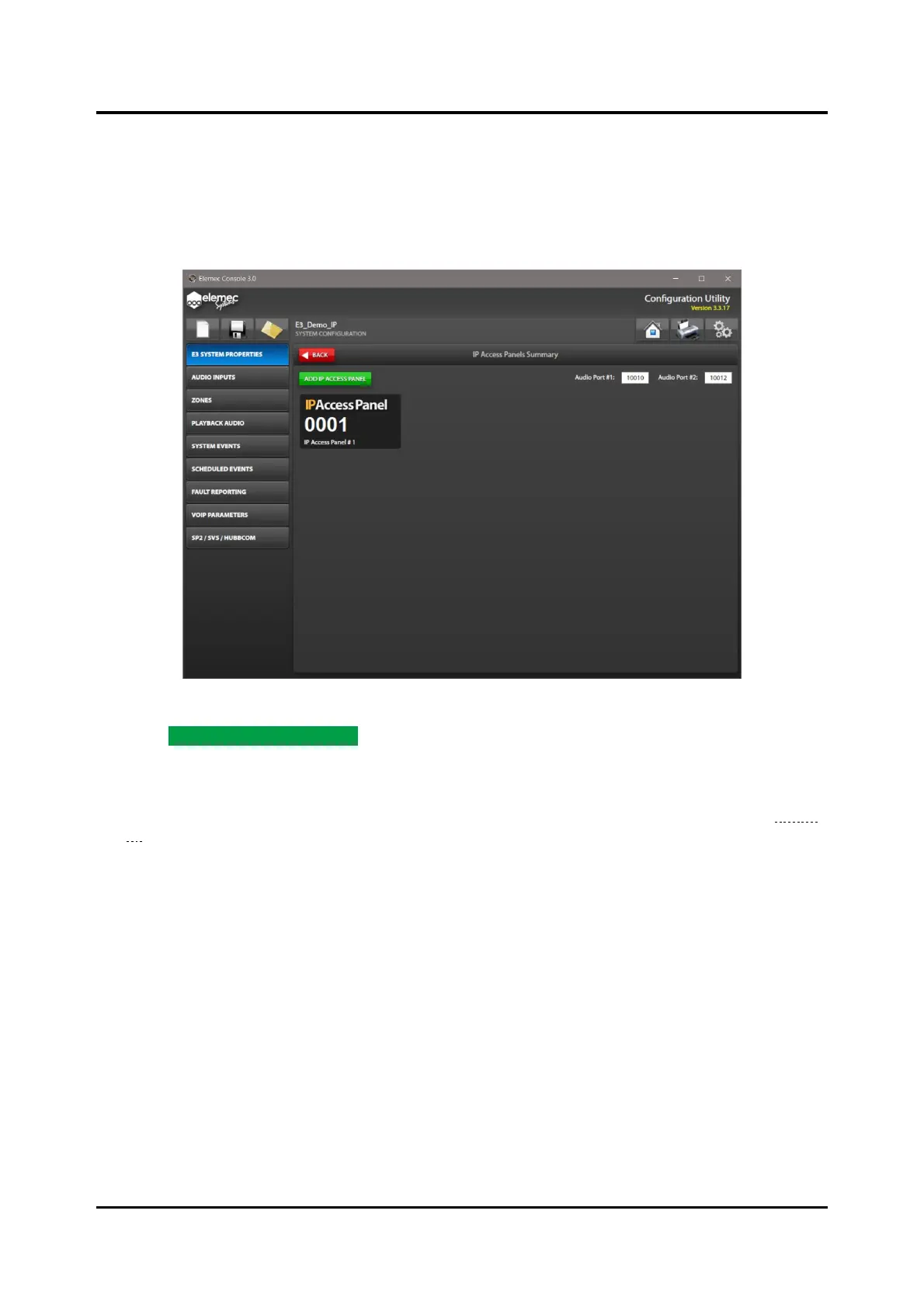
IP ACCESS PANELS button to open the IP ACCESS PANELS SUMMARY screen. Use the IP ACCESS
PANELS SUMMARY screen to add IPAP definitions to the Elemec3 configuration. Define a maximum of
16 IPAPs in an Elemec3 system.
Figure 36. IP Access Panels Summary
1. Click ADD IP ACCESS PANEL to add an IPAP (IP Access Panels) to the configuration.
Each button click adds an additional IPAP for definition in the system. The screen above shows one
unconfigured IPAP.
2. Click an IPAP in the IP ACCESS PANELS SUMMARY screen to configure the IPAP properties (Figure
37).
Audio Port #1—IP port number for audio port one.
Audio Port #2—IP port number for audio port two.



 To Next Page