Pub. 42004-550C
Elemec3 Console Manual—Version 3 Page 54 of 109
P:\Standard IOMs - Current Release\42004 Instr. Manuals\42004-550C.docx
07/21
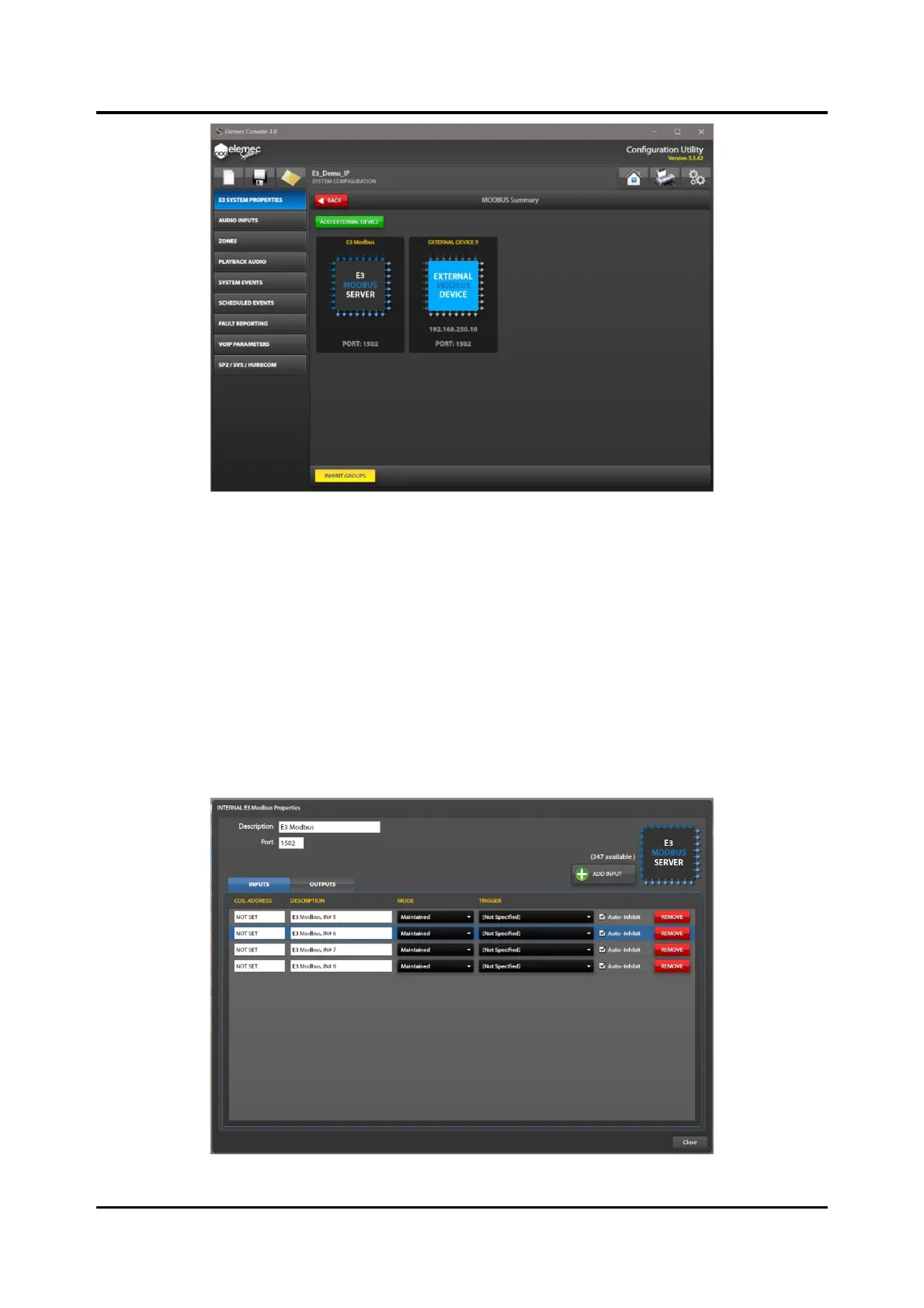
Figure 60. MODBUS Summary
Modbus TCP Server
Double click the E3 MODBUS SERVER device icon in the MODBUS SUMMARY screen to configure the
Modbus TCP server parameters. Modbus TCP modules have two tabs on their property screens; INPUTS
and OUTPUTS. Inputs allow Modbus clients to trigger events in the E3 system. Outputs allow Modbus
clients to read ON/OFF event status or other conditions within the E3 system.
Description—device description in the E3 system.
Port—TCP port number for the Modbus protocol. Default: 1502
Inputs Tab
Figure 61. E3 Modbus TCP Server Properties—Inputs Tab



 To Next Page