Pub. 42004-550C
Elemec3 Console Manual—Version 3 Page 11 of 109
P:\Standard IOMs - Current Release\42004 Instr. Manuals\42004-550C.docx
07/21
Figure 8. Invalid Database Version
3. Click UPGRADE DATABASE to proceed with the configuration version upgrade; otherwise, select the
CLOSE button.
System-Wide Functions
The E3 Console displays the SYSTEM PROPERTIES screen after loading a configuration. Six system
wide functions, at the top of the screen, are accessible from all primary screens. Click the toolbar icon to
access the desired function.
Figure 9. System Wide Functions
New—creates a new system configuration and loads it into the console.
A prompt to save changes appears if there are unsaved changes to the currently loaded configuration.
Choose SAVE CHANGES or DISCARD CHANGES as desired to continue to the CREATE NEW
CONFIGURATION screen (see the Create New Configuration section).
Save—saves the currently loaded configuration.
Open—opens the LOAD
CONFIGURATION screen.
This option is helpful for discarding
changes by reloading the existing
configuration without saving the
changes. A prompt to save changes
appears if there are changes to the
currently loaded configuration.
Home—prompts the user to save
changes, exits the currently loaded
configuration screens, and opens the E3
SYSTEM CONFIGURATION screen.
Reports—provides a report containing
the addresses, types, descriptions,
locations, and parent devices for all
hardware devices other than the
controller.
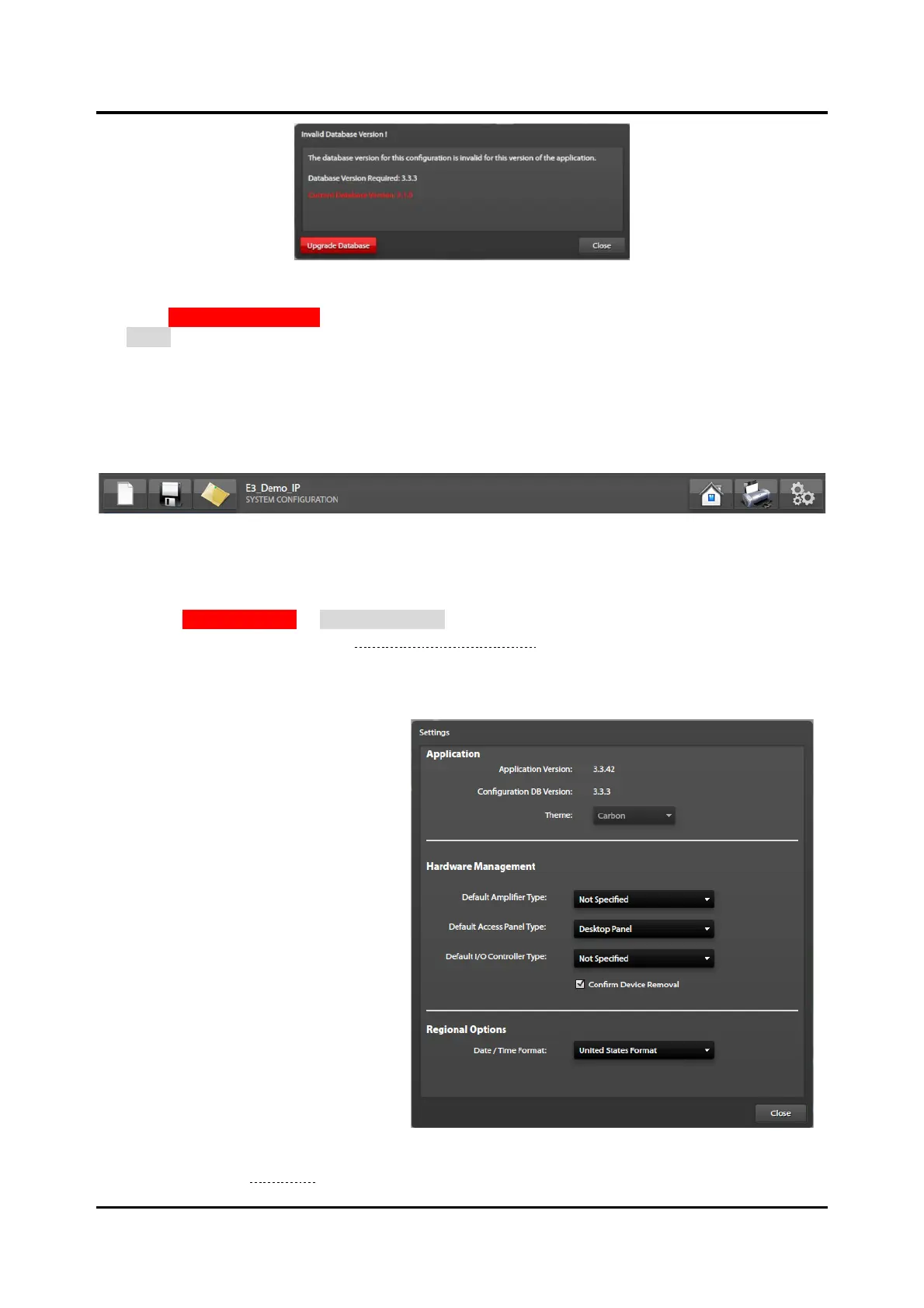
Settings—provides application and
database version information and
facilitates setting several options in the
console software (see Figure 10).



 To Next Page