Pub. 42004-550C
Elemec3 Console Manual—Version 3 Page 49 of 109
P:\Standard IOMs - Current Release\42004 Instr. Manuals\42004-550C.docx
07/21
Outputs Tab
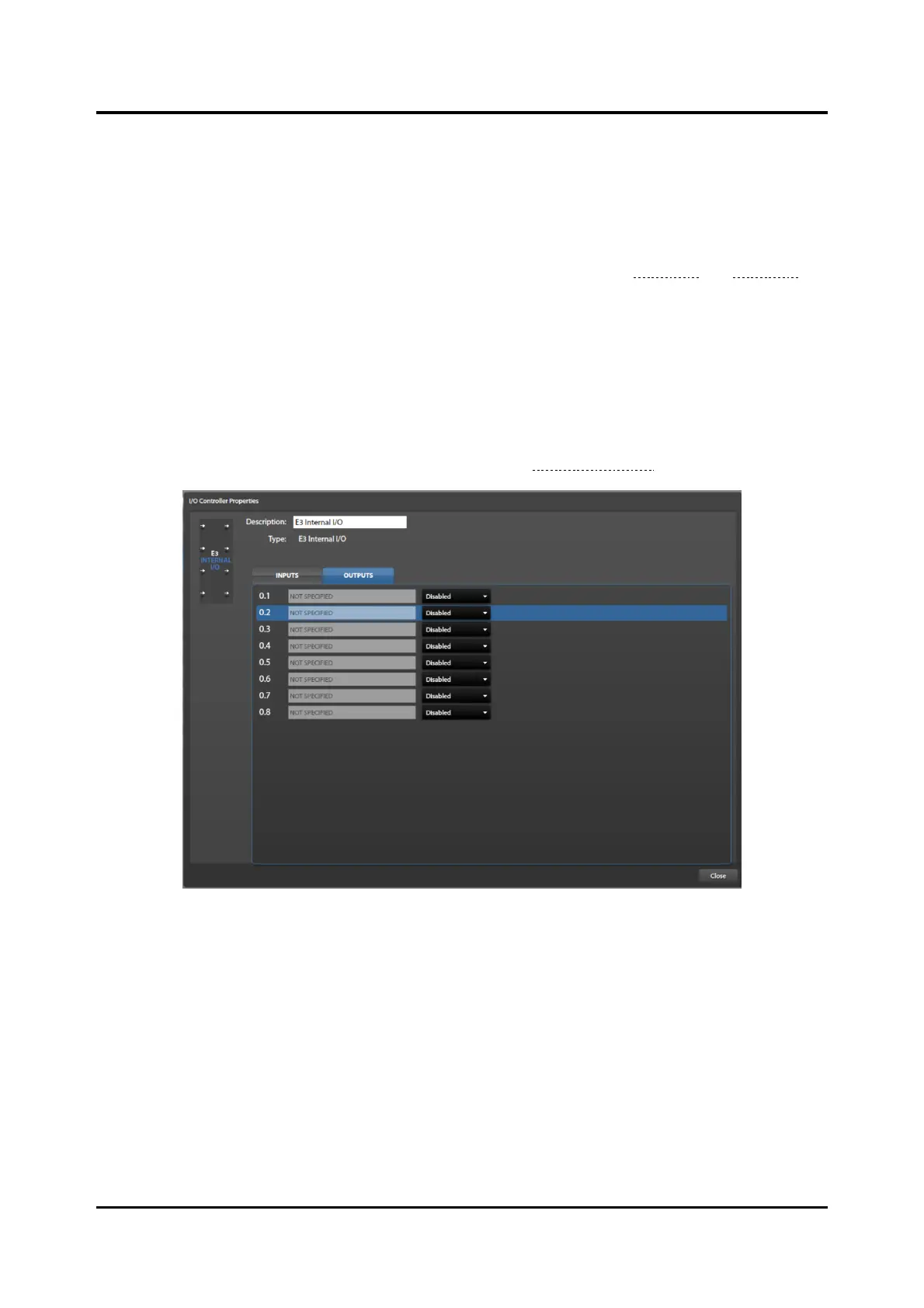
Click the I/O controller properties OUTPUTS tab to configure the output contacts of the I/O controllers.
The E3 Console sequentially assigns each output a numeric address in an X.Y format, where X is the I/O
controller card’s address and Y is the contact number on the I/O controller PCBA. The IP controller
addresses its internal outputs first so they have addresses 0.1 through 0.8.
The output property fields appear from left to right across the outputs tab (see Figure 54 and Figure 55).
Configure the relay state in column two to enable the other fields in the row to define the output.
Description—user-defined unique description of the output.
Relay Normal (idle) State—specifies the relay’s idle state; disabled, normally on, or normally off.
Follow Audio—the relay activates only while the event audio is broadcasting. (The output will activate
regardless of audio broadcast when deselected.)
Behavior—the output behavior of the relay as described in the Output Behaviors section below.
Figure 54. IP Controller Built-In Outputs



 To Next Page