Pub. 42004-550C
Elemec3 Console Manual—Version 3 Page 87 of 109
P:\Standard IOMs - Current Release\42004 Instr. Manuals\42004-550C.docx
07/21
ADD IP DESTINATION
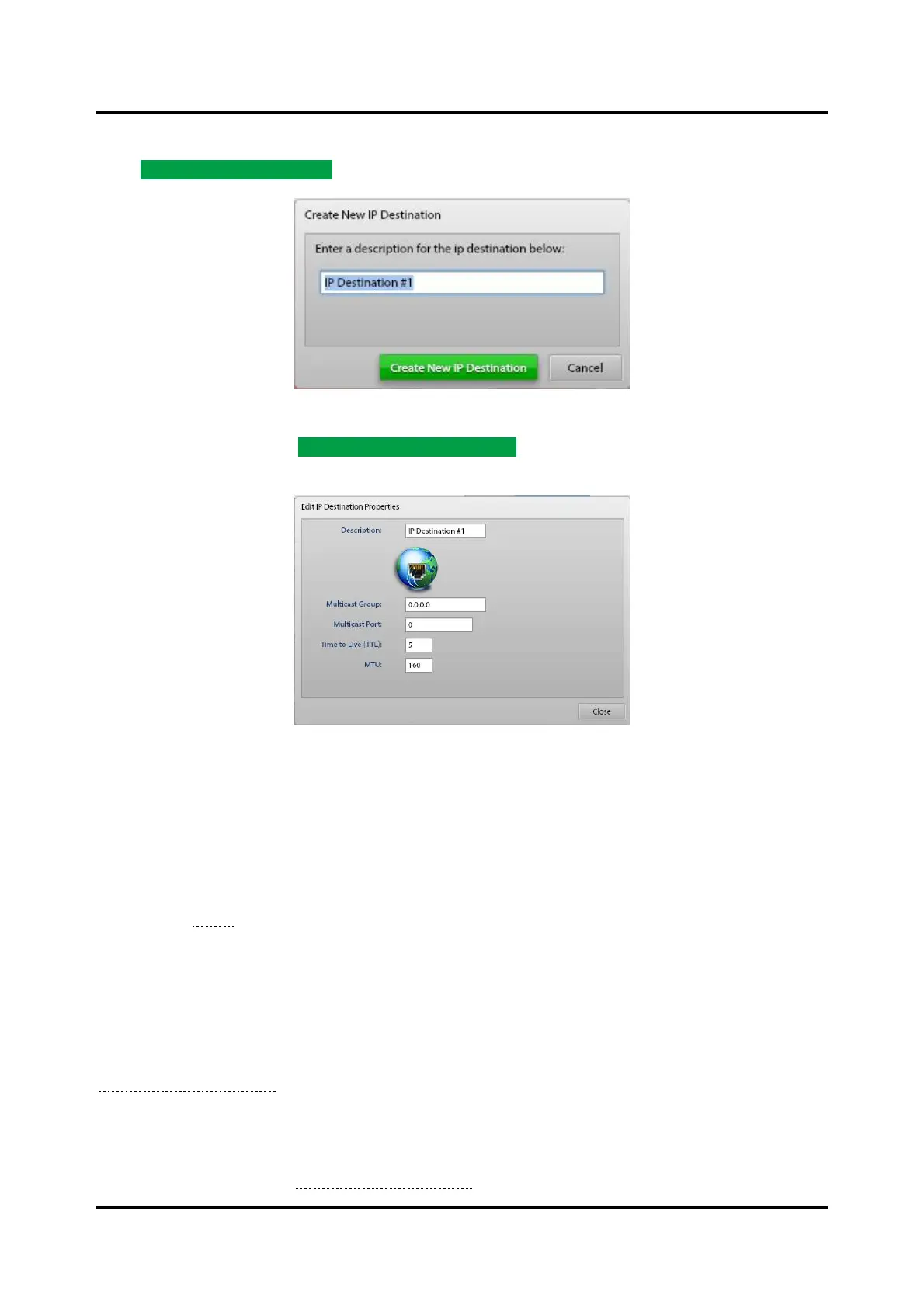
Click ADD IP DESTINATION… to access the CREATE NEW IP DESTINATION window.
Figure 98. Create New IP Destination
Enter a description and click CREATE NEW IP DESTINATION; the EDIT IP DESTINATIONS window
appears:
Figure 99. Edit IP Destination Properties
Description—unique and descriptive name of the IP destination.
Multicast Group—IP address for the IP destination.
Multicast Port—port for the IP destination.
To target an IP destination for broadcast, add it to a zone and target the zone. Add IP destinations to any
zone (see the Zones section).
SP2 Integration
E3 systems integrate SP2/SVS/HUBBCOM devices to add the features and flexibility of these systems.
The E3 Console implements portions of the SP2 Console to configure SP2/SVS/HUBBCOM devices in
an E3 system. The following sections provide information to configure SP2/SVS/HUBBCOM devices in
the E3 Console. Please refer to the SP2/SVS Configuration Guide, GTC Pub. 42004-784 (see the
Reference Documentation section) for complete information on configuring SP2, and SVS devices.
NOTE: The E3 Console does not include the device control capabilities included in the SP2 Console.
The E3 Console is an Elemec3 system configuration tool. Use the E3 Portal application for
operational control of an E3 system. The E3 Portal application is documented in GTC Pub.
42004-485 (see the Reference Documentation section).



 To Next Page