Pub. 42004-550C
Elemec3 Console Manual—Version 3 Page 91 of 109
P:\Standard IOMs - Current Release\42004 Instr. Manuals\42004-550C.docx
07/21
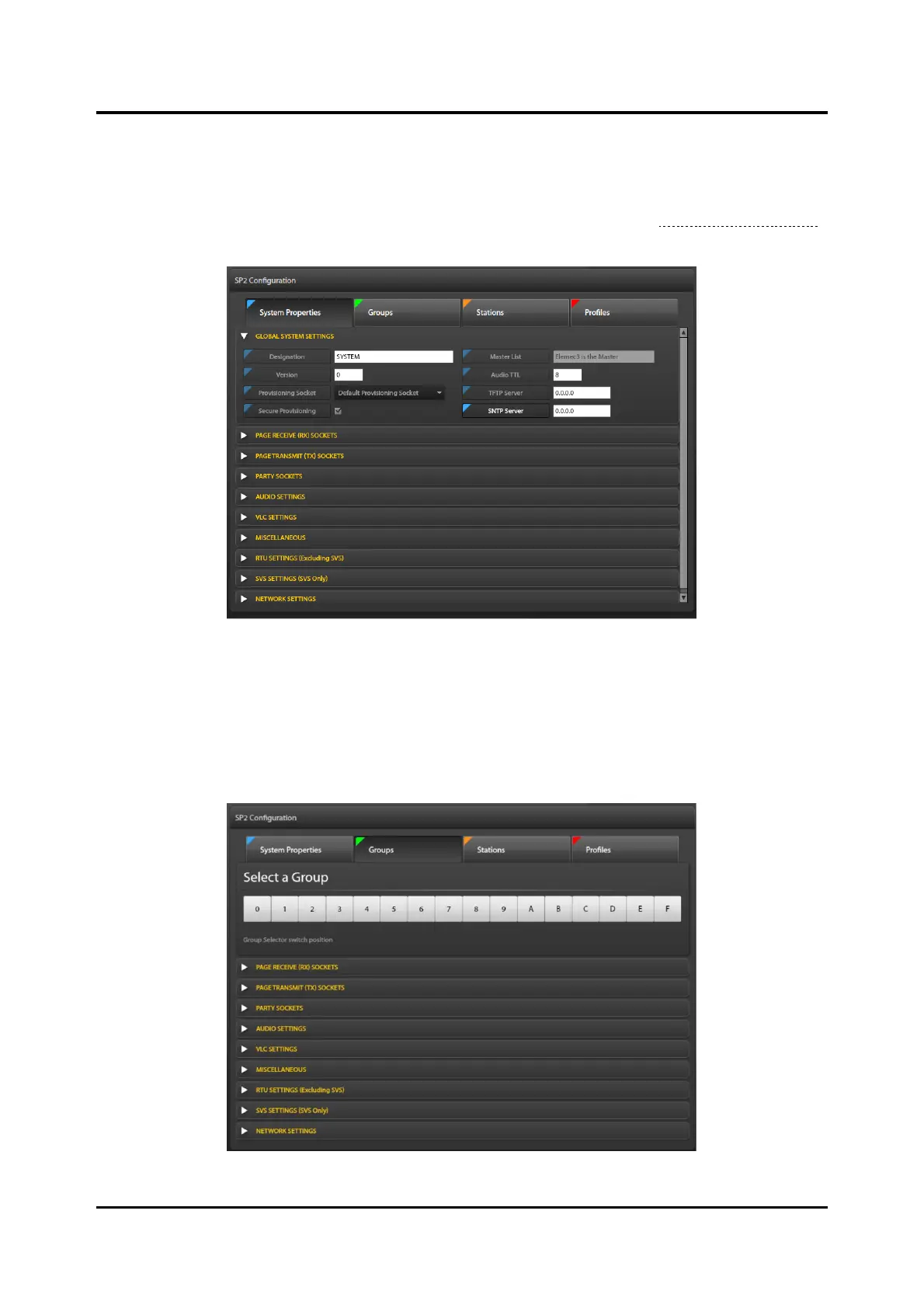
System Properties Screen
Click the SYSTEM PROPERTIES button, at the top of the screen, to access the SYSTEM PROPERTIES
screen.
The GLOBAL SYSTEM SETTINGS parameter pane expands by default (see the Global System Settings
section).
Figure 102. System Properties Pane with Global System Settings Pane Expanded
Groups Screen
Click the GROUPS button, at the top of the screen, to access the parameter panes at the groups level.
SP2/SVS groups relate to the hexadecimal group-selector switch position in the physical SP2 stations.
All stations with the same switch setting are in the same group. Organize stations in up to 16 groups of
up to 250 stations each.
Figure 103. Manage Groups Pane



 To Next Page