Pub. 42004-550C
Elemec3 Console Manual—Version 3 Page 70 of 109
P:\Standard IOMs - Current Release\42004 Instr. Manuals\42004-550C.docx
07/21
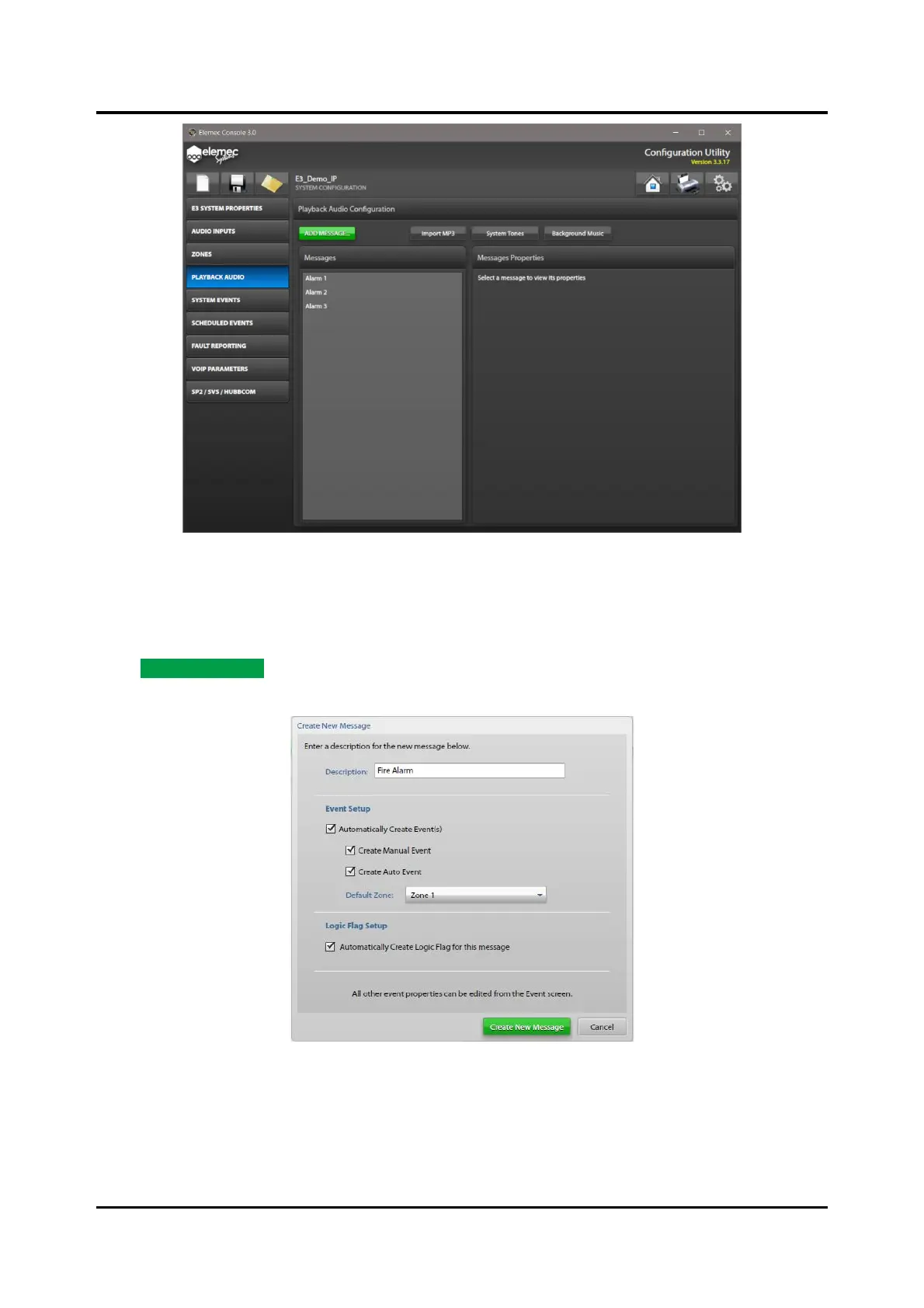
Figure 76. Playback Audio Configuration
Playback Audio Configuration
Add Message
Click ADD MESSAGE… on the PLAYBACK AUDIO CONFIGURATION screen to open the CREATE NEW
MESSAGE screen.
Figure 77. Create New Message
Description—unique description of the message. This name identifies the message in all areas of the
system.



 To Next Page