Pub. 42004-550C
Elemec3 Console Manual—Version 3 Page 65 of 109
P:\Standard IOMs - Current Release\42004 Instr. Manuals\42004-550C.docx
07/21
SP2 Properties
Party Drop Destination—The incoming call connects to the selected party line for two-way
conversation with SP2 handset users (see the SP2 Integration section).
Party Max Answer Delay—the amount of time (minutes/seconds) the telephone interface waits for an
SP2 handset user to access the party line before disconnecting the call.
Party Max Duration—the maximum duration (minutes/seconds) the telephone caller and SP2 handset
user can talk on the party line before the call disconnects.
Party Extended Duration—time (minutes/seconds) to add to the PARTY MAX DURATION allowing
the call to continue, if needed. The caller hears a beep, indicating the party line time limit is about to
expire.
1. Press the * button on the telephone's keypad to extend the conversation for the PARTY EXTEND
DURATION (minutes/seconds).
2. Repeat this process to further extend the conversation as needed.
Hang up On Party Disconnect—telephone calls terminate when the SP2 handset user hangs up
(following a party line conversation).
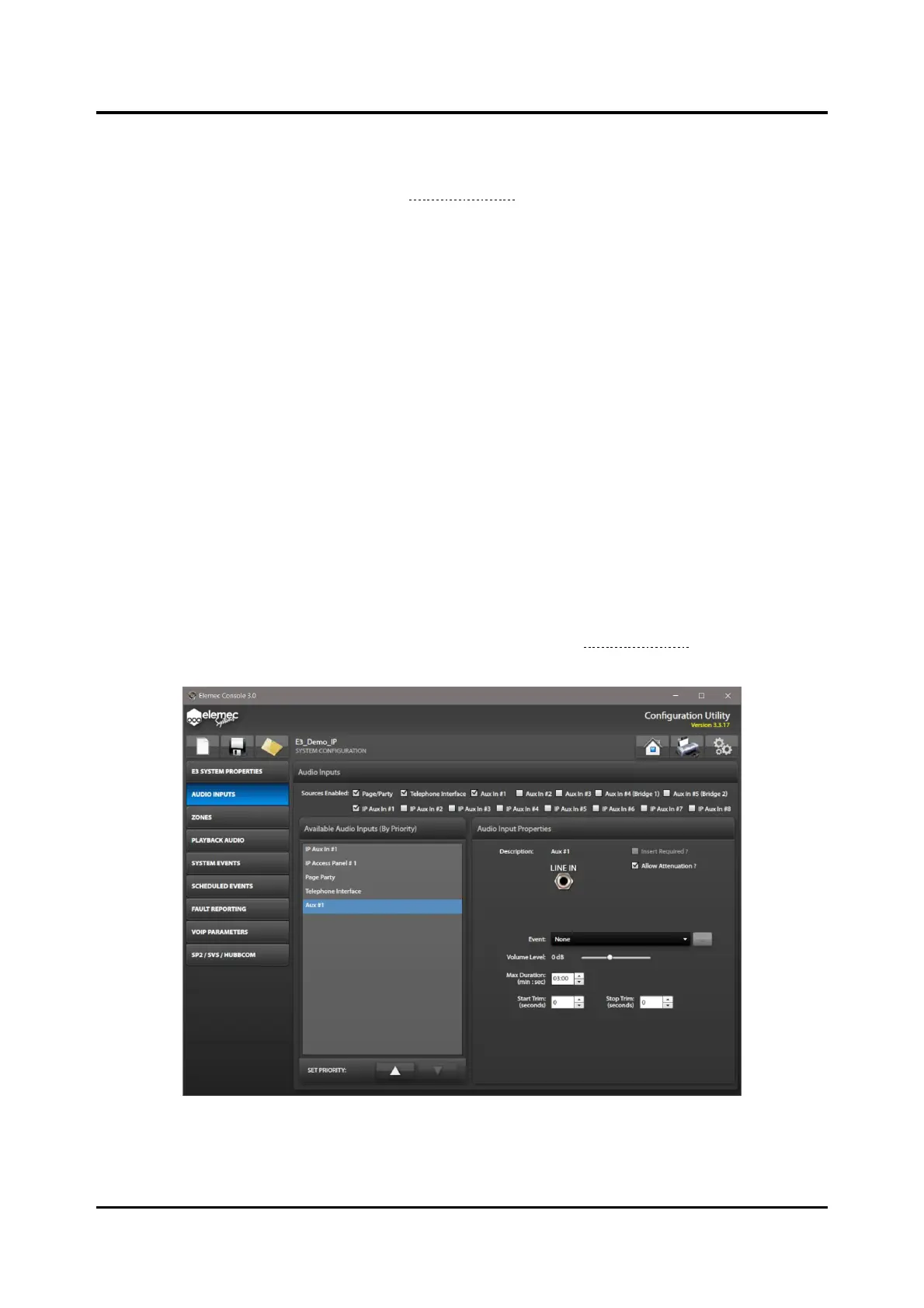
Auxiliary Inputs #1–5 Audio Input Properties
Select an AUX IN checkbox from the SOURCES ENABLED to configure the audio input properties.
Enabling INSERT ONE in the GLOBALS pane disables AUX IN #2 audio input selection. Enabling INSERT
TWO in the GLOBALS pane disables AUX IN #3 input selection (see the Global Settings section). A+B and
N+1 configurations disable the AUX #4 and AUX #5 inputs.
Figure 72. Auxiliary Interface Audio Input Properties



 To Next Page