Pub. 42004-550C
Elemec3 Console Manual—Version 3 Page 104 of 109
P:\Standard IOMs - Current Release\42004 Instr. Manuals\42004-550C.docx
07/21
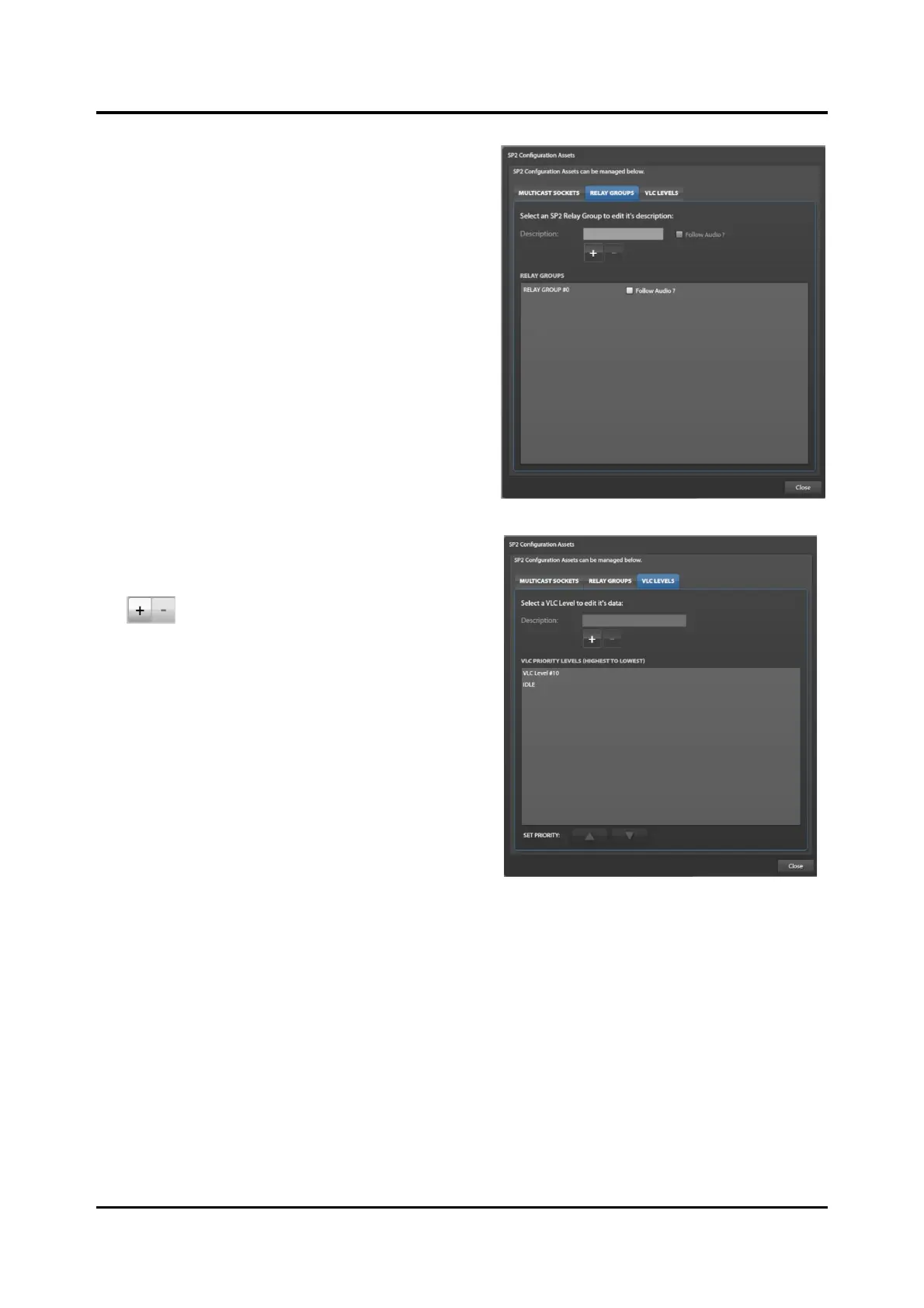
Relay Groups
Relay groups combine relays on separate devices into a
group to activate the group of relays with a single event.
VLC Levels
VLC levels allow setting volume levels independently
by event or source:
—Click ✚ to create a new VLC level.
A new VLC level with a default description (VLC
Level#N) appears in the VLC PRIORITY LEVELS
(HIGHEST TO LOWEST) list.
3. Optional: Change the description of the VLC level
to represent its purpose.
4. Add VLC levels for all necessary VLC usage
needs.
5. Use the SET PRIORITY: up and down arrows to
configure the relative priority of the VLC levels.



 To Next Page