Pub. 42004-550C
Elemec3 Console Manual—Version 3 Page 44 of 109
P:\Standard IOMs - Current Release\42004 Instr. Manuals\42004-550C.docx
07/21
I/O Controllers
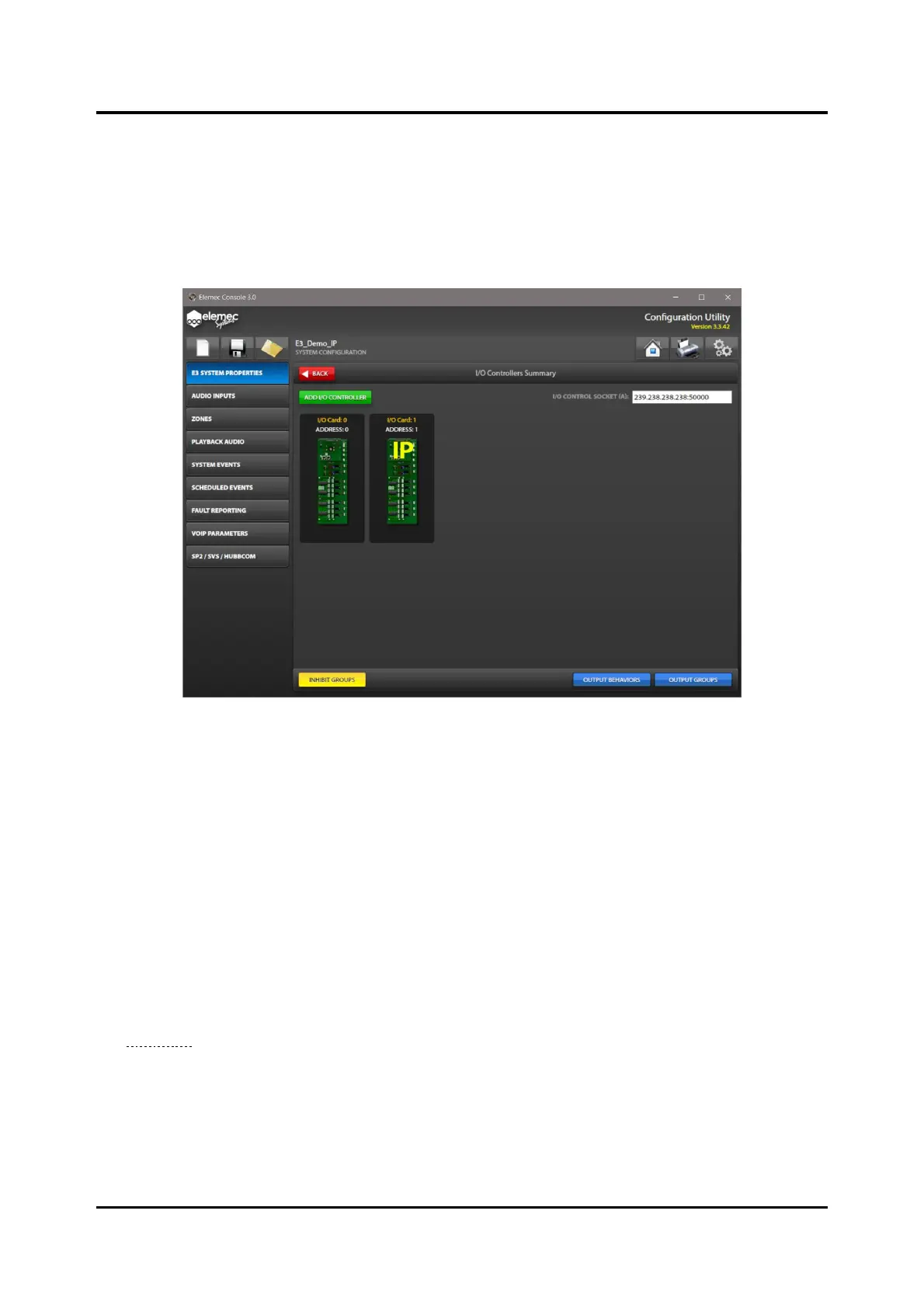
I/O controllers accept external inputs to the E3 system and activate relay contacts or logical outputs from
the Elemec3 system. The I/O CONTROLLERS SUMMARY screen displays the I/O controllers in the
system.
NOTE: The IP controller includes 8 input contact and 8 output relays and only supports IP I/O cards.
Figure 47. I/O Controllers Summary
IO Control Socket—This field is only for IP I/O cards. It defines the IP communication channel
between the E3 controller and the IP I/O devices on the network. All IP I/O devises communicate on the
same control socket. The socket number consists of a multicast IP address and port number separated by
a colon (:). The default I/O Control Socket is 239.238.238.238:50000.
IP Controller Built-in I/O
The IP controller includes eight built-in inputs and eight built-in outputs. The built-in inputs and outputs
do not provide monitoring. Inputs activate from NO switch contacts only. Inputs are idle while the input
contact is open and activate when the input contact closes.
1. Click the I/O CONTROLLERS button from the SYSTEM PROPERTIES screen to open the I/O
CONTROLLERS SUMMARY screen for the IP controller.
The I/O CONTROLLERS SUMMARY screen contains the E3 INTERNAL I/O for the IP controller (see
Figure 48).



 To Next Page