Pub. 42004-550C
Elemec3 Console Manual—Version 3 Page 27 of 109
P:\Standard IOMs - Current Release\42004 Instr. Manuals\42004-550C.docx
07/21
Fault Mode—Ignore, Normal, *URGENT*
Filter Speaker Remotes—drop down list to filter the speaker remotes displayed in the list by system,
speaker master, and amplifier channel.
1. Set the address of each speaker remote on each amplifier channel.
The valid speaker remote address range is 0–32,767.
2. Change the description as appropriate for identification of the speaker remote.
3. Set the volume level for the speaker to LOWEST VOLUME, MID VOLUME, or HIGHEST VOLUME using
the drop-down list selector.
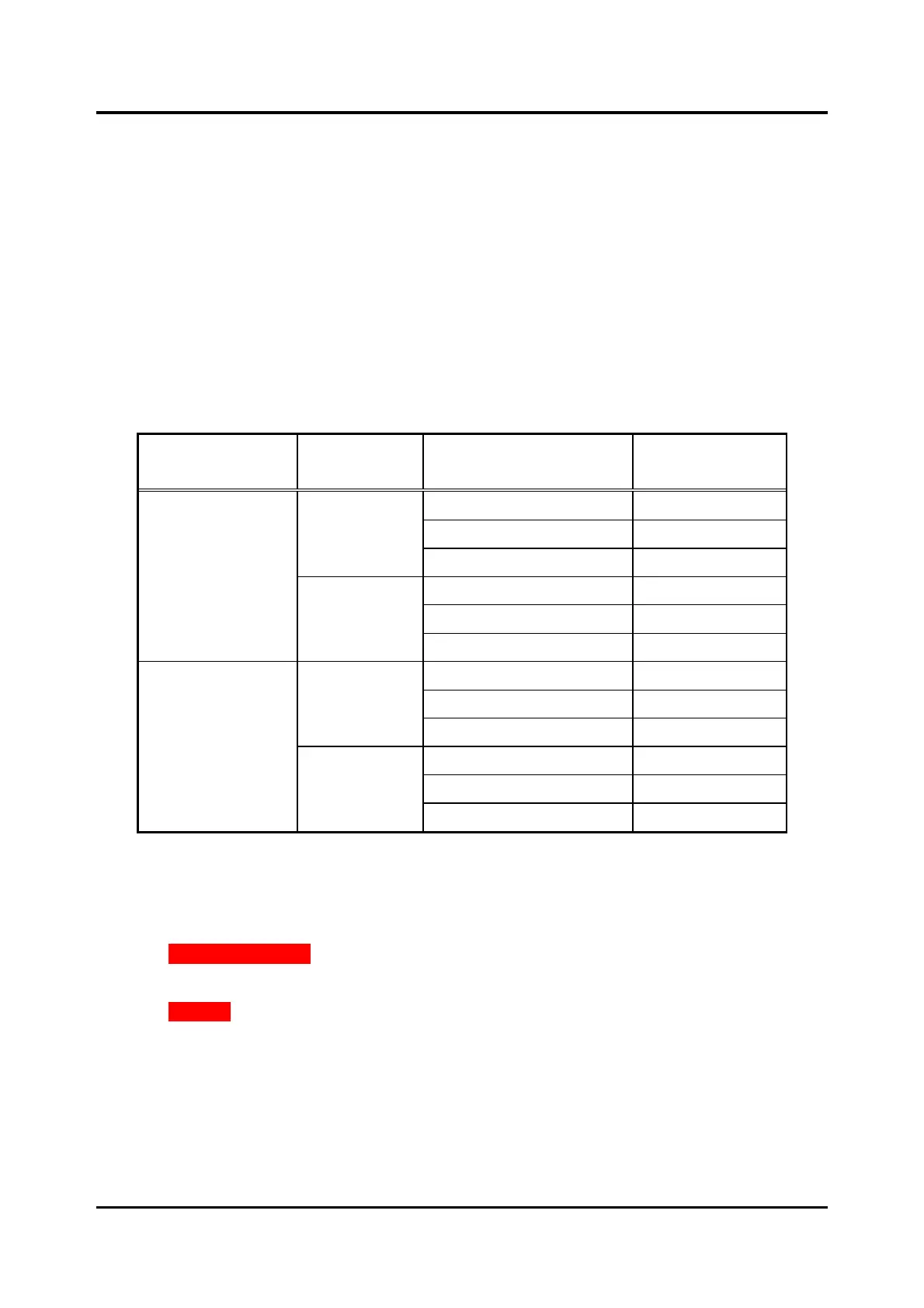
The speaker audio output power corresponds to the position of jumper P6 on the speaker remote
module and the volume level selected in the E3 Console:
Table 2. Speaker Audio Output Power
Remove Speaker Remote
1. Select the speaker remote from the list on the SPEAKER REMOTES SETUP screen.
2. Click REMOVE SELECTED.
A confirmation dialog box displays for confirmation.
3. Click REMOVE.



 To Next Page