Appendix A: Software Download
© Harmonic Inc. Manual p/n 101543/Ver 1.0 A-5 ProView 2900 Series/SW Version 1.94
A.2 Downloading ProView 2900 Software Using HiperTerminal
NOTES
There are many Terminal Applications that support Serial-COM.
In this document Software download procedure is performed on the built-in MS Windows
hyperterminal.
The ProView 2900 can be controlled from a standard PC through a serial RS-232 or RS-485
cable. The following tables detail the pin-to-pin and signal assignments of the RS-232 and
RS-485 cables, respectively.
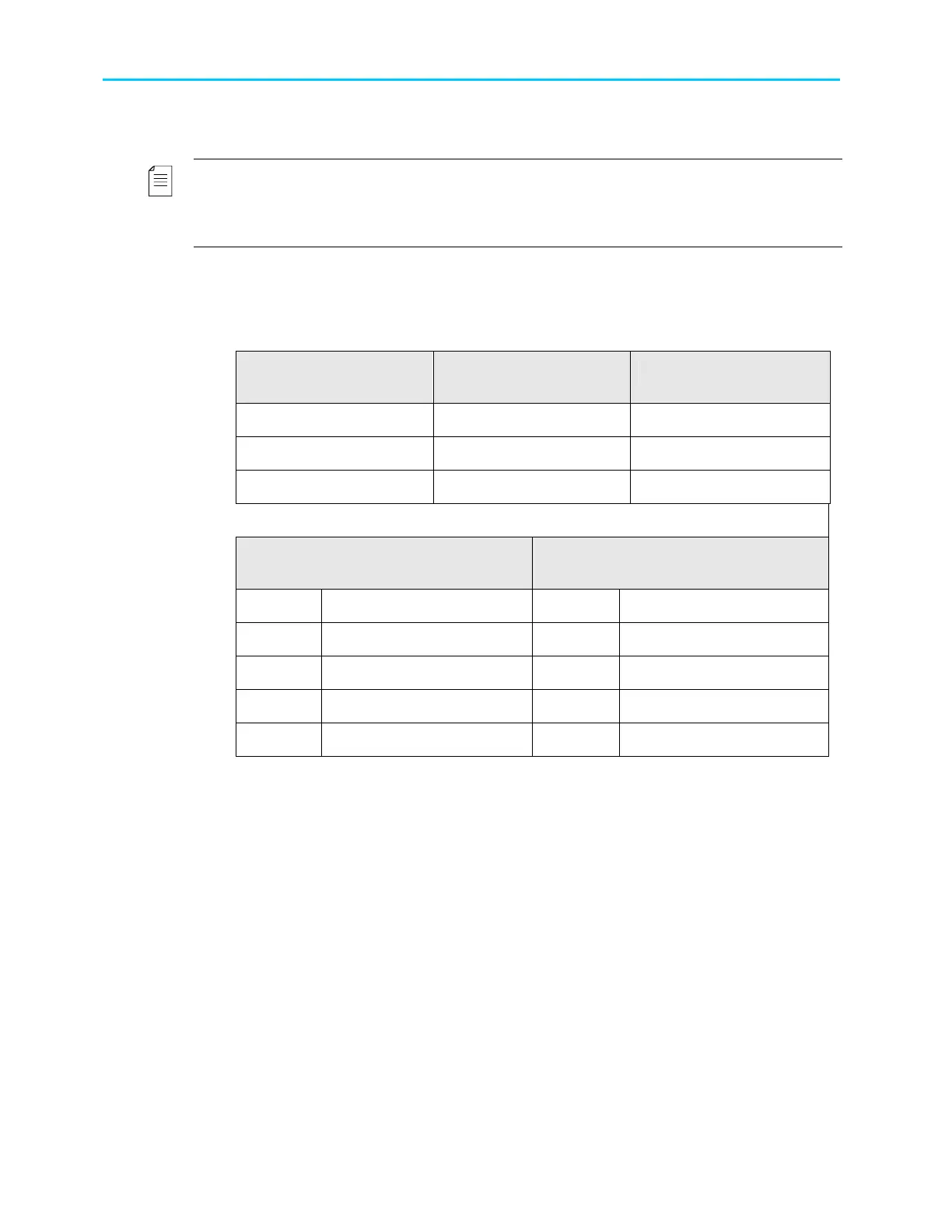
Table A-1: RS-232 Control Cable Pin-to-Pin
9 Pin D-Type Connector
(PC)
9 Pin D-Type Connector
(ProView 2900)
Signal Description
2 3 Pc-RxD
3 2 Pc-RxD
5 5 GND
Table A-2: RS-485 Control Cable Pin-to-Pin Designations
PC RS-485 9 Pin
D-Type Connector
ProView 2900 Rs-485 9 Pin
D-Type Connector
PIN Designation PIN Designation
1 RB 1 TX+
6 RA 6 TX-
8 TB 8 RX+
9 TA 0 RX-



 To Next Page