Appendix A: Software Download
© Harmonic Inc. Manual p/n 101543/Ver 1.0 A-8 ProView 2900 Series/SW Version 1.94
A.2.3 Checking PC Terminal Communication with the IRD
After setting the PC - HyperTerminal, the Terminal is opened and the user can check the
connection to the ProView 2900 on the HyperTerminal.
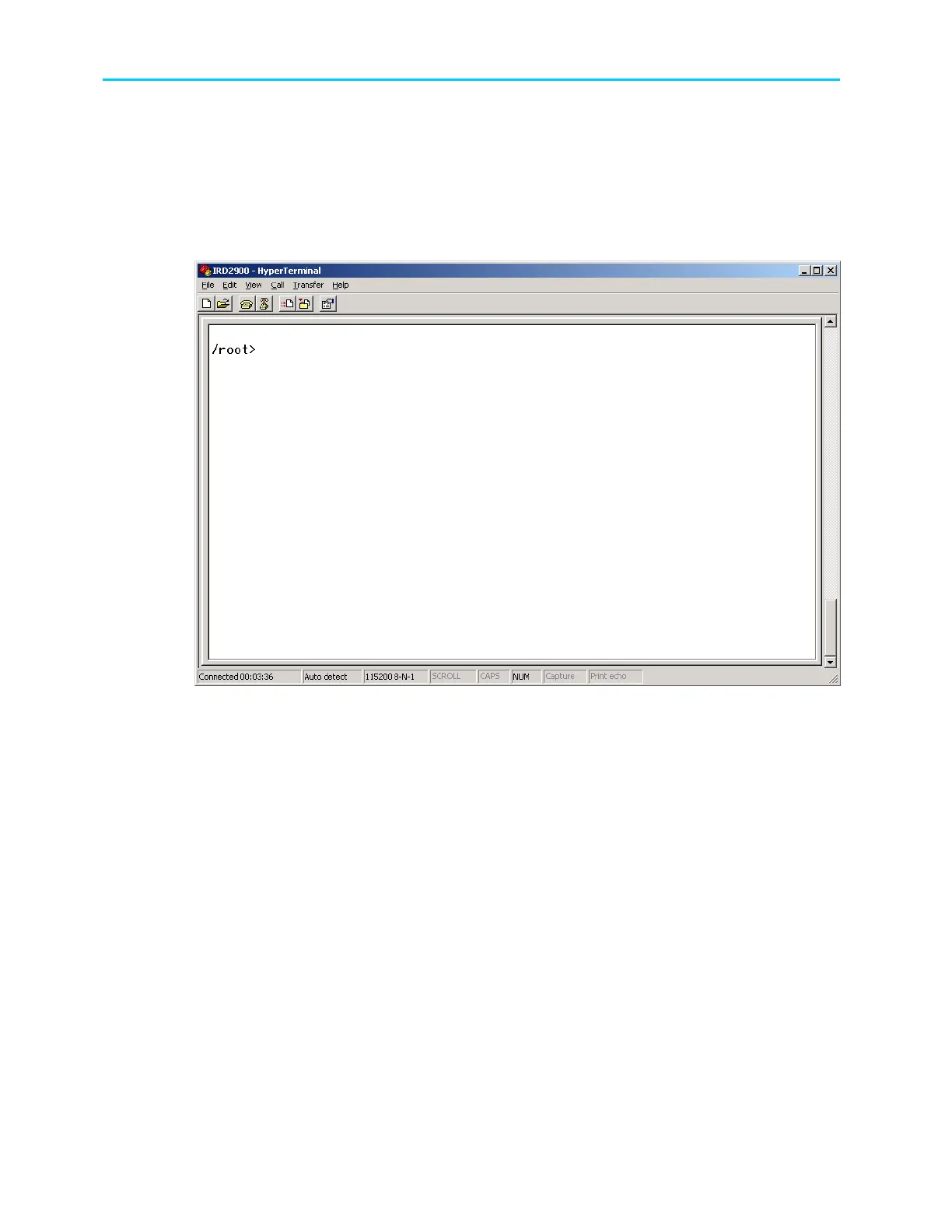
Press [Enter]. If the word “Root” appears on the terminal window, the user is connected with the
IRD. /root> indicates the main path to the ProView 2900.
The user can also type “help” to see the ProView 2900 help commands.
Figure A-11: HyperTerminal Window
The user can check the current ProView 2900 version with command “status/unit/sw_info”
or select the Status
Unit
Versions
Main Application on the front panel.
A.2.4 Loading new Software Sequence
1. After the PC-to-ProView 2900 Communication is checked, in the Root directory
type “config/unit/upgrade_sw” and confirm by typing “yes”.



 To Next Page