Appendix A: Software Download
© Harmonic Inc. Manual p/n 101543/Ver 1.0 A-9 ProView 2900 Series/SW Version 1.94
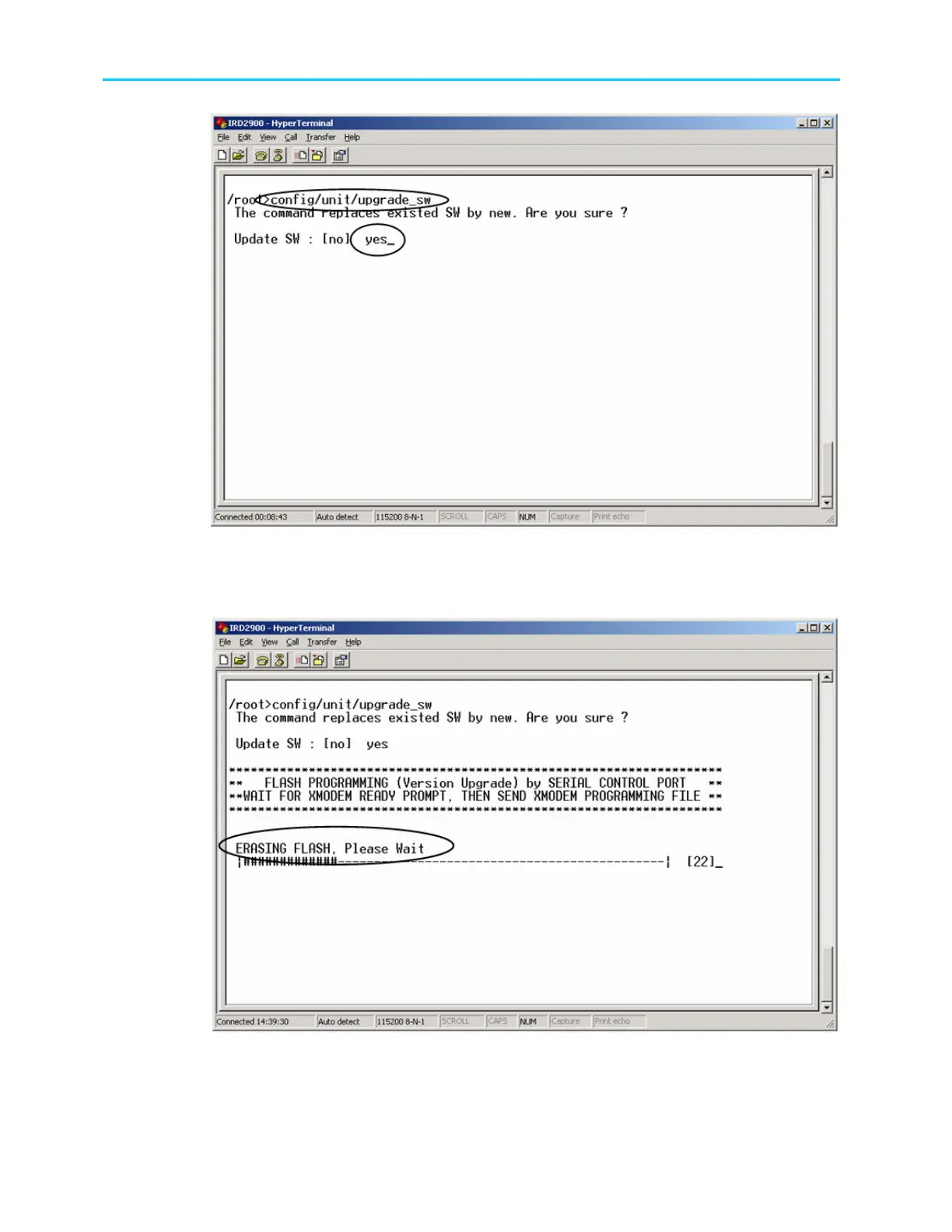
Figure A-12: Update Software Version Command
The ProView 2900 erases the previous software version when updating. This
process can take approximately 30 seconds (see the following example).
Figure A-13: Erasing Flash Process
After the previous software is erased, message “Ready For Receive” is
displayed.



 To Next Page