Appendix A: Software Download
© Harmonic Inc. Manual p/n 101543/Ver 1.0 A-11 ProView 2900 Series/SW Version 1.94
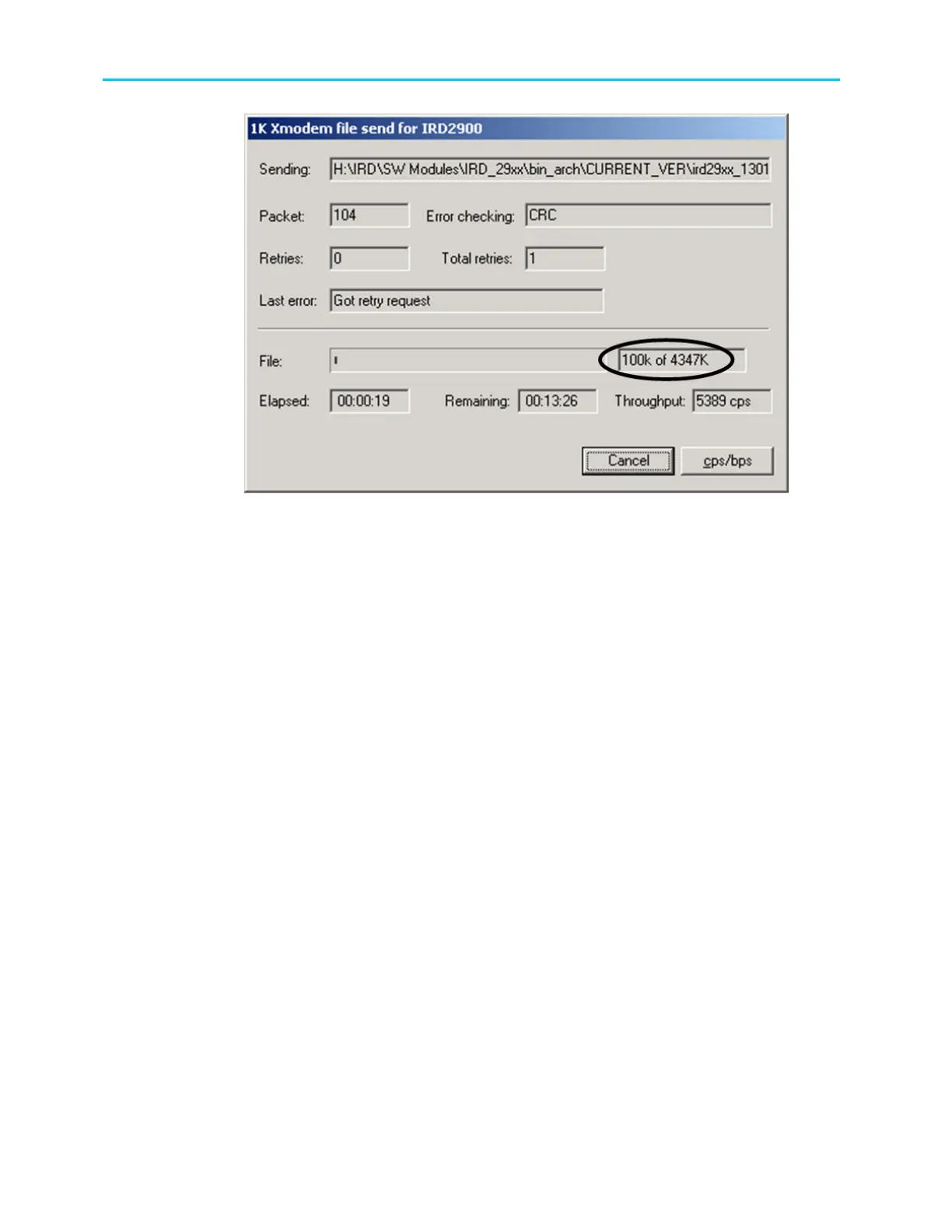
Figure A-16: Sending Status Dialog Box
When the process is complete, a confirmation is displayed, indicating that the file was loaded.
Then the ProView 2900 performs reboot.
6. Wait until the ProView 2900 is finished rebooting the new software.
7. On the front panel, verify that the new version is installed.
A.2.5 Loading Software Version through ProView 2900 BOOT Application
When the ProView 2900 is shut down during software download, the ProView 2900 start up
sequence is set with the boot application. Perform the following:
1. Stop the previous Hyper Terminal sending process and restart standard
communication with the ProView 2900.
2. When the ProView 2900 starts the BOOT application, the following hyperterminal
window is displayed.



 To Next Page