Operation - Service Tools
Fusion4 MSC-L Part No.: 4418309_Rev09
5 - 10 Installation & Operation Manual
Honeywell
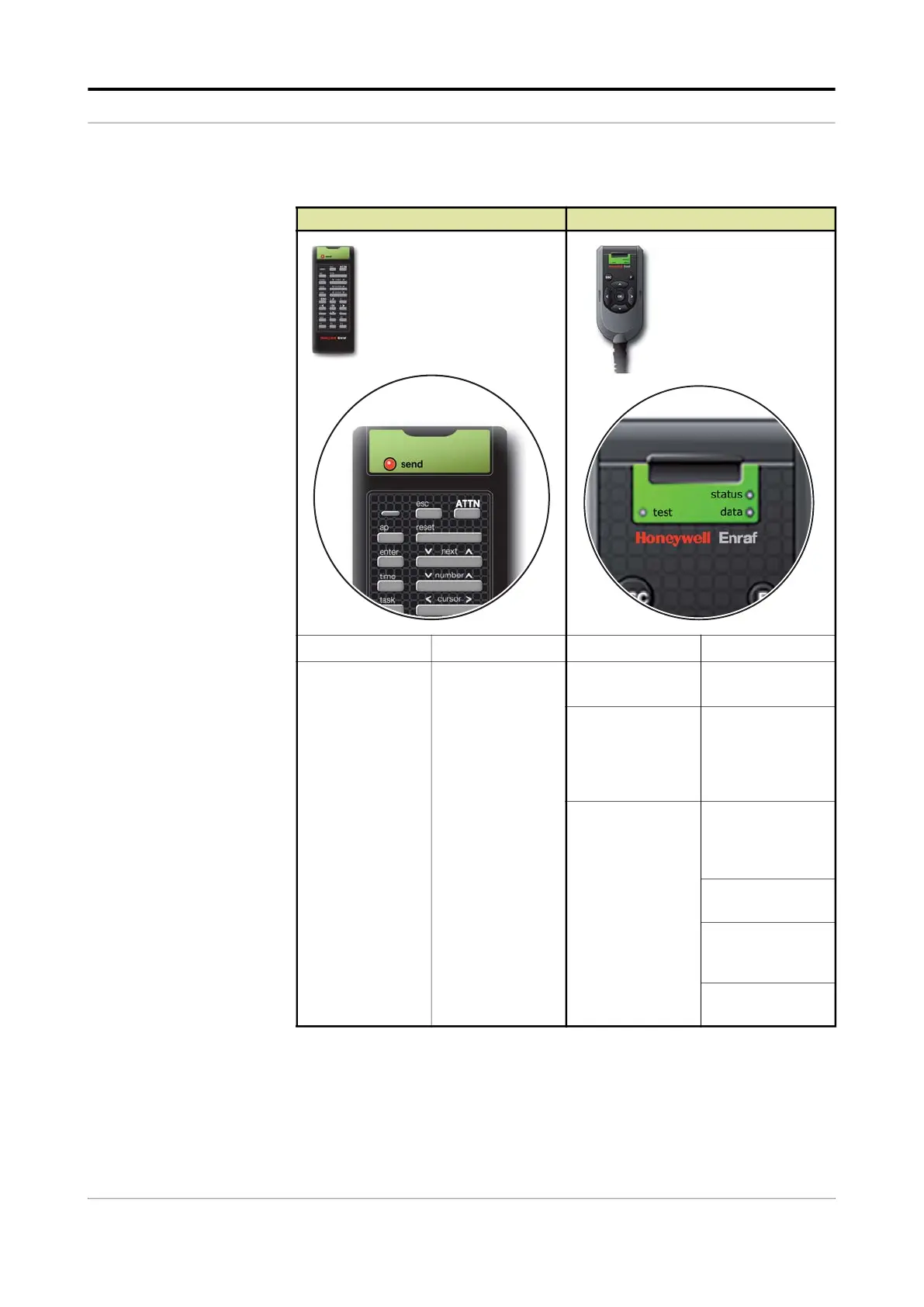
5.3.4.2 LEDs (Fusion4 IR Controller + Fusion4 LAD)
Fusion4 IR Controller Fusion4 LAD
Button Description Button Description
send blinking Fusion4 IR
controller is ready
for operation.
NOTE: When the
LED is OFF, select
the ATTN key on
the LAD to “wake
up” the Fusion4 IR
controller.
status (dual-color) • green = OK
• red = Fault
data (amber) ON = data transfer
Note: Do NOT
disconnect during
data transfer.
test (dual-color) • green = mapped
I/O function has
good health and
is active.
• red = mapped
I/O is inactive.
• red (blinking) =
mapped I/O has
bad health.
• off = no I/O
mapping exists.



 To Next Page
 Loading...



