Operation - Stream Configuration
Fusion4 MSC-L Part No.: 4418309_Rev09
5 - 174 Installation & Operation Manual
Honeywell
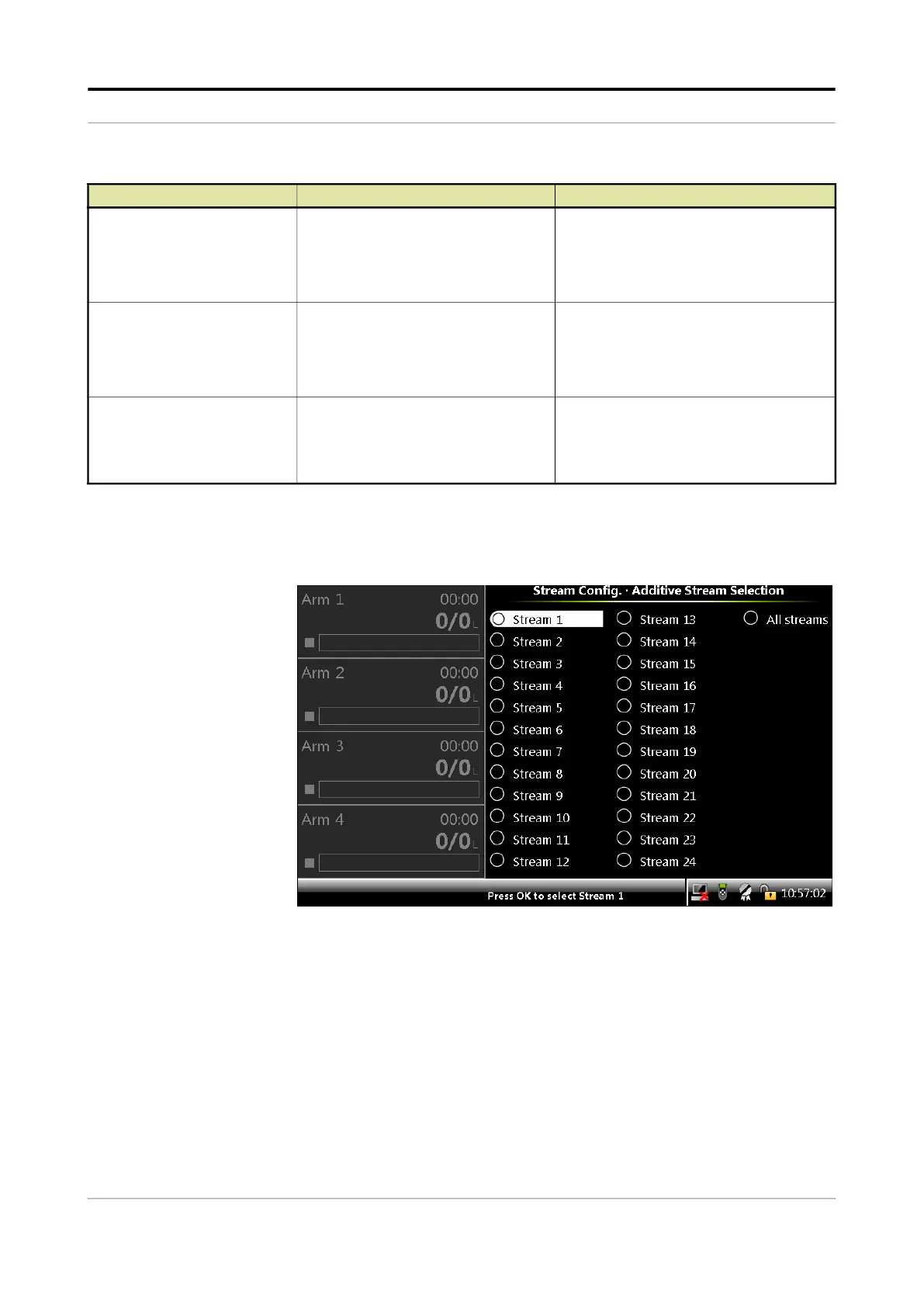
5.14.2 Stream Configuration . Additive streams
1. On the Stream Configuration screen, select Additive streams.
The Stream Config . Additive Stream Selection screen appears.
[High density]
With this entity you can configure the
[High density] alarm behavior in case
this particular alarm occurs.
<Disabled>
<Display>
<Display shutdown>
<Display pause>
(default)
[Meter exceeded max flow]
With this entity you can configure the
[Flow rate exceed meter limit] alarm
behavior in case this particular alarm
occurs.
<Disabled>
<Display>
<Display shutdown>
<Display pause>
(default)
[Factored pulse out]
With this entity you can configure the
[Factored pulse out] alarm behavior in
case this particular alarm occurs.
<Disabled>
<Displayed>
<Display shutdown>
(default)
<Display pause>
Entity Description Value range



 To Next Page
 Loading...



