Operation - Diagnostics
Fusion4 MSC-L Part No.: 4418309_Rev09
5 - 244 Installation & Operation Manual
Honeywell
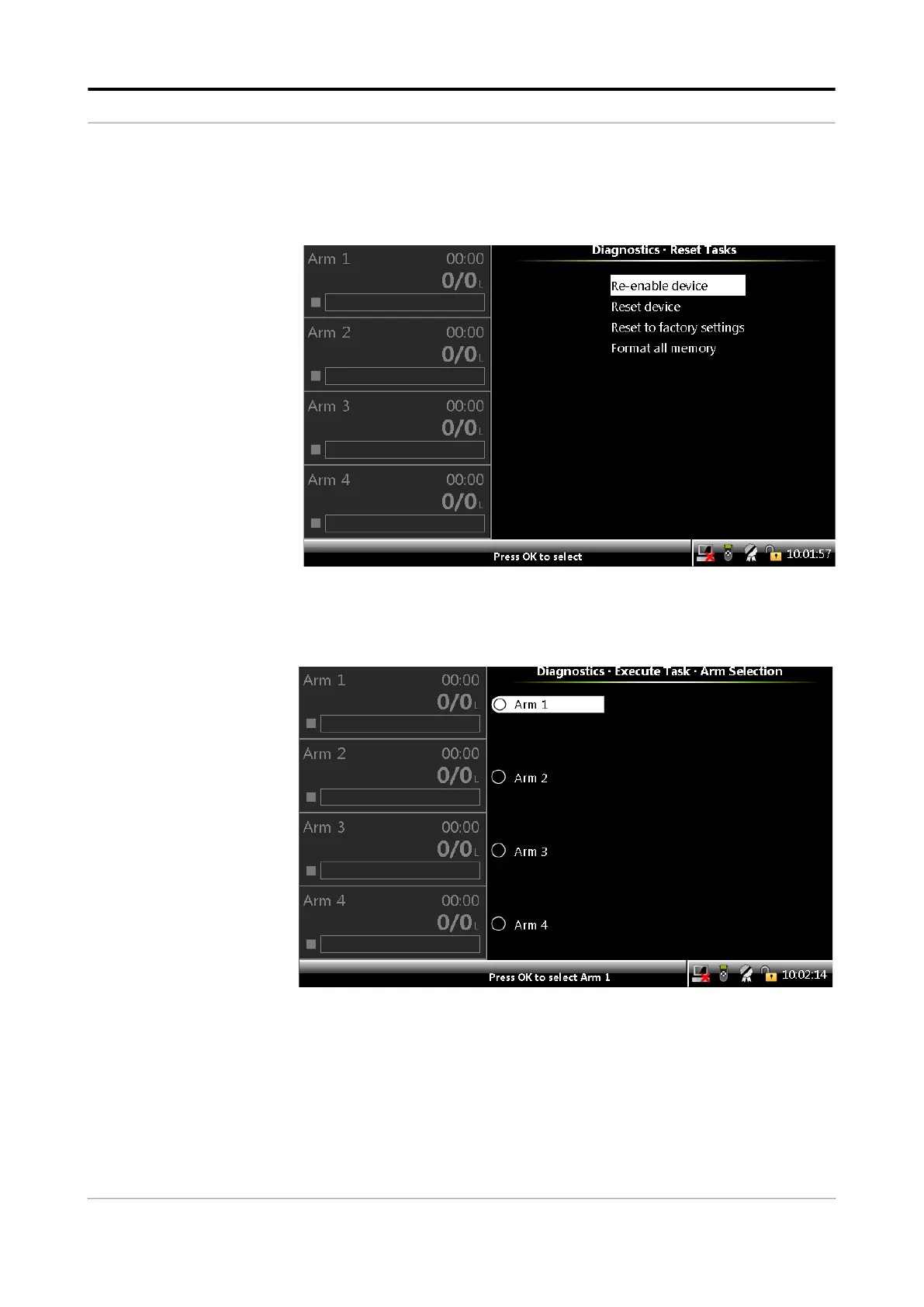
Format all memory - Allows you to reset to the default configu-
ration settings and reset to the default calibration settings. For
example, K-factors and clear/remove logs.
5.17.8.2 Execute Tasks
1. On the Diagnostics . Device Tasks screen, select <Execute tasks>.
The Diagnostics . Execute Task. Arm Selection screen appears.
2. Select <OK> on the IR controller or LAD to select any one of the
stream or all the streams.
The Diagnostics . Arm n . Execute Tasks screen appears, which
simulates the following actions by Comms.
Select recipe
Start batch



 To Next Page
 Loading...



