Operation - Stream Configuration
Fusion4 MSC-L Part No.: 4418309_Rev09
5 - 186 Installation & Operation Manual
Honeywell
5.14.3 Stream Configuration - External Additive streams
To perform the external additive stream configuration
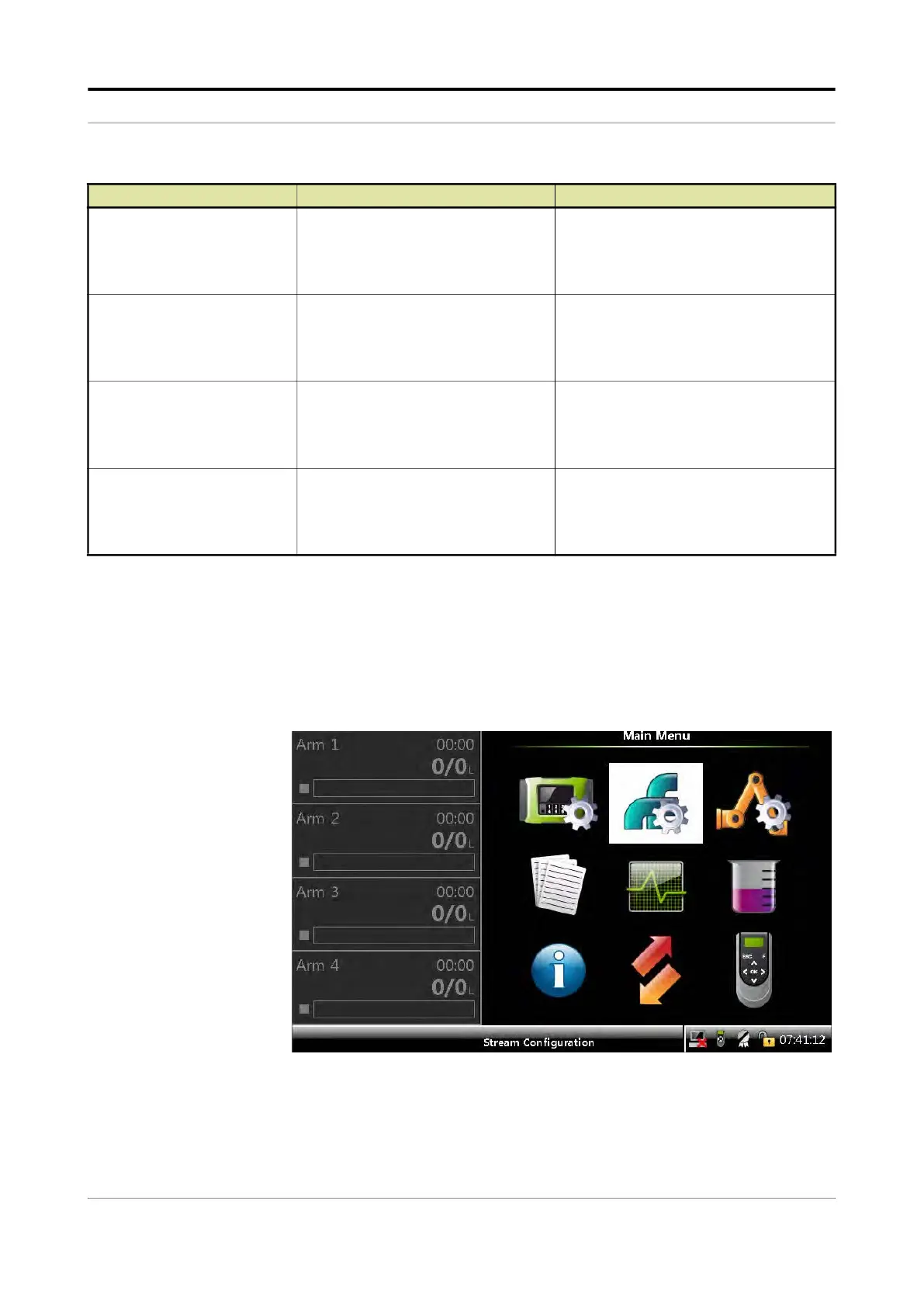
1. On the Main Menu screen, select the Stream Configuration icon.
The Stream Configuration screen appears, which displays the
functions available for stream configuration.
[Tank low level]
With this entity you can configure the
[Tank low level] alarm in case this
particular alarm occurs.
<Disabled>
<Display>
(default)
<Display shutdown>
<Display pause>
[Tank empty]
With this entity you can configure the
[Tank empty] alarm in case this
particular alarm occurs.
<Disabled>
<Display>
<Display shutdown>
(default)
<Display pause>
[Additive MMQ not met]
With this entity you can configure the
[Additive MMQ not met] alarm in case
this particular alarm occurs.
<Disabled>
<Display>
<Display shutdown>
(default)
<Display pause>
[Additive flowrate too low]
With this entity you can configure the
[Additive flowrate too low] alarm in
case this particular alarm occurs.
<Disabled>
<Display>
<Display shutdown>
(default)
<Display pause>
Entity Description Value range



 To Next Page
 Loading...



