Operation - Stream Configuration
Fusion4 MSC-L Part No.: 4418309_Rev09
5 - 190 Installation & Operation Manual
Honeywell
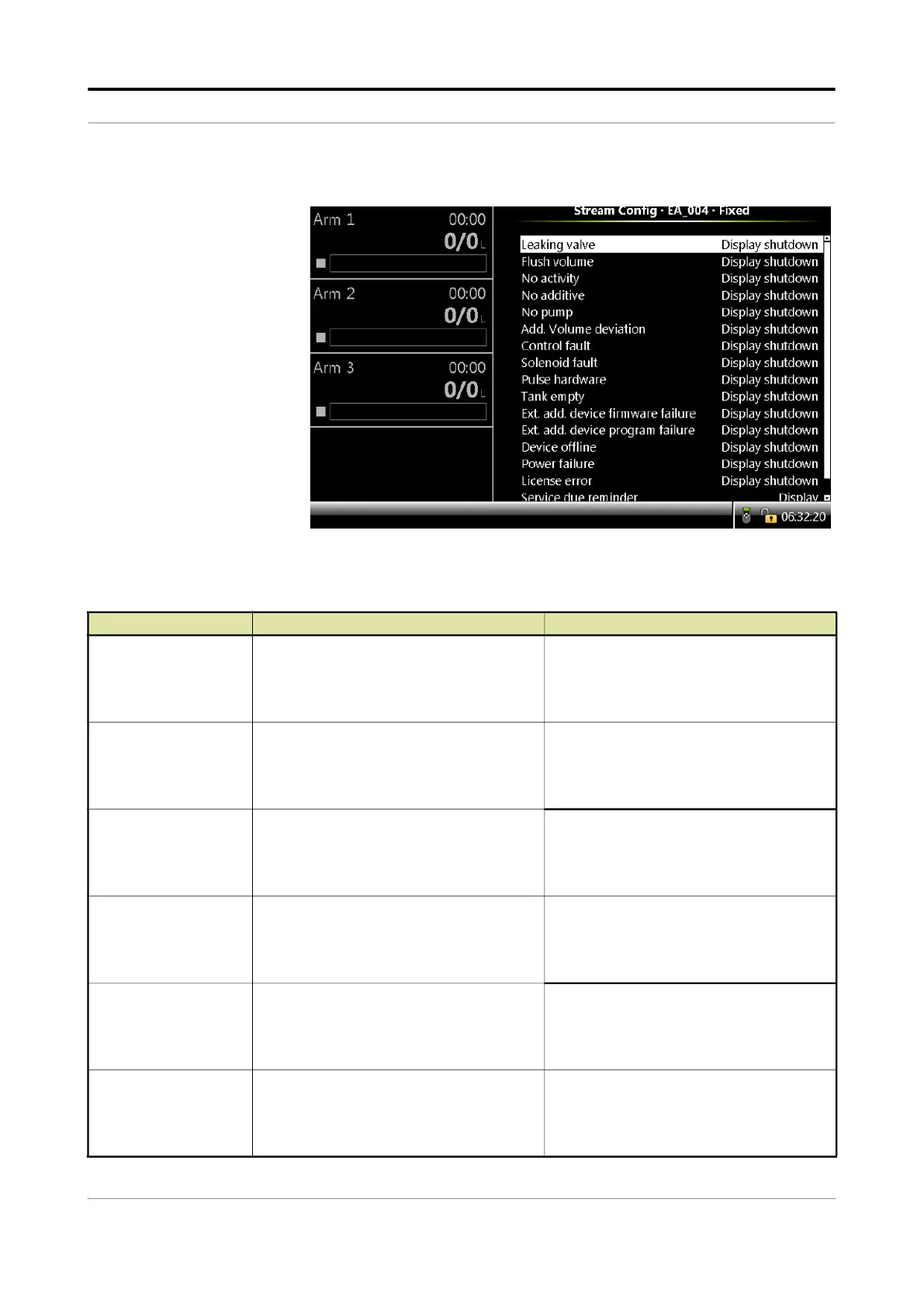
The fixed alarms can be configured as “Display Pause” or “Display
Shutdown” as per requirement.
Entity Description Value range
[Leaking Valve]
With this entity you can configure the alarm
behavior, in case this particular alarm
occurs.
<Disabled>
<Display>
<Display shutdown>
(default)
<Display pause>
[Flush Volume]
With this entity you can configure the alarm
behavior, in case this particular alarm
occurs.
<Disabled>
<Display>
<Display shutdown>
(default)
<Display pause>
[No Activity ]
With this entity you can configure the alarm
behavior, in case this particular alarm
occurs.
<Disabled>
<Display>
<Display shutdown>
(default)
<Display pause>
[No Additive]
With this entity you can configure the alarm
behavior, in case this particular alarm
occurs.
<Disabled>
<Display>
<Display shutdown>
(default)
<Display pause>
[No Pump]
With this entity you can configure the alarm
behavior, in case this particular alarm
occurs.
<Disabled>
<Display>
<Display shutdown>
(default)
<Display pause>
[Add Volume Deviation]
With this entity you can configure the alarm
behavior, in case this particular alarm
occurs.
<Disabled>
<Display>
<Display shutdown>
(default)
<Display pause>



 To Next Page
 Loading...



