FlexLine plus, Programs
117
Measure traverse -
Sight Backsight!
Next step
Depending on the traverse method configured, after the measurement either the
Sight Backsight! screen stays active for measuring the backsight point in a second
face, or the Sight Foresight! screen appears for measuring the foresight point.
Measure traverse -
Sight Foresight!
Next step
Depending on the traverse method configured, after the measurement either the
Sight Foresight! screen stays active for measuring the foresight point in a second
face, or the Sight Backsight! screen appears for measuring the backsight point.
Interrupt a set To interrupt a set, press ESC to exit the backsight or foresight screen. The Continue
with… screen will appear.
Continue with…
Repetitive loop for
the number of sets
Alternating between screens for the backsight and foresight measurements continues
according to the configured number of sets.
The number of sets and the face are indicated in the top right corner of the screen.
For example 1/I means set 1 in face I.
Field Description
BS ID Point ID of the backsight point.
Remark Description of the backsight point.
Stat.ID Name of the station.
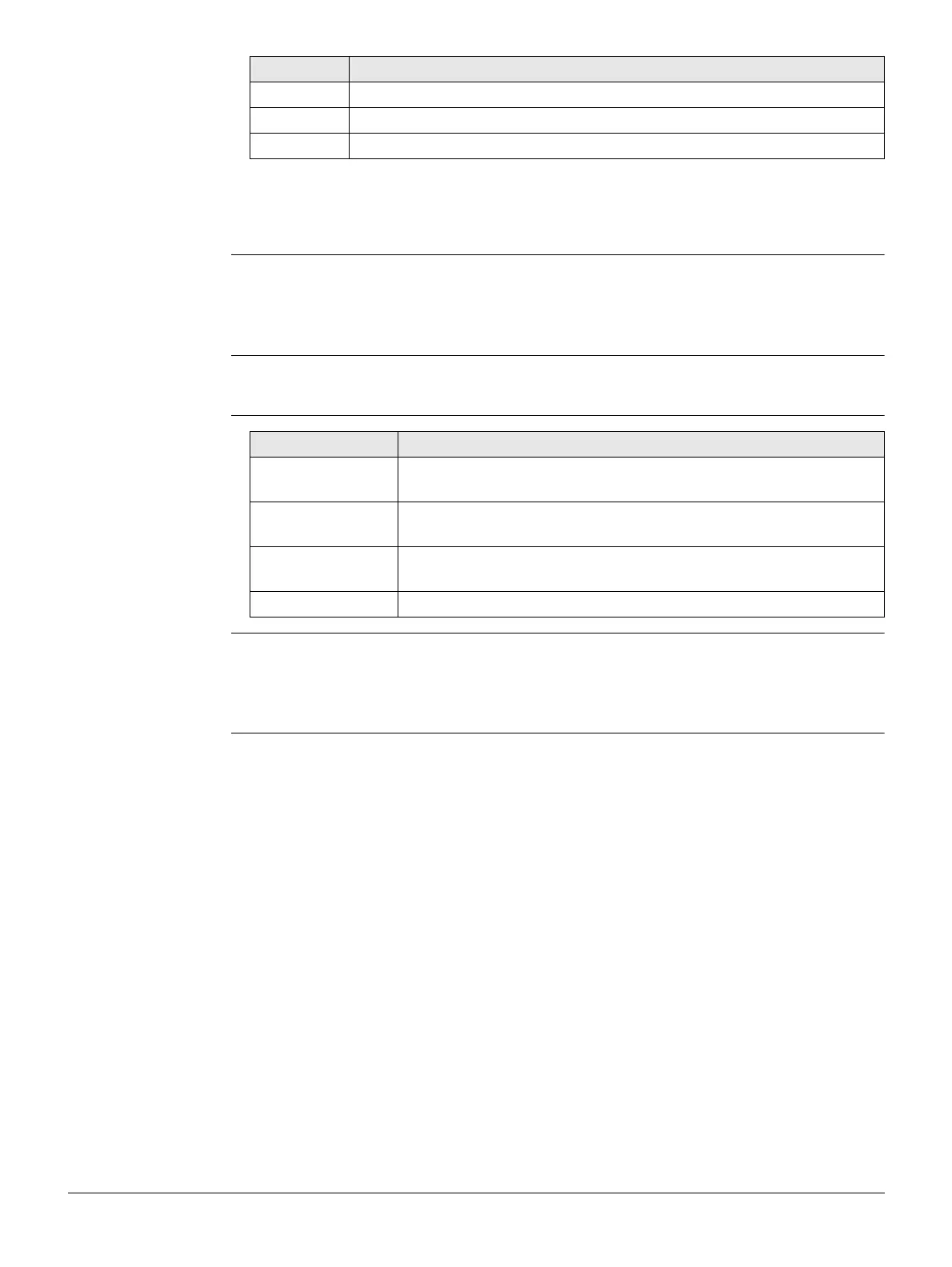
Field Description
F1 Redo last
measurement
Returns to last measured point, can be either a backsight or a
foresight point. The last measurement is not stored.
F2 Redo whole
station
Returns to first sight point screen. The data from the last station
is not stored.
F3 Exit Traverse Returns to the Programs Menu. The traverse stays active and
can be continued later. The data from the last station is lost.
F4 Back Returns to the previous screen where ESC was pressed.



 To Next Page