FlexLine plus, Programs
96
7.11 COGO
7.11.1 Starting
Description COGO is a program used to perform coordinate geometry calculations such as, coor-
dinates of points, bearings between points and distances between points. The COGO
calculation methods are:
Access
Graphics In the Results screen, press Stake to access the Stakeout graphic.
Or, in the Results screen, change to the second page for a simple graphic. Refer to
"3.7 Graphic Symbols" for a description of the graphic symbols.
7.11.2 Inverse and Traverse
Access Select Inverse or Traverse from the COGO Main Menu.
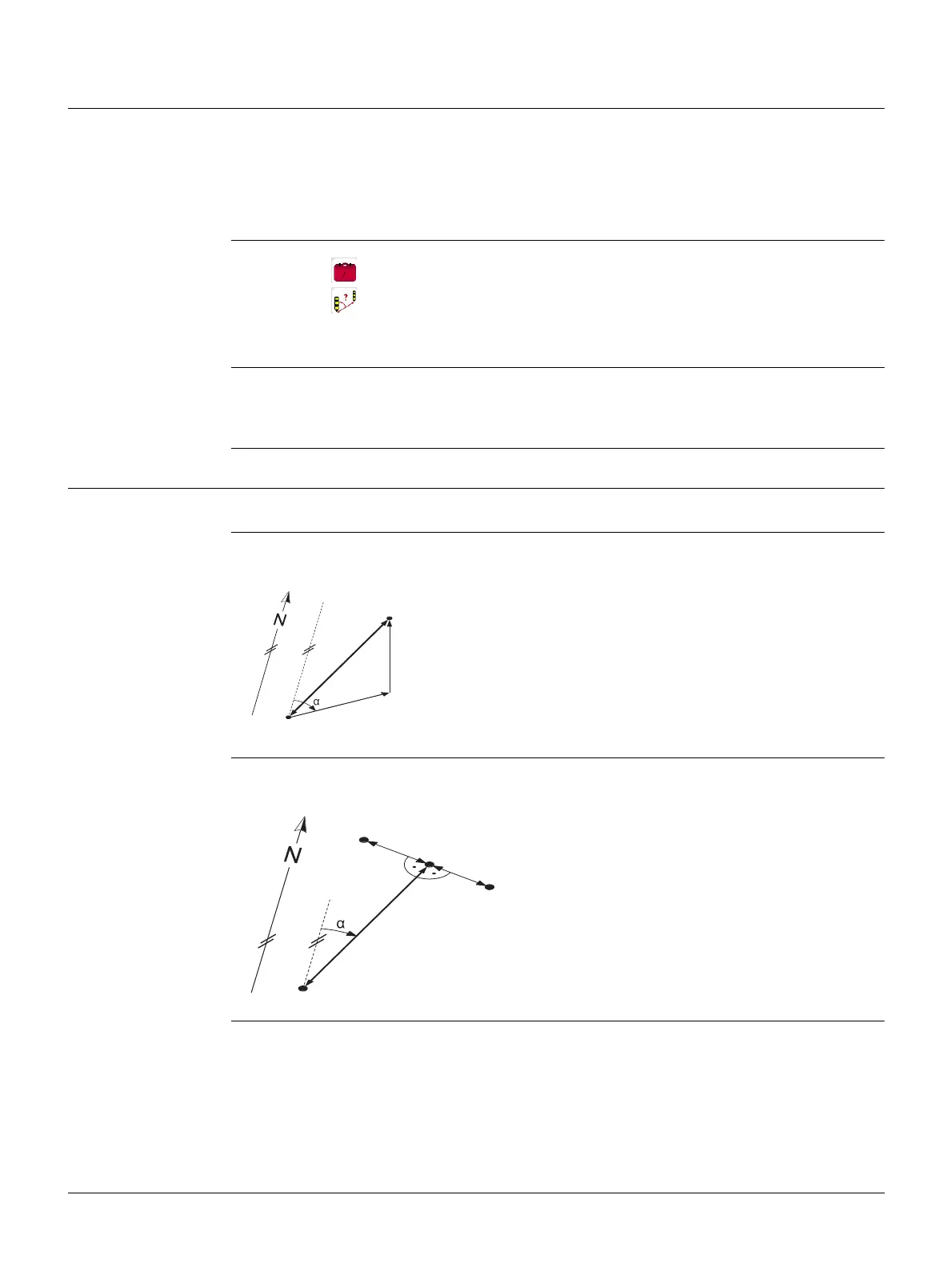
Inverse Use the Inverse subprogram to calculate the distance, direction, height difference and
grade between two known points.
Traverse Use the Traverse subprogram to calculate the position of a new point using the
bearing and the distance from a known point. Offset optional.
• Inverse and Traverse • Offset
• Intersections • Extension
1. Select Programs from the Main Menu.
2. Select COGO from the Programs Menu.
3. Complete program pre-settings. Refer to "6 Programs - Getting Started".
4. Select a COGO subprogram from the COGO Main Menu.
Known
P1 First known point
P2 Second known point
Unknown
Direction from P1 to P2
d1 Slope distance between P1 and P2
d2 Horizontal distance between P1 and P2
d3 Height difference between P1 and P2
TSOX_ 098
d1
d3
d2
P1
P2
Known
P1 Known point
Direction from P1 to P2
d1 Distance between P1 and P2
d2 Positive offset to the right
d3 Negative offset to the left
Unknown
P2 COGO point without offset
P3 COGO point with positive offset
P4 COGO point with negative offset
TSOX_099
d1
d2
d3
P1
P3
P2
P4



 To Next Page