FlexLine plus, Imaging & Sketching
137
11 Imaging & Sketching
11.1 Screenshot
Description • Screenshots can be taken from the display as additional information in support
cases.
• The images can be linked to the station or to points stored in the job.
Requirements • An instrument with C&T must be used.
•In Work Settings, IconBar page, Screenshot must be selected for one icon posi-
tion. Refer to "5.1 Work Settings".
Access Press a user key configured with the option Screenshot.
OR
Click .
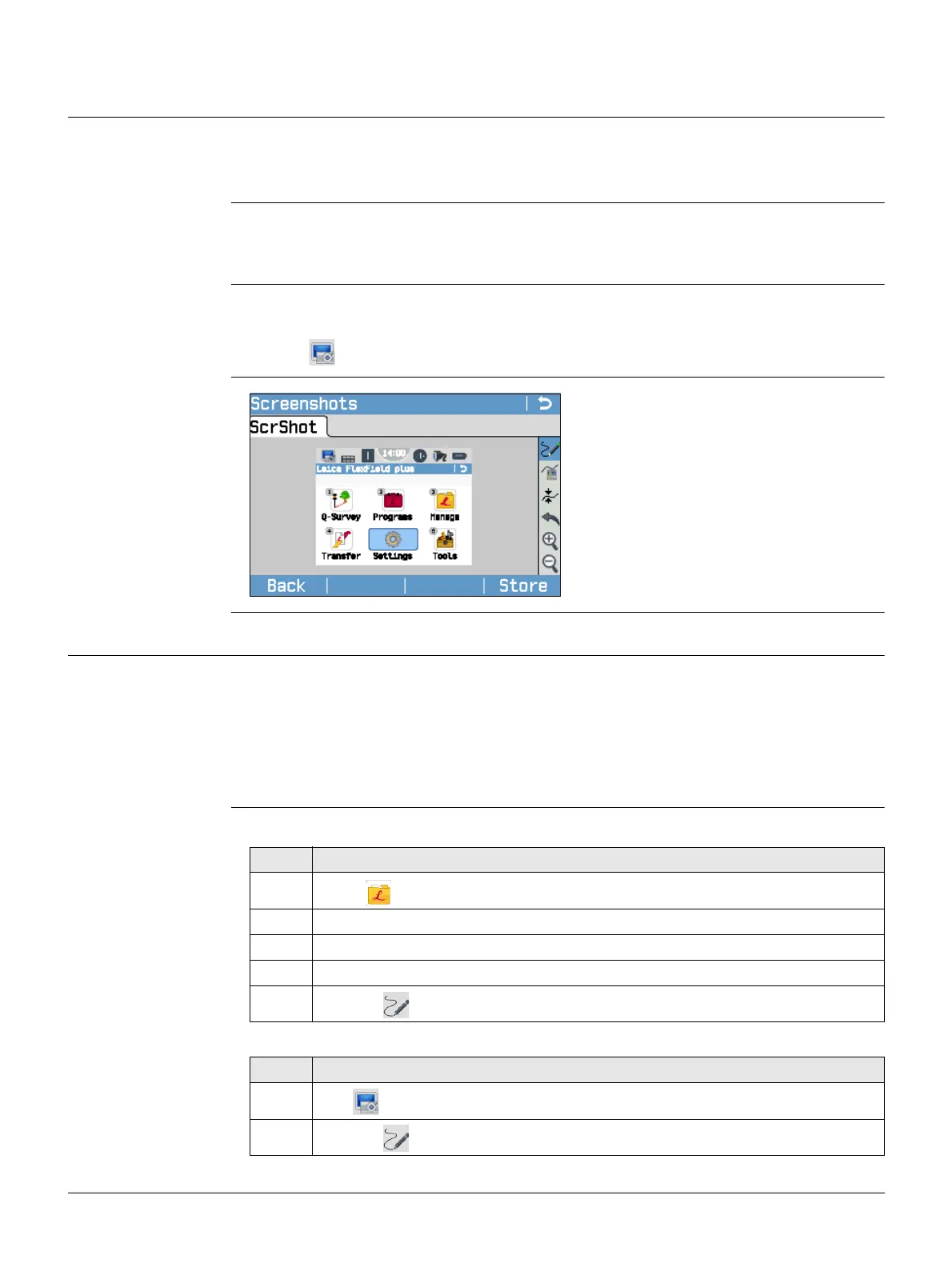
Screenshots
11.2 Sketching
Description Available for instruments with C&T.
A sketch can be overlaid on an image taken from any screen.
The image with the sketch is stored by pressing Store. The sketch is stored together
with the image in bmp format. File naming: Img_ddmmyy_hhmmss.bmp
Access step-by-step In data management (the screenshot is already stored and possibly linked)
When taking a new screenshot
Back
To return to the last active screen.
Store
To store the screenshot with or
without sketch. Decide if the screen-
shot is stored with the station, the last
stored point, a selected point or
without link.
Step Description
1. Select Manage from the Main Menu.
2. Select ScrShots.
3. Select a job.
4. Press Cont.
5.
Click the icon in the toolbar.
Step Description
1.
Click .
2.
Click the icon in the toolbar.



 To Next Page