FlexLine plus, User Interface
31
3.5 Operating Principles
Turn instrument
on/off
• To turn the instrument on or off, use the On/Off key on the side cover of the
instrument.
• Alternatively, the instrument can be turned off by pressing the / key for three
seconds.
Selection of
language
After switching on the instrument the user is able to choose their preferred language.
The language choice screen is only shown if multiple languages are loaded onto the
instrument and Lang.Choice: On is set in the instrument settings. Refer to "5.2
Regional Settings".
Alphanumeric
keypad
The alphanumerical keypad is used to enter characters directly into editable fields.
• Numeric fields: Can only contain numerical values. By pressing a key of the keypad
the number will be displayed.
• Alphanumeric fields: Can contain numbers and letters. By pressing a key of the
keypad the first character written above that key will be displayed. By pressing
several times you can toggle through the characters.
For example: 1->S->T->U->1->S....
Standard keyboard To enter characters using a standard keypad, select Input and the softkeys will change
to represent the alphanumerical characters available in edit mode. Select the appro-
priate softkey for entry of the character.
Edit fields
In edit mode the position of the decimal place cannot be changed. The decimal place
is skipped.
Special characters
ESC Deletes any change and restores the previous value.
B&W C&T
Moves the cursor to the left
Moves the cursor to the right.
Inserts a character at the cursor position.
Deletes the character at the cursor position.
OK
OK
OK
Character Description
* Used as wildcards in search fields for point numbers or codes. Refer to
"3.6 Pointsearch".
+/- In the alphanumeric character set "+" and "-" are treated as normal
alphanumeric characters with no mathematical function.
"+" / "-" only appear in front of an entry.
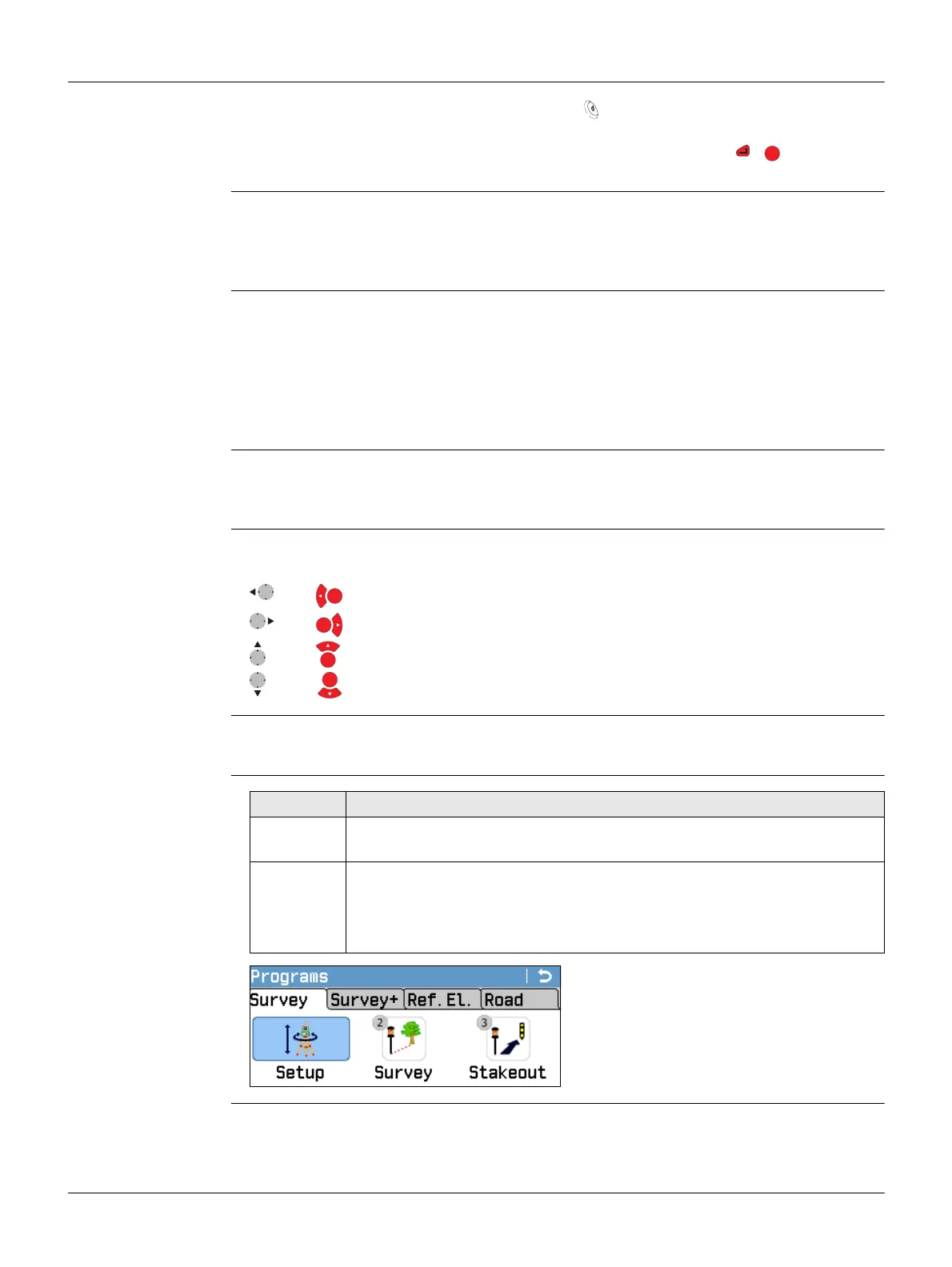
In this example selecting 2 on an alphanu-
meric keyboard would start the Survey
program.



 To Next Page