FlexLine plus, Programs
100
7.12 Road 2D
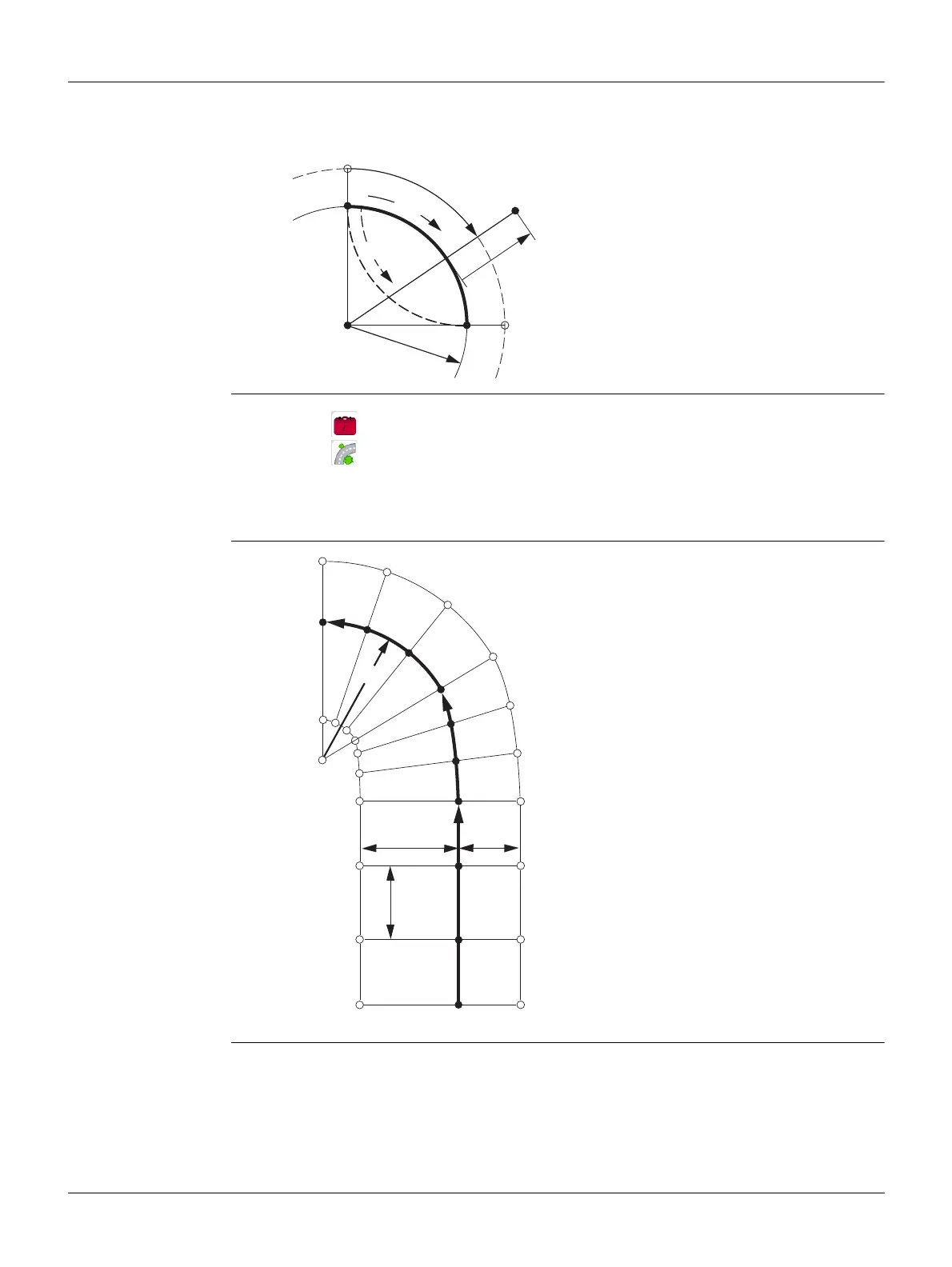
Description Road 2D is a program used to measure or stake out points relative to a defined
element. The element can be a line, curve or spiral. Chainage, incremental stake outs
and offsets (left and right) are supported.
Access
Elements
P0 Center point
P1 Start point of arc
P2 End point of arc
P3 Point to stake
a Anti-clockwise
bClockwise
c+ Distance from start of arc, following
curve
d- Perpendicular offset from arc
r Radius of arc
1. Select Programs from the Main Menu.
2.
Select Road 2D from the Programs Menu.
3. Complete program pre-settings. Refer to "6 Programs - Getting Started".
4. Select the element type:
• Straight • Curve • Spiral
AStraight
BSpiral
CCurve
RRadius
a Perpendicular offset left
b Perpendicular offset right
c Increment
dChainage
TSOX_119
A
B
C
a
c
b
R
d = 112.000
d = 122.000
d = 132.000
d = 155.000
d = 102.000



 To Next Page