FlexLine plus, Favourites
126
8.3 Hidden Point
Description This favourite is used for measurements to a point that is not directly visible, using a
special hidden point rod.
Access
Hidden Point - Rod
Settings
Next step
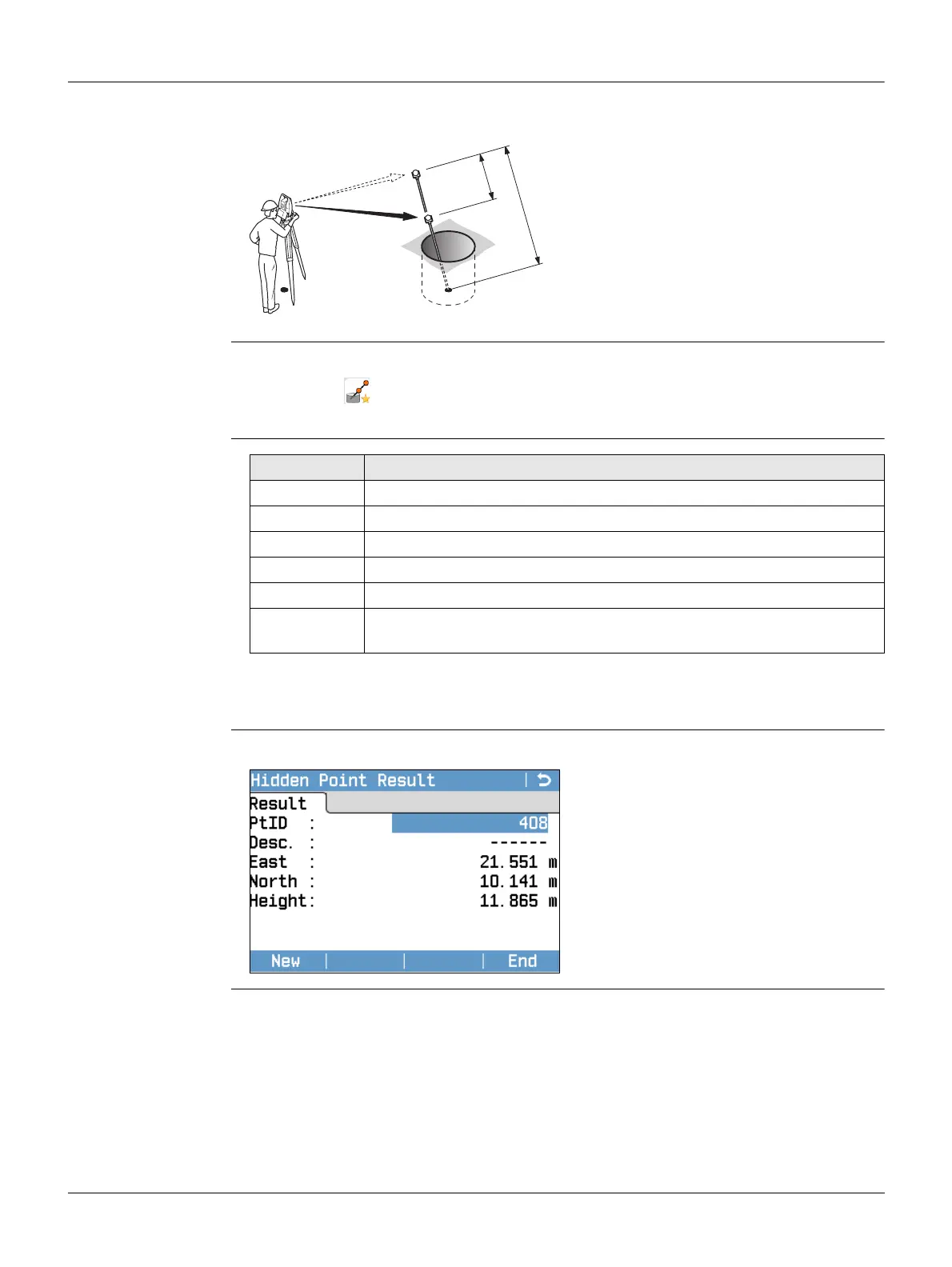
In the Hidden Point screen, measure to the first and second prisms using Meas and
the Hidden Point Result screen is displayed.
Hidden Point Result Displays Easting, Northing and Height coordinates of the hidden point.
P0 Instrument station
P1 Hidden point
1-2 Prisms 1 and 2
d1 Distance between prism 1 and the
hidden point
d2 Distance between prism 1 and 2
TSOX_096
P1
P0
d1
d2
1
2
1. Press the FNC/Favourites key when within any program.
2. Select Hidden Pt from the Favourites Menu.
3. If neccesary, press Rod/EDM to define the rod or EDM settings.
Field Description
EDM Mode Changes the EDM Mode.
Prism Type Changes the prism type.
PrismConst. Displays the prism constant.
Rod Length Total length of hidden point rod.
Dist. R1-R2 Spacing between the centres of the prisms R1 and R2.
Meas. Tol. Limit for the difference between the given and measured spacing of
the prisms. If the tolerance value is exceeded, a warning is issued.
New
To return to the Hidden Point screen.
End
To record results and return to
program where the FNC/Favourites
key was selected.



 To Next Page