FlexLine plus, Programs
79
7.6 Reference Arc
7.6.1 Overview
Description The Reference Arc program allows the user to define a reference arc and then
complete the following tasks with respect to the arc:
• Line & offset
• Stakeout (Point, Arc, Chord, Angle)
Access
Next step Define the reference arc.
7.6.2 Defining the Reference Arc
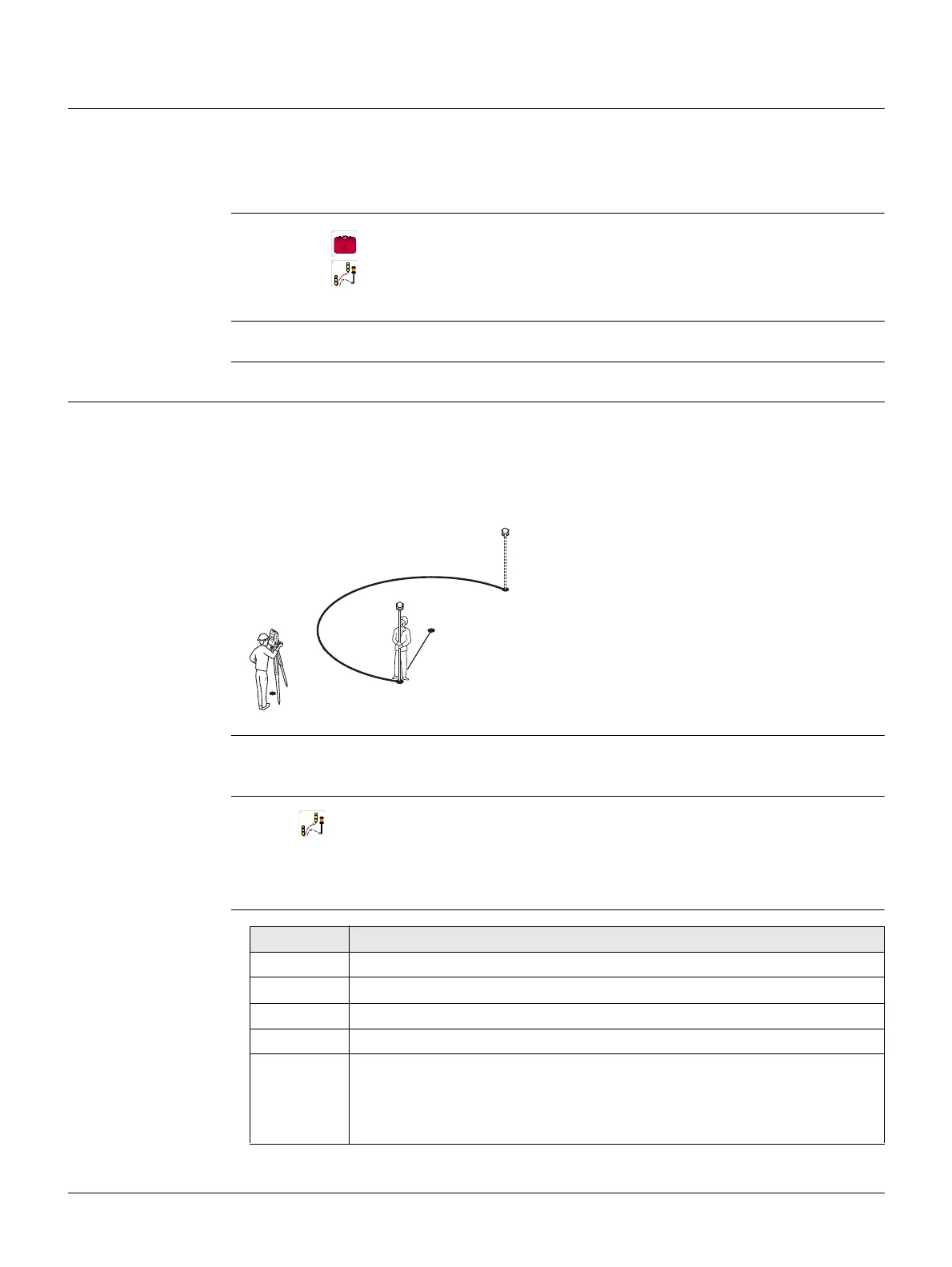
Description The reference arc can be defined by;
• a center point and start point,
• a start point, end point, and radius, or
• by three points.
All points can be either measured, manually entered, or selected from the memory.
All arcs are defined in a clockwise direction and all calculations are made in two dimen-
sions.
Access Select Ref.Arc and then the method to define the arc by:
• Centre & Start
• Start,End&Radius
• 3 Points
Reference Arc -
Measure to start
point
1. Select Programs from the Main Menu.
2. Select Ref.Arc from the Programs Menu.
3. Complete program pre-settings. Refer to "6 Programs - Getting Started".
Reference arc
P0 Instrument station
P1 Start point
P2 End point
P3 Center point
r Radius of arc
TSOX_089
r
P1
P0
P3
P2
Field Description
Start Pt Point ID of the start point.
Centre Pt Point ID of the center point.
Mid Pt Point ID of the mid point.
End Pt Point ID of the end point.
Radius Radius of the arc.
A positive value, for example 100 m, is for a clockwise direction of the
reference arc. A negative value, for example -100 m, is for an anticlock-
wise direction of the reference arc.



 To Next Page