FlexLine plus, Programs
69
7.5 Reference Line
7.5.1 Overview
Description Reference Line is a program that facilitates the easy stake out or checking of lines, for
example, for buildings, sections of road, or simple excavations. It allows the user to
define a reference line and then complete the following tasks with respect to that line:
Access
Next step Define the base line for the reference line.
7.5.2 Defining the Base Line
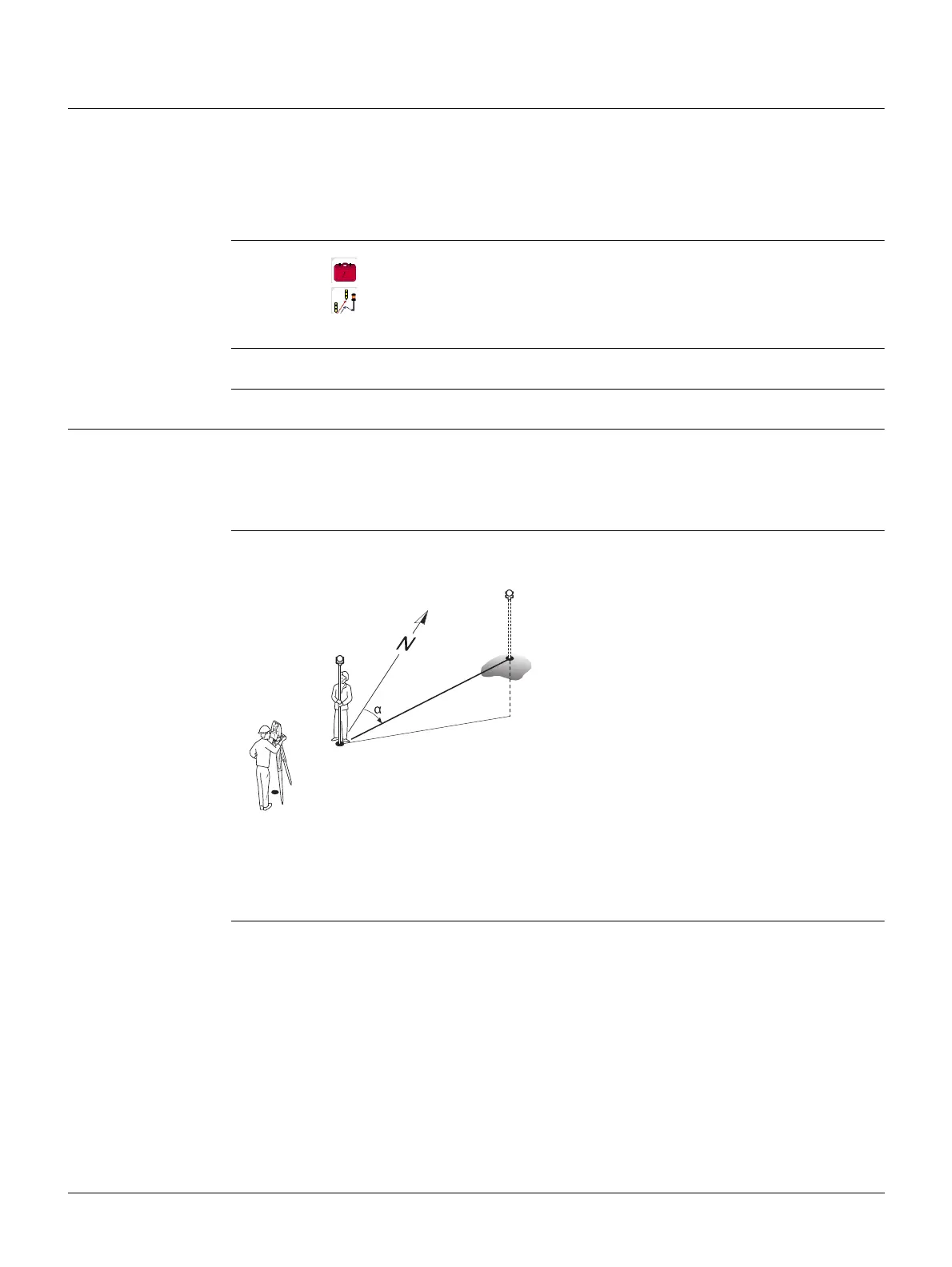
Description A reference line can be defined by referencing a known base line. The reference line
can be offset either longitudinally, in parallel or vertically to the base line, or be
rotated around the first base point as required. Furthermore the reference height can
be selected as the first point, second point or interpolated along the reference line.
Define the base line The base line is fixed by two base points. All points can be either measured, manually
entered, or selected from the memory.
Define the base line by measuring or selecting the start and end points of the line.
Next step
After defining the base line the Reference Line - Info screen will appear for defining
the reference line.
• Line & offset • Grid stake out
• Stake out points • Line segmentation stake out
1. Select Programs from the Main Menu.
2. Select Ref.Line from the Programs Menu.
3. Complete program pre-settings. Refer to "6 Programs - Getting Started".
Base line
P0 Instrument station
P1 Start point
P2 End point
d1 Known distance
d2 Difference in height
Azimuth
d1
d2
P1
P0
P2
TSOX_088



 To Next Page