FlexLine plus, Favourites
129
8.7 SketchPad
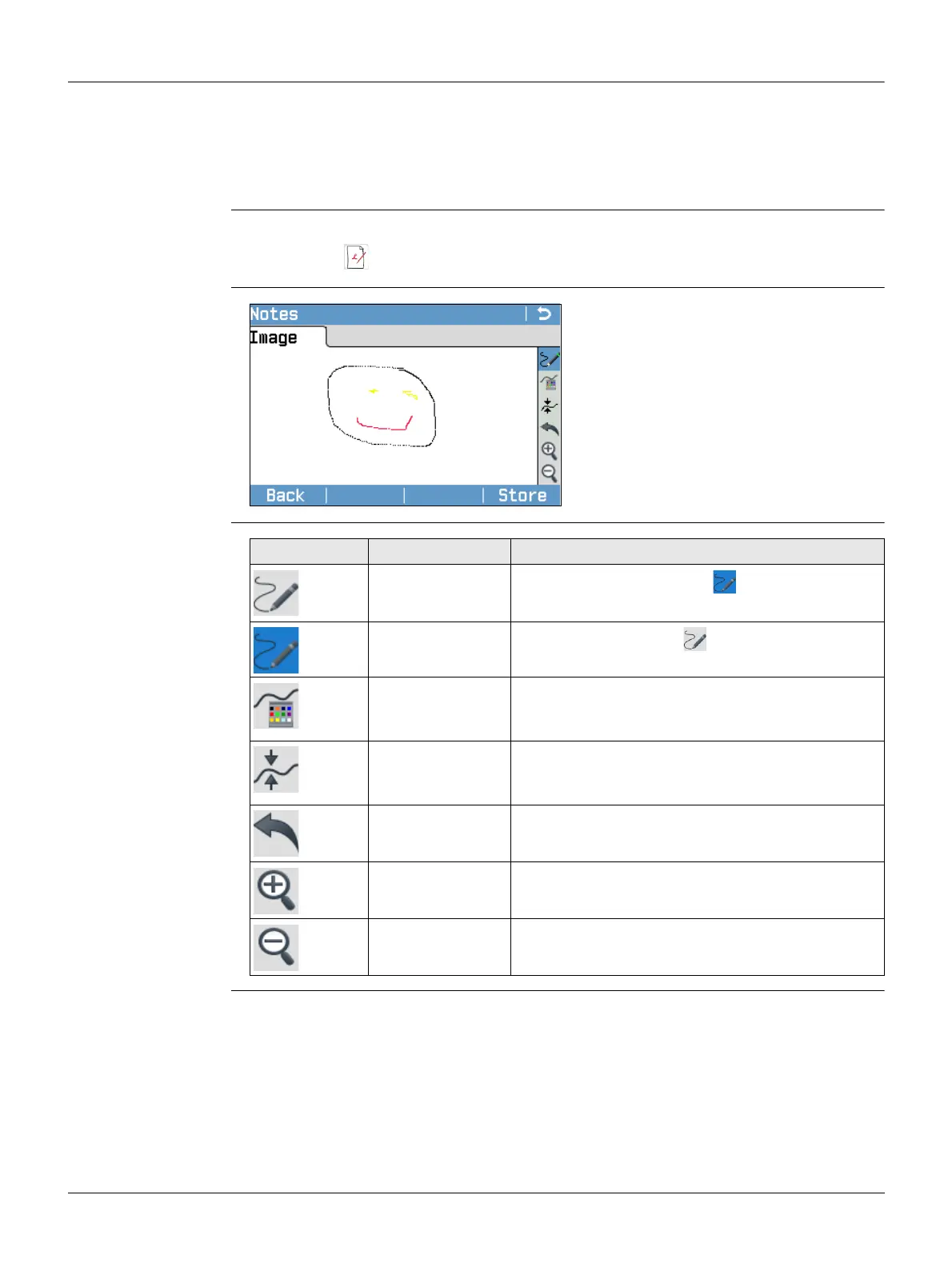
Description The field sketch functionality is used to create a sketch on virtual paper.
The sketch is stored as image in bmp format. The bmp file is stored in the
\JOBS\IMAGES folder of the internal memory. The predefined template is optimised for
A4 printout.
Access
Notes
Overview of keys,
softkeys and icons
for sketching
1. Press the FNC/Favourites key when within any program.
2. Select SketchPad from the Favourites Menu.
Back
To return to the last active screen.
Store
To store and link the field sketch.
Icon Key or Softkey Description
-
To activate sketching. The icon is displayed.
-
To quit sketching. The icon is displayed.
- To change the line colour. Tap the icon to open a
window displaying line colours for selection. The
selected line colour is remembered.
- To change the line width. Tap the icon to open a
window displaying line widths for selection. The
selected line width is remembered.
- To undo all changes since the last saving.
Zoom + To zoom into the image.
Zoom - To zoom out of the image.



 To Next Page