FlexLine plus, Settings
47
5.4 Screen & Audio Settings
Access
Screen & Audio
Settings
1. Select Settings from the Main Menu.
2.
Select Screen… from the Settings Menu.
3.
Press to scroll through the screens of available settings.
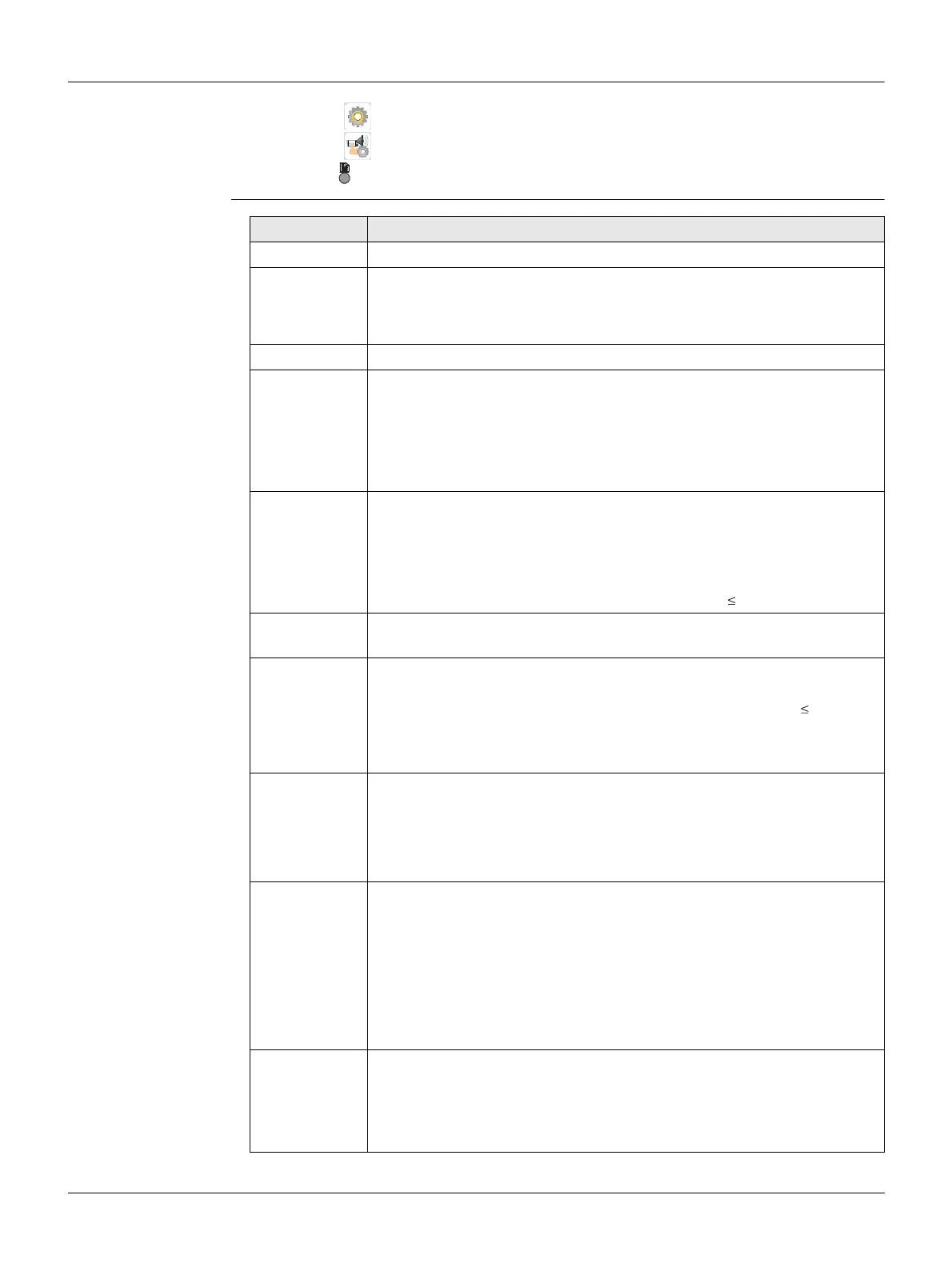
Field Description
Display Ill. Off to 100% Sets the display illumination in 20% steps.
Keyb. Ill. Available for Color&Touch display only.
On The keyboard illumination is activated.
Off The keyboard illumination is deactivated.
Reticle Ill. Off to 100% Sets the reticle illumination in 10% steps.
Touch Screen Available for Color&Touch display only.
On The touch screen is activated.
Off The touch screen is deactivated.
Press Calib. to calibrate the touch screen. Follow
the instructions on the screen
Displ.Heater Available for Black&White display only.
On The display heater is activated.
Off The display heater is deactivated.
The display heater is automatically activated when the display illumi-
nation is on and the instrument temperature is 5°C.
Contrast 0% to 100% Available for Black&White display only. Sets the
display contrast in 10% steps.
Auto-Off Enable The instrument switches off after 20 minutes
without any activity , for example no key pressed or
vertical and horizontal angle deviation is ±3".
Disable Automatic switch-off is deactivated.
Battery discharges quicker.
Screensaver after 1 min,
after 2 min,
after 5 min,
after 10 min
The screensaver is activated and starts after the
selected time.
Off The screensaver is deactivated.
Appl.Descrip. All To switch on the program description in the program
pre-settings. Refer to "Pre-settings screens".
Standard To switch off the program description in the
program pre-settings. Refer to "Pre-settings
screens".
The method descriptions for programs with
different methods, for example COGO,
cannot be switched off.
Beep The beep is an acoustic signal after each key stroke.
Normal Normal volume.
Loud Increased volume.
Off Beep is deactivated.



 To Next Page