FlexLine plus, Imaging & Sketching
138
Overview of keys,
softkeys and icons
for sketching
11.3 Image Management
Access
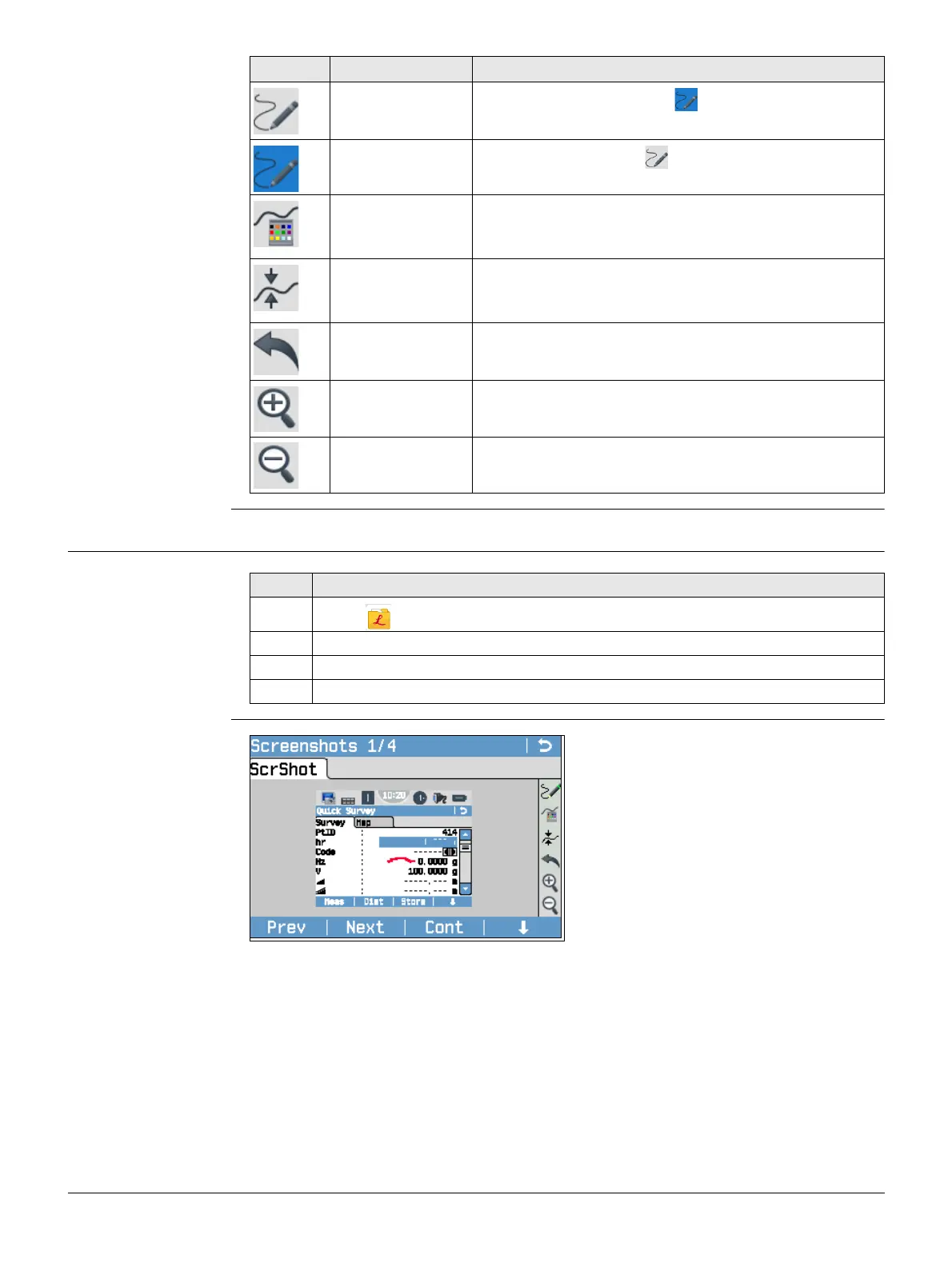
Screenshots
Icon Key or Softkey Description
-
To activate sketching. The icon is displayed.
-
To quit sketching. The icon is displayed.
- To change the line colour. Tap the icon to open a
window displaying line colours for selection. The
selected line colour is remembered.
-To change the line width. Tap the icon to open a
window displaying line widths for selection. The
selected line width is remembered.
- To undo all changes since the last saving.
Zoom + To zoom into the image.
Zoom - To zoom out of the image.
Step Description
1. Select Manage from the Main Menu.
2. Select ScrShots.
3. Select a job.
4. Cont.
Prev
To display the previous image in the list
of images. Available unless the begin-
ning of the list is reached.
Next
To display the next image in the list of
images. Available unless the end of the
list is reached.
Cont
To store the image with the added link
or a sketch created. If no sketch was
created, then the image is not stored a
second time to avoid a loss of quality.
Delete
To delete the image and all its links.
DelLnk
To delete only a link but not the image.
Links can be selected from a list.
Info
To show the file name, job, creation
date, modification date and links.
List
To list all images stored in the selected
job.



 To Next Page