FlexLine plus, Programs - Getting Started
56
6.2 Starting a Program
Access
Pre-settings
screens
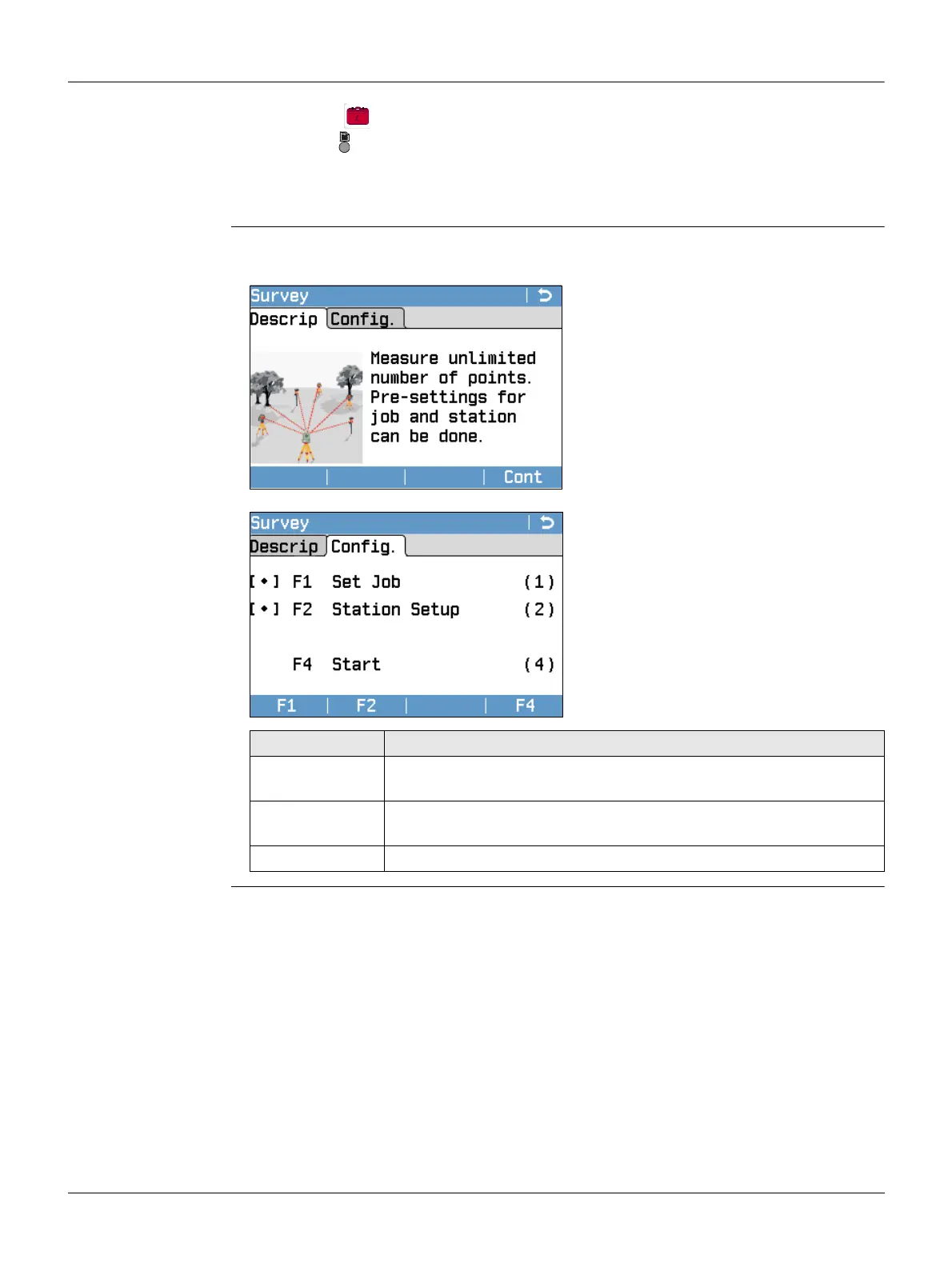
Pre-settings for Survey is shown as an example. Any additional settings for particular
programs are explained within the chapters for those programs.
1. Select Programs from the Main Menu.
2.
Press to move through the screens of available programs.
3. Press the number of the program (for Black&White display) or tab on an icon
(for Color&Touch display) to select the specified program in the Programs
Menu.
Page key for B&W or tap on page for C&T
to change to another page. Refer to "5.4
Screen & Audio Settings" to turn off the
program description.
Cont
To change to the next screen.
[ • ] = Setting has been made.
[ ] = Setting has not been made.
F1-F4
To select menu item.
Field Description
F1 Set Job To define the job where data will be saved. Refer to "6.3 Setting
the Job".
F2 Station Setup To determine the station coordinates and station orientation.
Refer to "6.4 Station Setup".
F4 Start Starts the selected program.



 To Next Page