FlexLine plus, Settings
42
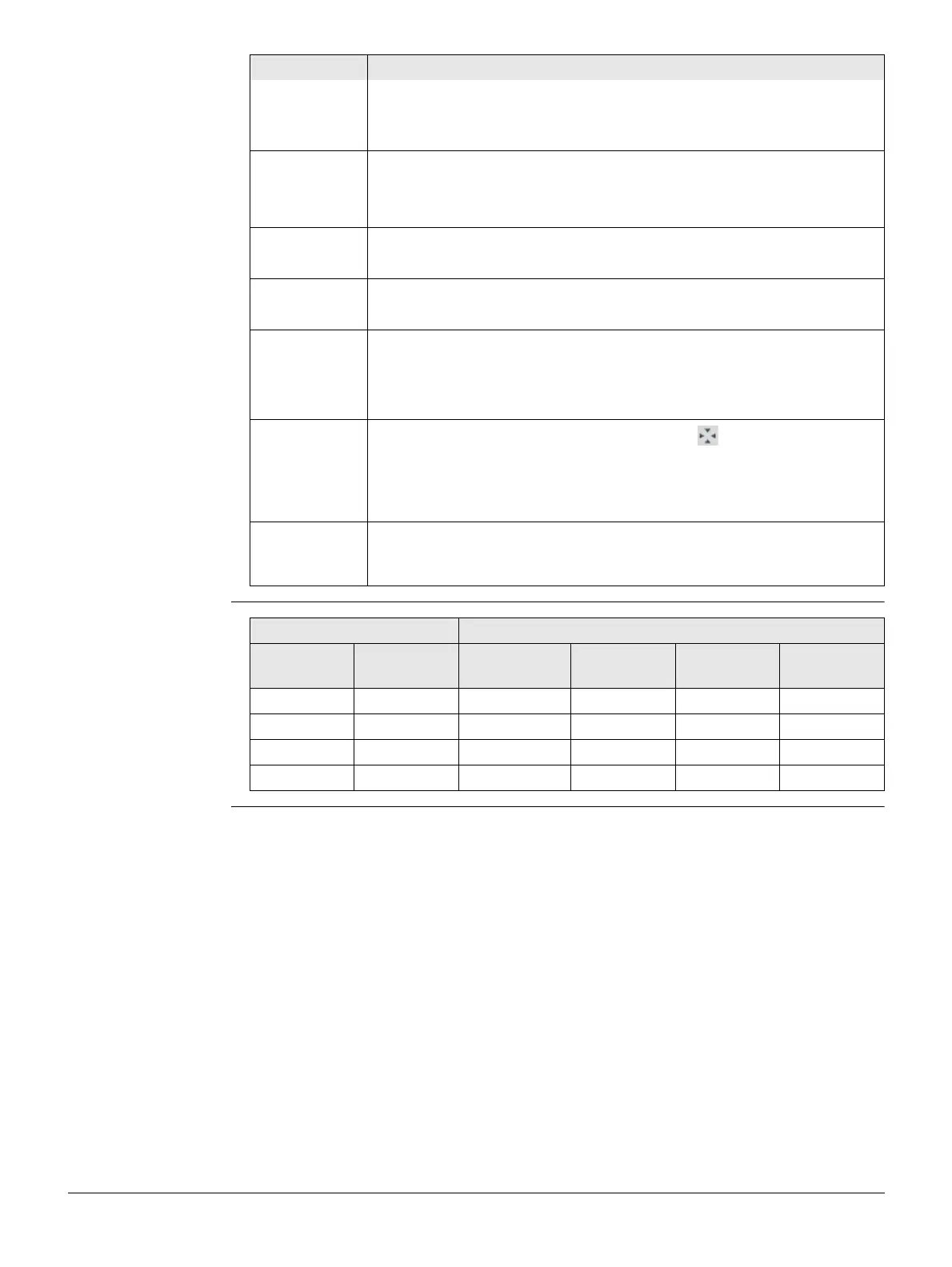
Tilt and horizontal
corrections
Height Display only field for the height coordinate of the
measured point.
Line space Insert full line space.
Show in Map Measurements To display only measured points.
Fixpoints To display only fixpoints.
Meas & Fixpts To display measured points and fixpoints.
Show PtID Yes The ID of a point is displayed in the map.
No Display of point IDs in the map is deactivated.
Show PtCode Yes The code of a point is displayed in the map.
No Display of point codes in the map is deactivated.
Only 50 Pts Yes Only the first 50 point labels are displayed in the
map.
No All point labels are displayed in the map, regardless
of the number of points in the job.
Center to
The selection changes the behaviour of the icon on the Mapview
toolbar and the naming of the corresponding softkey.
Station To centre the map on the instrument.
Target To centre the map on the target.
Icon1 to Icon7 Available for C&T. To configure which status icons are displayed and
their position. The clock is always displayed. The position of the clock
cannot be changed. The ID of the icons increases from left to right.
Field Description
Setting Correction
Tilt
correction
Horizontal
correction
Incline
longitudinal
Incline
transversal
Horizontal
collimation
Tilting axis
Off On No No Yes Yes
On On Yes Yes Yes Yes
Off Off No No No No
On Off Yes No No No



 To Next Page