FlexLine plus, Programs
61
Access
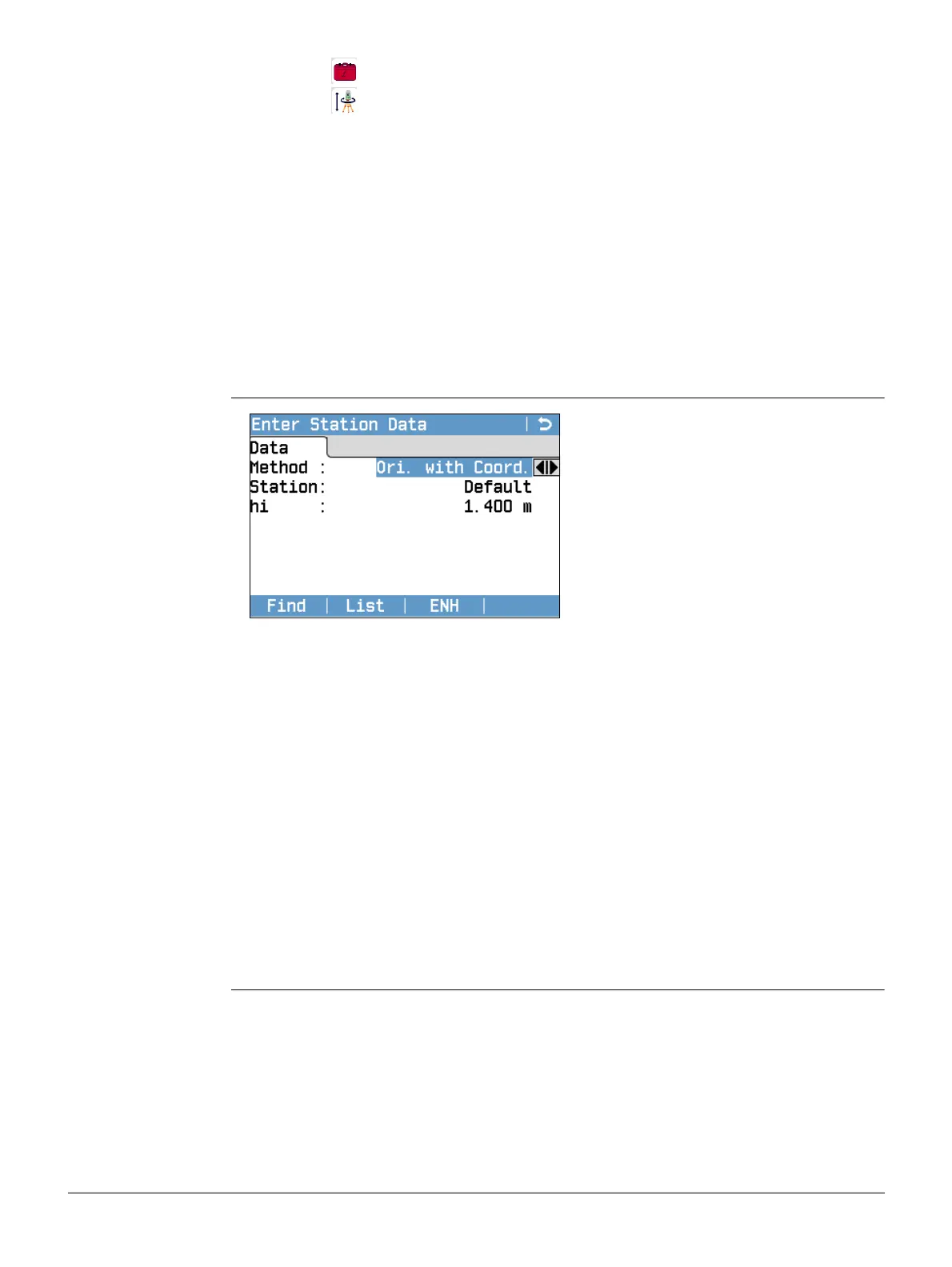
Enter Station Data
1. Select Programs from the Main Menu.
2. Select Station Setup from the Programs Menu.
3. Select a job. Refer to "6.3 Setting the Job".
4. Select F2 Settings:
• Set the standard deviation limits for the position, height, Hz orientation,
and the Face I-II difference. For Local Resection, define the positive North
or positive East axis. For Resection Helmert, set the distance weighting that
is used in the calculation of the station height in the Resection.
Set Calc.new Scale: Yes to calculate the scale for the setup methods
Resection and Resection Helmert. The scale can then be set at the end of
the Resection calculation. Measured distances are always reduced with the
scale set on the instrument. To get a correct result from the scale calcula-
tion in Resection, the Scale PPM in the EDM Settings screen must be set
to 0.
•Press Cont to save the limits and return to the Stn.Setup screen.
5. Select F4 Start to begin the program.
1. Select the desired setup method.
2. Enter the station number or press Find or List to select an existing point. If the
entered station number can not be found in the current job, then the Point
Search screen appears. Select a different job to search or press ENH to enter the
coordinates manually. ENH is only available for the methods Ori. with Angle, Ori.
with Coord. and H-Trans.
3. For all methods except Ori. with Angle and Local Resection, press Cont to continue
to the Enter Target Point screen.
For the Ori. with Angle method, Cont continues to the Manual Angle Setting
screen. Refer to "7.2.2 Measuring the target points", "Sight target point".
For the Local Resection method, Cont continues to the Meas. Pt1: Origin (0/0/0)
screen. The first point measured is the origin of the coordinate system. The
second point measured is, depending on the setting, either the North or East
direction of the coordinate system.
4. Enter Target Point: Enter the PtID of the target. Press Cont to search for the point
in the current job. Select the desired point or enter new coordinates and continue
to the Sight target point! screen. Refer to "7.2.2 Measuring the target points",
"Sight target point".



 To Next Page