FlexLine plus, Programs
71
Next step
Select a softkey option, Meas Pt, Stake, Grid or Segment, to proceed to a subpro-
gram.
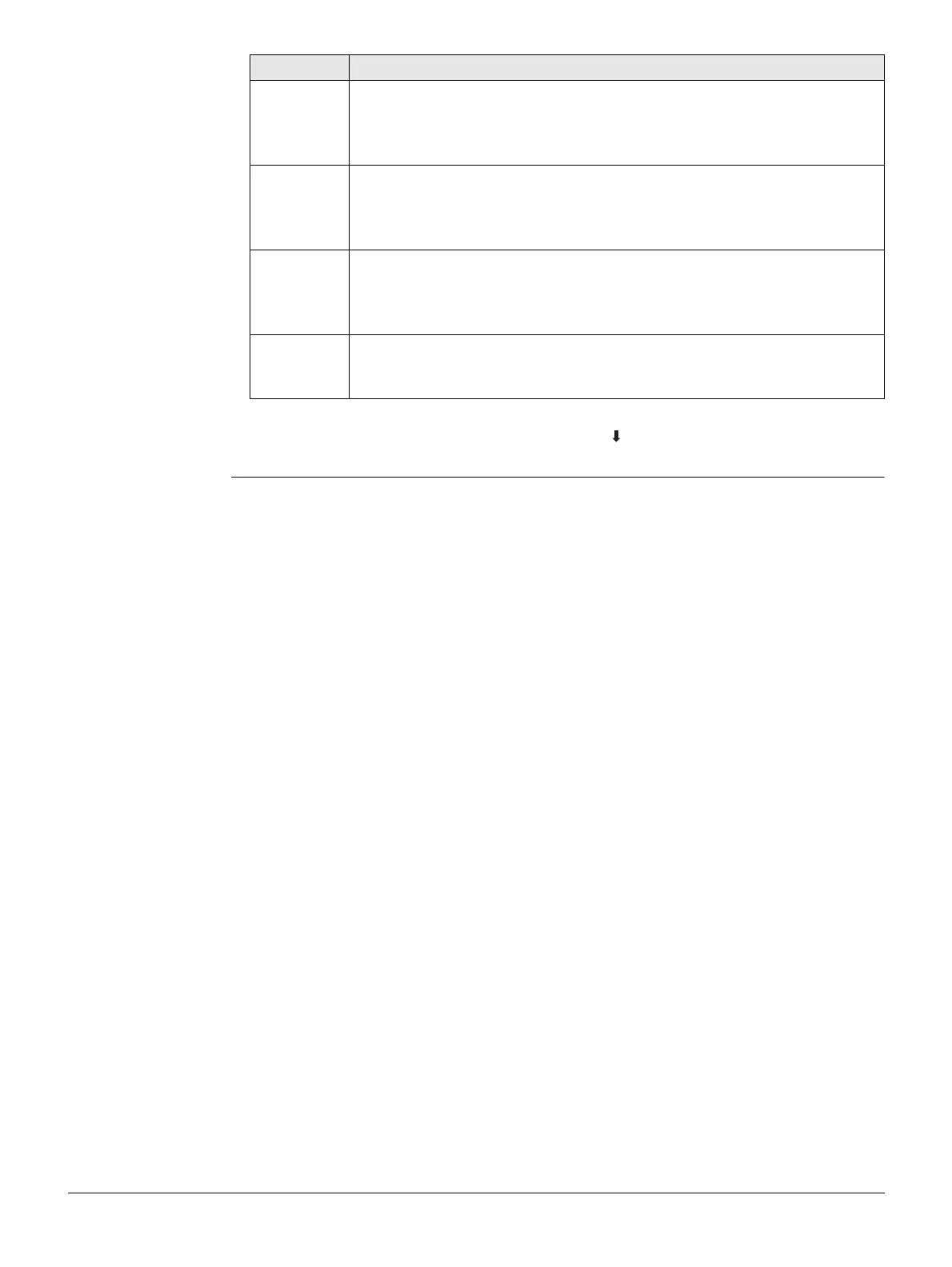
Offset Parallel offset of the reference line relative to the base line (P1-P2).
Available on page 2/2 for Black&White display or on page Shifts for
Color&Touch display.
Positive values are to the right of the base line.
Line Longitudinal offset of the start point, reference point (P3), of the refer-
ence line in the direction of base point 2. Available on page 2/2 for
Black&White display or on page Shifts for Color&Touch display.
Positive values are towards base point 2.
Height Height offset of the reference line to the selected reference height.
Available on page 2/2 for Black&White display or on page Shifts for
Color&Touch display.
Positive values are higher than the selected reference height.
Rotate Rotation of the reference line clockwise around the reference point
(P3). Available on page 2/2 for Black&White display or on page Shifts
for Color&Touch display.
Field Description



 To Next Page