FlexLine plus, Programs
74
Reference Line -
Stakeout
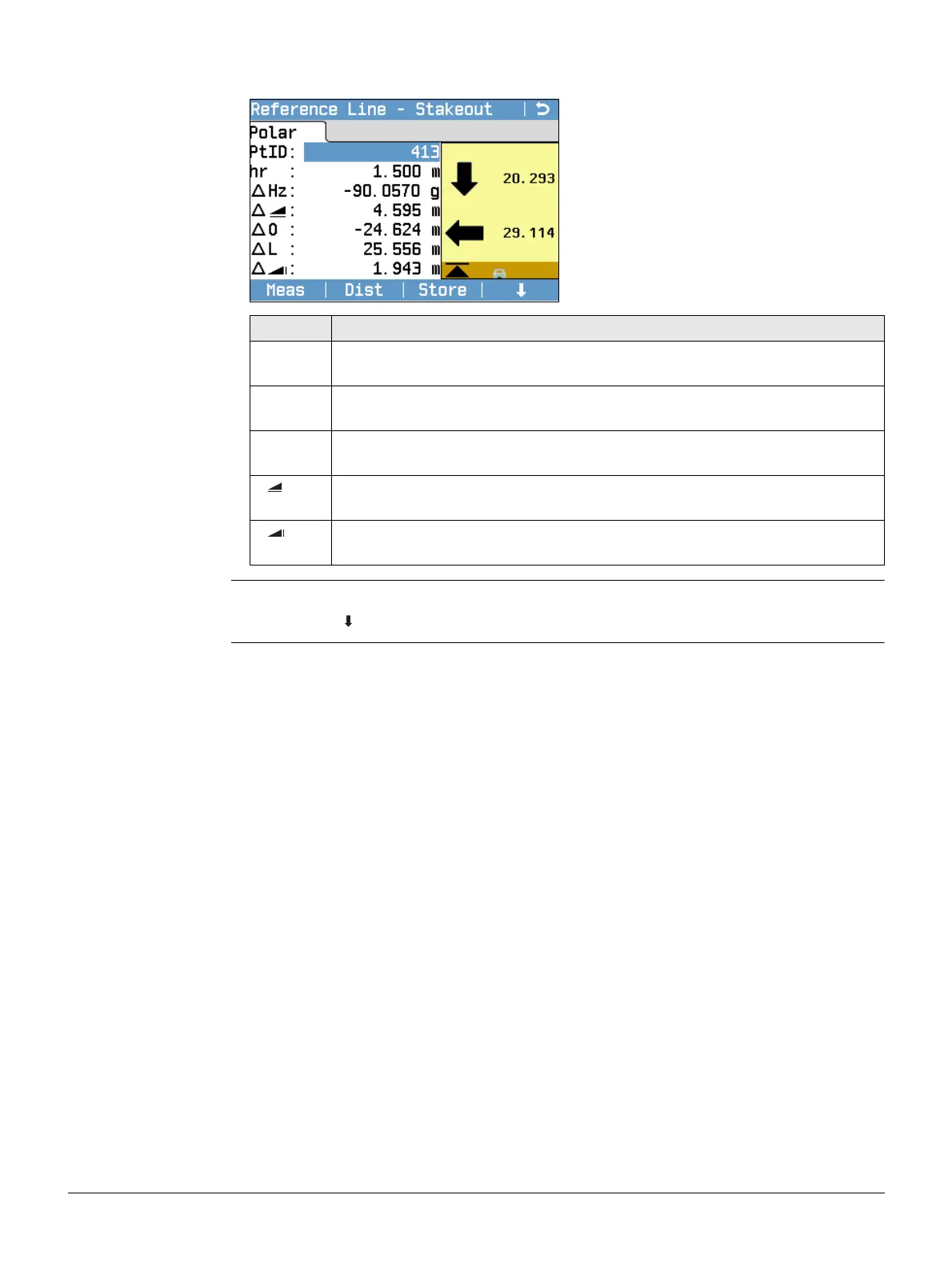
The signs for the distance and angle differences are correction values (required minus
actual). The arrows indicate the direction to move to get to the stake out point.
Next step • Either, press Meas to measure and record.
•Or, press Back to return to the Reference Line - Info screen.
Next Pt
To add the next point to be staked out.
Field Description
∆Hz Horizontal direction from the measured point to the stake out point. Posi-
tive if the telescope must be turned clockwise to the stake out point.
∆L Longitudinal distance from the measured point to the stake out point.
Positive if stake out point is further away than the measured point.
∆O Perpendicular distance from the measured point to the stake out point.
Positive if stake out point is to the right of the measured point.
Horizontal distance from the measured point to the stake out point. Posi-
tive if the stake out point is further away than the measured point.
Height difference from the measured point to the stake out point. Positive
if the stake out point is higher than the measured point.



 To Next Page