129
Web Interface
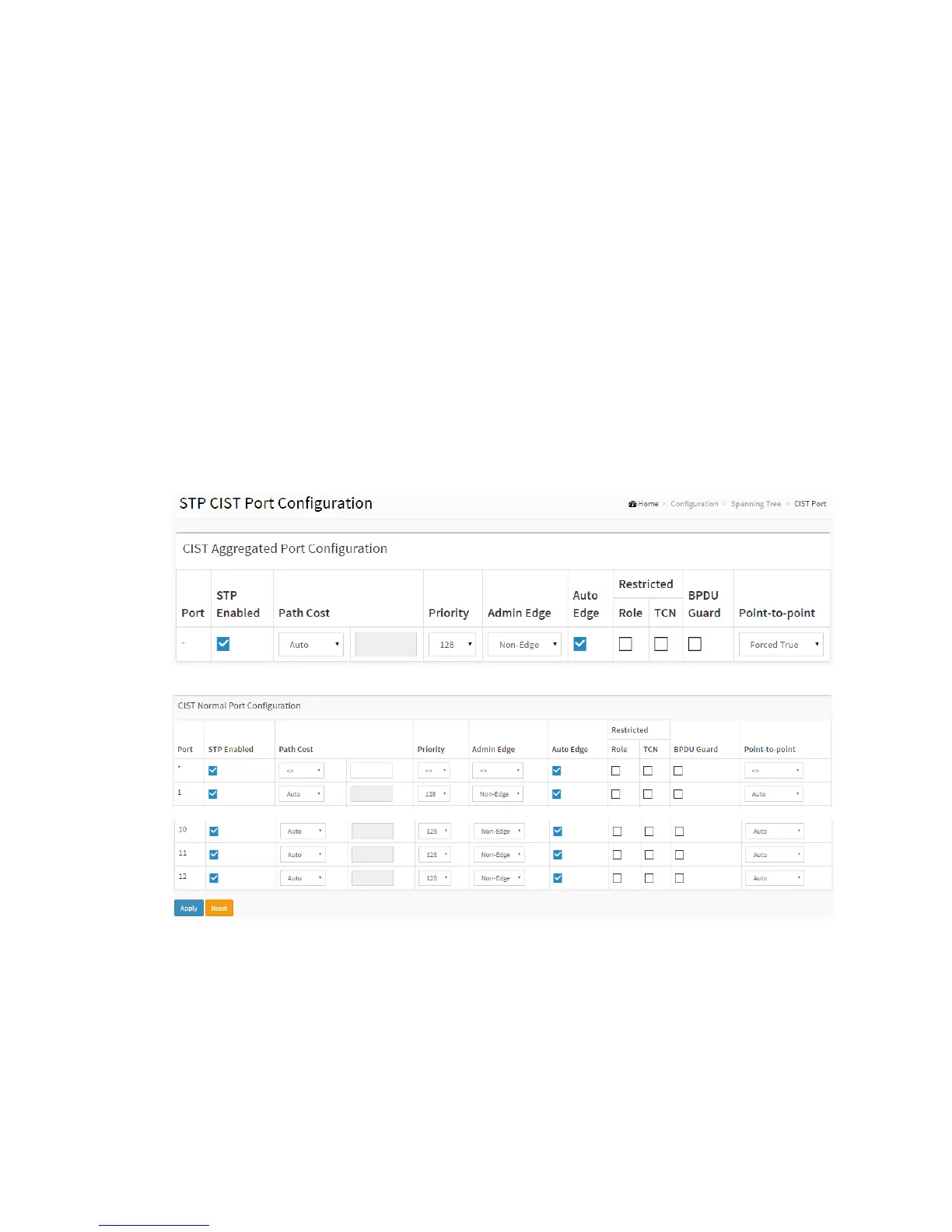
To configure the Spanning Tree CIST Ports parameters in the web interface:
1. Click Configuration, Spanning Tree, CIST Ports
2. Scroll and evoke to set all parameters of CIST Aggregated Port Configuration.
3. Evoke to enable or disable the STP, then scroll and evoke to set all parameters of
the CIST normal Port configuration.
4. Click the apply to save the setting
5. If you want to cancel the setting then you need to click the Reset button. It will
revert to previously saved values
Figure 2-9.4: The STP CIST Port Configuration
Parameter description:
Port :
The switch port number of the logical STP port.
STP Enabled :



 To Next Page