292
2-34 SMTP
The function, is used to set a Alarm trap when the switch alarm then you could set the
SMTP server to send you the alarm mail.
Web Interface
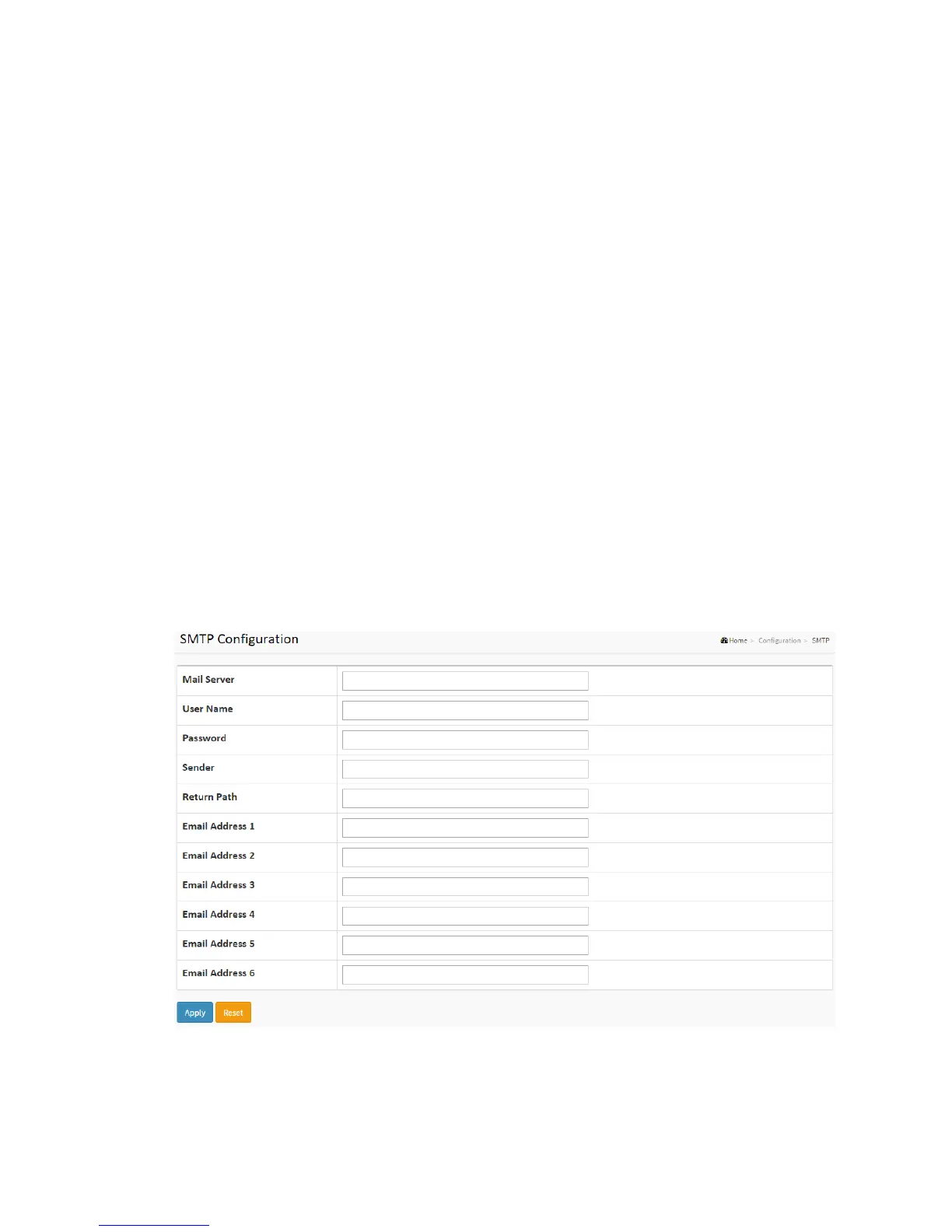
To configure the SMTP Configuration in the web interface:
1. Click Configuration, SMTP Configuration
2. Scroll to select the Severity Level
3. Specify the parameters in each blank field.
4. Click the apply to save the setting
5. If you want to cancel the setting then you need to click the Reset button.
It will revert to previously saved values
Figure 2-34: The SMTP Configuration
Parameter description:



 To Next Page