273
2-27 UPnP
UPnP is an acronym for Universal Plug and Play. The goals of UPnP are to allow devices
to connect seamlessly and to simplify the implementation of networks in the home
(data sharing, communications, and entertainment) and in corporate environments for
simplified installation of computer components
Web Interface
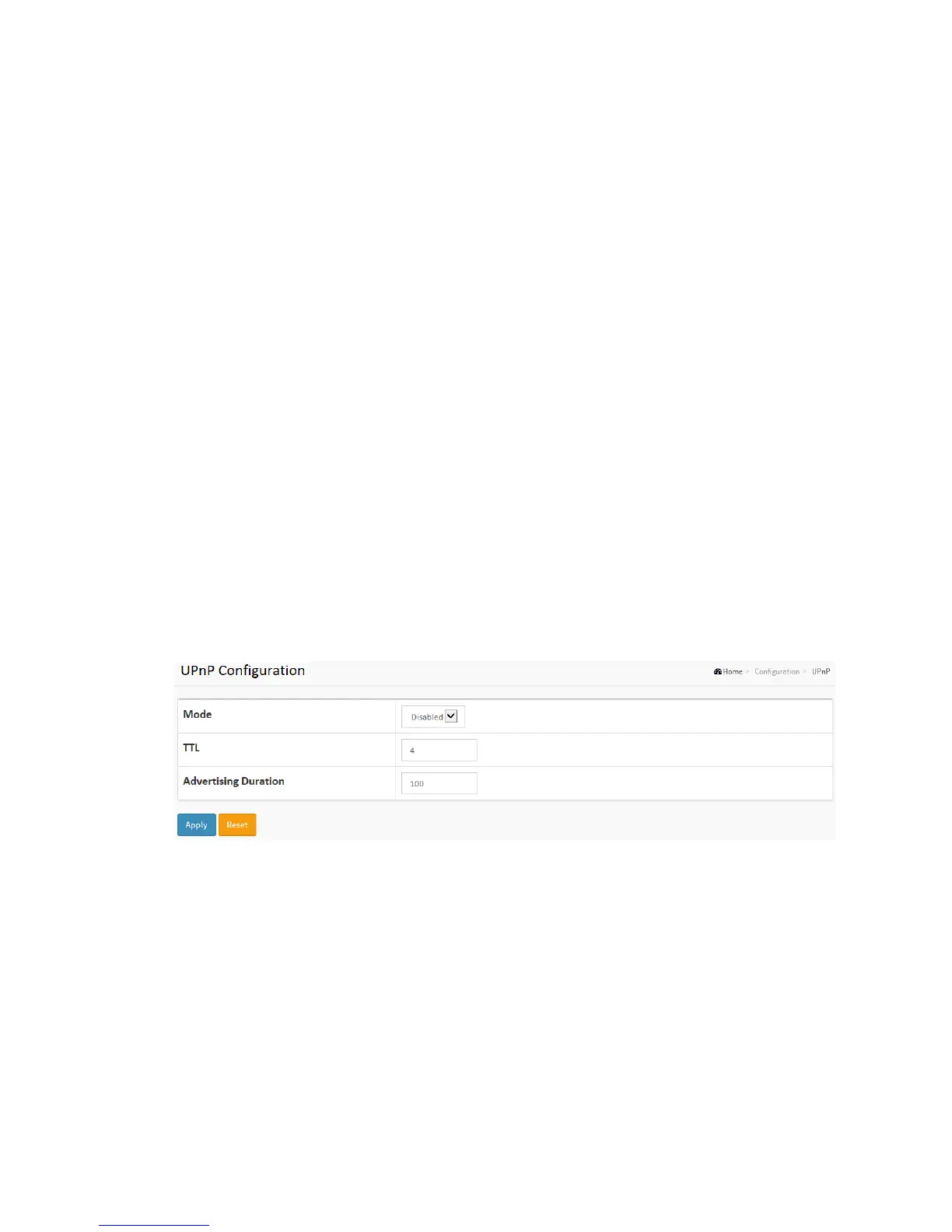
To configure the UPnP Configuration in the web interface:
1. Click Configuration, UPnP
2. Scroll to select the mode to enable or disable
3. Specify the parameters in each blank field.
4. Click the save to save the setting
5. If you want to cancel the setting then you need to click the Reset button.
It will revert to previously saved values
Figure 2-27: The UPnP Configuration
Parameter description:
These parameters are displayed on the UPnP Configuration page:
Mode :
Indicates the UPnP operation mode. Possible modes are:
Enabled: Enable UPnP mode operation.
Disabled: Disable UPnP mode operation.



 To Next Page