287
Apply – Click to save changes.
Reset- Click to undo any changes made locally and revert to previously saved
values.
2-32 Rapid Ring
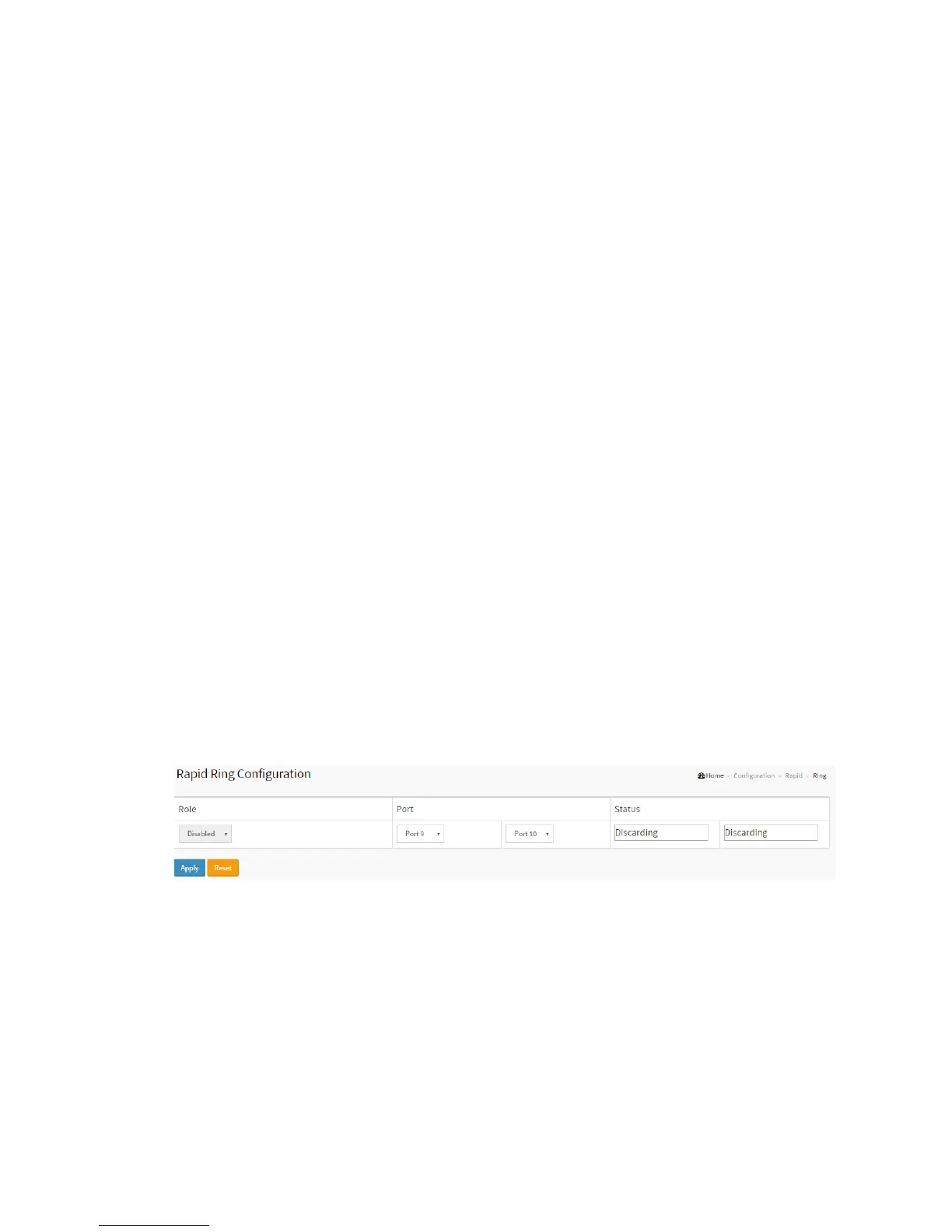
This page allows the user to inspect the current Rapid Ring Configuration, and possibly
change them as well
Web Interface
To configure the Rapid Ring in the web interface:
1. Click Configuration, Rapid Ring.
2. Specify the Role, Port, Status.
3. Click Apply.
.
Figure 2-32: The Rapid Ring
Parameter description:
Role Configuration
Role
Set role value.



 To Next Page