341
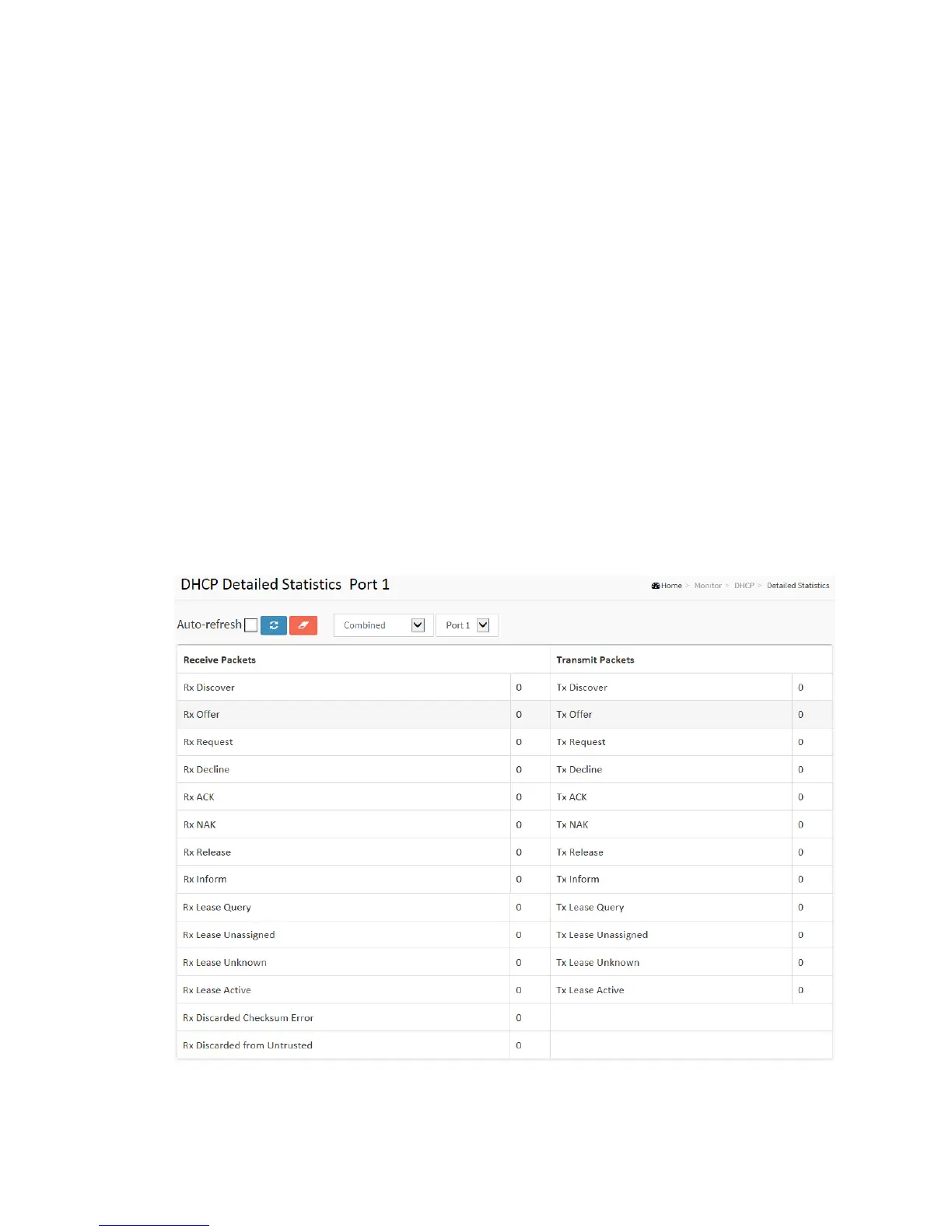
3-5.4 Detailed Statistics
This page provides statistics for DHCP snooping. Notice that the normal forward
per-port TX statistics isn't increased if the incoming DHCP packet is done by L3
forwarding mechanism. And clear the statistics on specific port may not take effect on
global statistics since it gathers the different layer overview.
Web Interface
To monitor an DHCP Relay statistics in the web interface:
1. Click Monitor, DHCP, Detailed Statistics
2. Checked “Auto-refresh”.
3. Click “Refresh” to refresh the port detailed statistics or clear all
information when you click “Clear”.
Figure 3-5.4: The DHCP Detailed Statistics



 To Next Page